26
Channel management (ATV / DTV Mode)
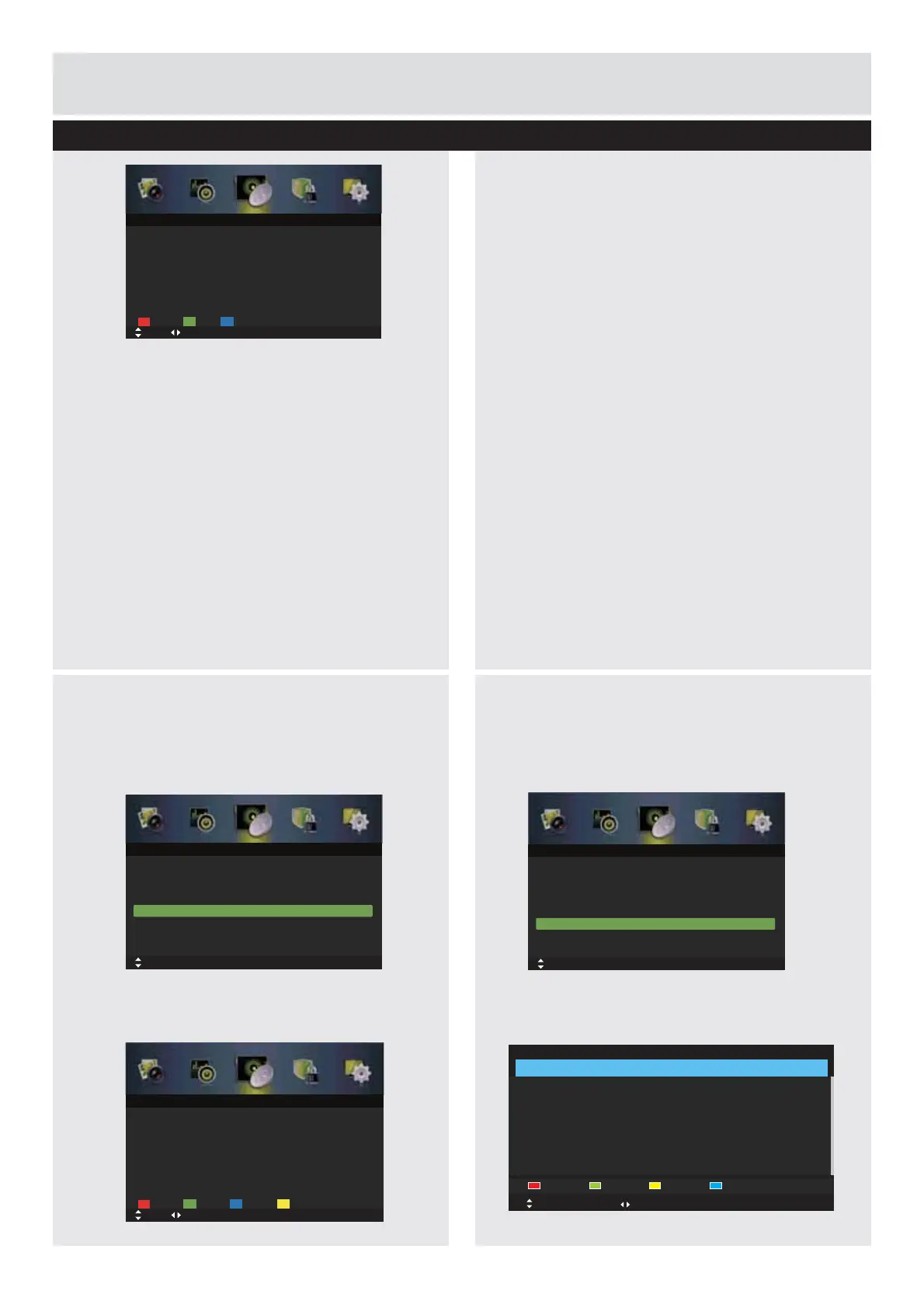
Channel Edit (ATV mode)
1.
Press the
MENU
button to display the main
menu. Press the
ŻŹ
buttons to select
Channel
in the main menu, then press the
ź
or
ENTER
EXWWRQLWZLOOKLJKOLJKWWKH¿UVWRSWLRQ
2.
Press the
Ÿź
buttons to select
Channel
Edit
and then press the
ENTER
button to enter
submenu.
Delete
Press the
RED
button to delete the selected
channel.
6NLS
Press the
GREEN
button to select the channels
that you want to skip when you are selecting
channels. Press the
GREEN
button again to
undo it.
0RYH
Press the
BLUE
button and then press the
Ÿź
buttons to move to the selected channel. Press
the
BLUE
WRFRQ¿UP3UHVVWKH
ŻŹ
buttons to
VHOHFW$XWR3$/
Rename
3UHVVWKH<(//2:EXWWRQWRUHQDPHWKH
selected channel. Press the
Ÿź
buttons to
select the characters to represent the station
name. Press the
ŻŹ
buttons to move to the
next character and then press the
ENTER
button
DJDLQWRFRQ¿UPWKHQHZQDPH
)DYRULWH0DQDJHU
1.
Press the
MENU
button to display the main
menu. Press the
ŻŹ
buttons to select
Channel
in the main menu, then press the
ź
or
ENTER
EXWWRQLWZLOOKLJKOLJKWWKH¿UVWRSWLRQ
2.
Press the
Ÿź
buttons to select
)DYRULWH
Manager
and then press the
ENTER
button to
enter submenu.
Basic Feature
Auto Scan
Tuner Type Cable
Off
Manual Scan
Channel Edit
Auto Channel Update
Common Interface
Favorite Manager
Signal Information
Move
OK: Select MENU: Return EXIT: Exit
Channel
Delete
Move MENU: Return EXIT: Exit
Channel Edit
Page
Skip RenameMove
Auto Scan
Tuner Type Cable
Off
Manual Scan
Channel Edit
Auto Channel Update
Common Interface
Favorite Manager
Signal Information
Move
OK: Select MENU: Return EXIT: Exit
Channel
Favorite Manager
NO. Program Name Fav1 Fav2 Fav3 Fav4 Type
Favorite1 Favorite2 Favorite3 Favorite4
Move Page
EXIT: Exit MENU: Return
Delete
Move MENU: Return EXIT: Exit
Channel Edit
Page
Skip Move
Delete
Press the
RED
button to delete the selected
channel.
6NLS
Press the
GREEN
button to select the channels
that you want to skip when you are selecting
channels. Press the
GREEN
button again to
undo it.
0RYH
Press the
BLUE
button and then press the
Ÿź
buttons to move to the selected channel. Press
the
BLUE
WRFRQ¿UP
Downloaded from www.vandenborre.be



 To Next Page