29
Setup management
3.
Press the
EXIT
button to exit the menu.
OSD Language
Audio Languages
Subtitle
Teletext
Blue Screen
Mode Setting
Time Settings
HDMI CEC Control
English
On
Home Mode
Move tixE :TIXE nruteR :UNEMtsujdA
Setup
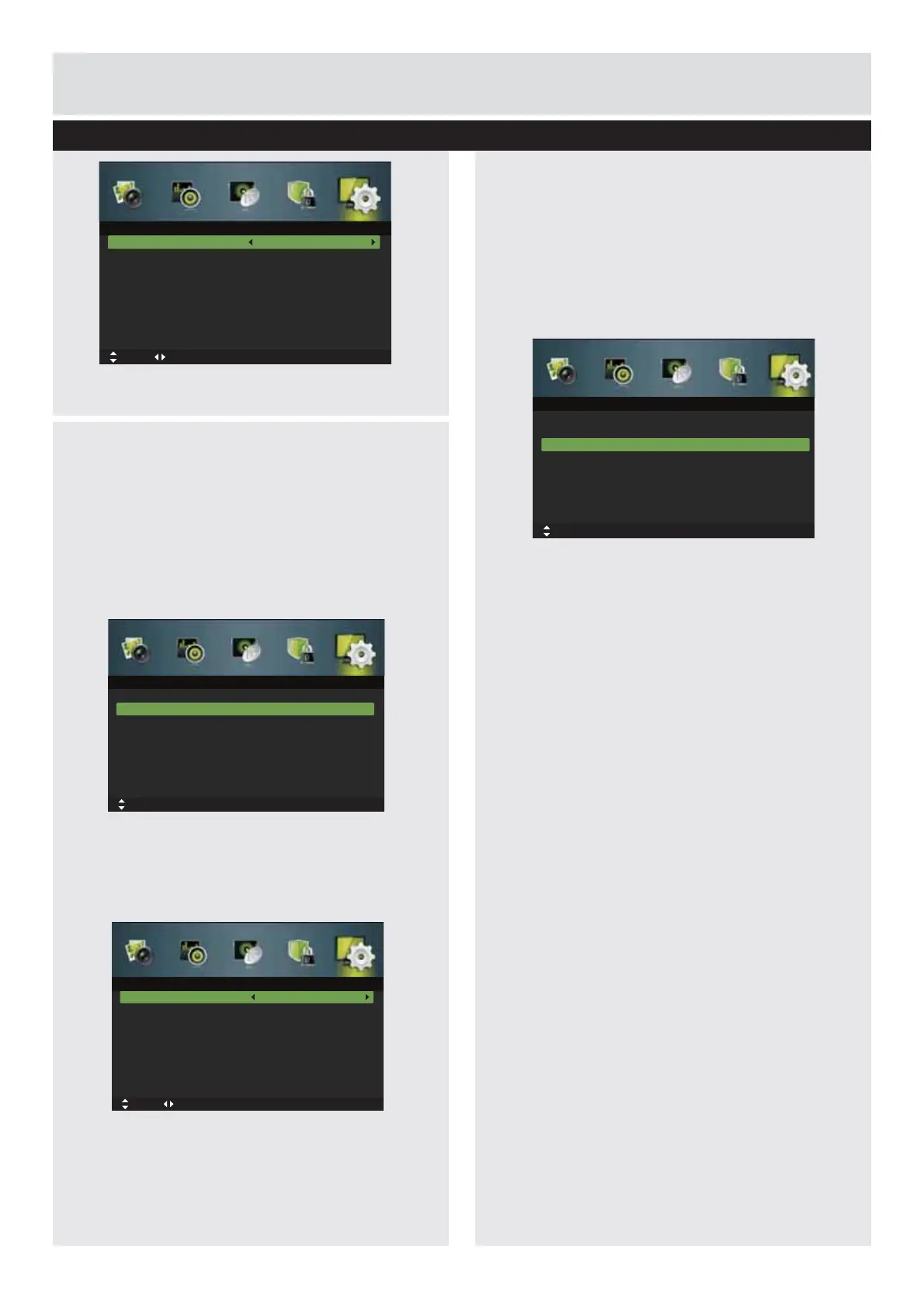
Audio Languages (DTV Mode)
1.
Press the
MENU
button to display the main
menu. Press the
ŻŹ
buttons to select
Setup
in the main menu, then press the
ź
or
ENTER
EXWWRQLWZLOOKLJKOLJKWWKH¿UVWRSWLRQ
2.
Press the
Ÿź
buttons to select
Audio
Languages
and then press the
ENTER
button.
3.
Press the
ŻŹ
buttons to select your desired
Audio Primary Language. Press the
ź
button
and then press the
ŻŹ
buttons to select your
desired Audio Secondary Language.
4.
Press the
EXIT
button to exit the menu.
Subtitle (DTV Mode)
1.
Press the
MENU
button to display the main
menu. Press the
ŻŹ
buttons to select
Setup
in the main menu, then press the
ź
or
ENTER
EXWWRQLWZLOOKLJKOLJKWWKH¿UVWRSWLRQ
2.
Press the
Ÿź
buttons to select
Subtitle
and
then press the
ENTER
button to enter sub-menu.
Mode:
Selects to turn On/Off subtitle language.
Subtitle Primary Language
Press the
ŻŹ
buttons to select your desired
subtitle primary language.
Subtitle Secondary Language
Press the
ŻŹ
buttons to select your desired
subtitle secondary language.
Hearing Impaired
Press the
ŻŹ
buttons to turn On/Off hearing
impaired.
3.
Press the
EXIT
button to exit the menu.
Audio Primary Language
Audio Secondary Language
English
English
Move tixE :TIXE nruteR :UNEMtsujdA
Audio Languages
OSD Language
Audio Languages
Subtitle
Teletext
Blue Screen
Mode Setting
Time Settings
HDMI CEC Control
English
On
Home Mode
Move MENU: Return EXIT: Exit
Setup
OK: Select
OSD Language
Audio Languages
Subtitle
Teletext
Blue Screen
Mode Setting
Time Settings
HDMI CEC Control
English
On
Home Mode
Move MENU: Return EXIT: Exit
Setup
OK: Select
Basic Feature
Downloaded from www.vandenborre.be



 To Next Page