software).To exit the FM radio mode, long press side button P2 a few
seconds again.
Note: This feature may be invalid in some countries for local radio
laws.
Default Setting Reset
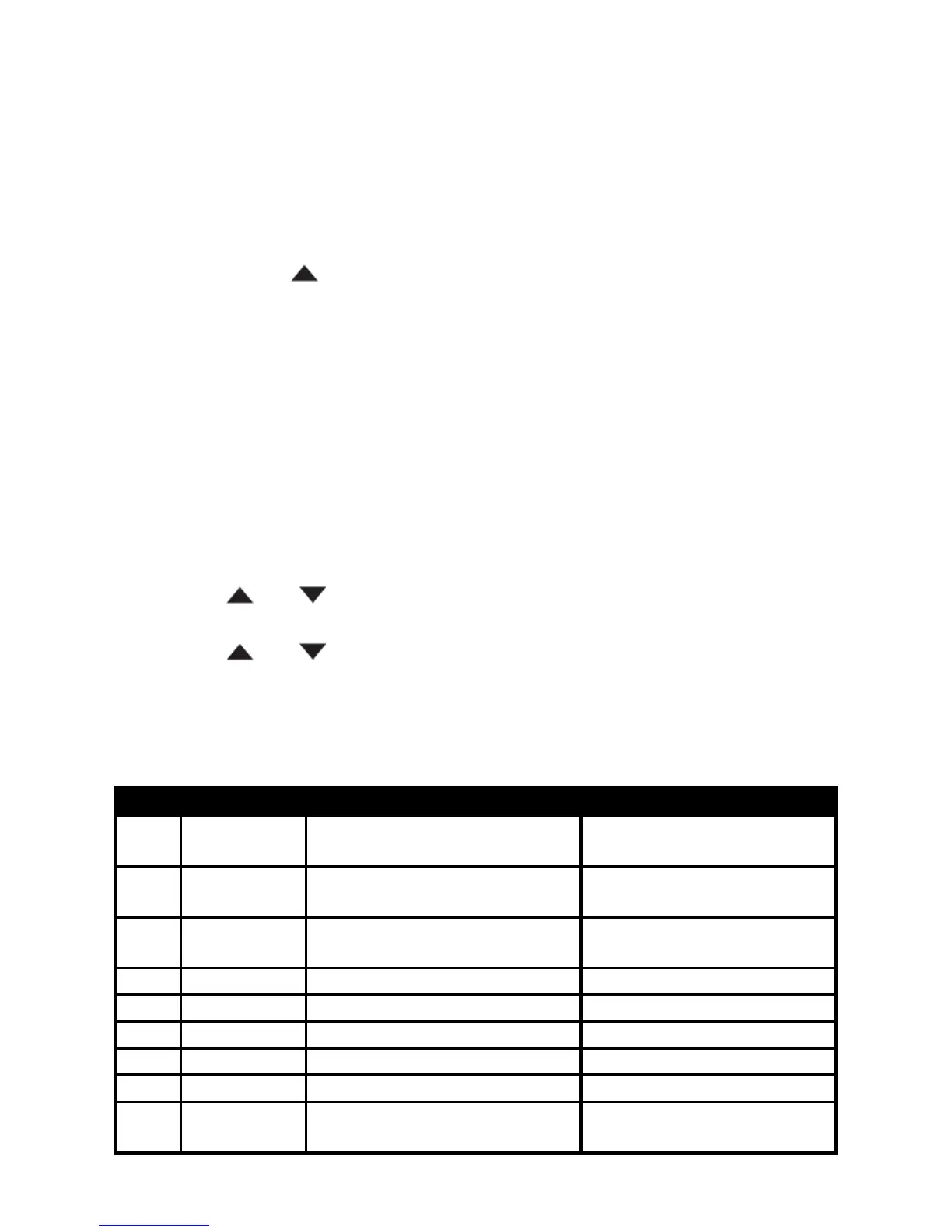
Press and hold [ ] button and turn on the radio. The display will show
‘RESET?’. Press [SET] button once, the LCD will show ‘VFO?’. Press
[SET] button again to confirm and all the setting of VFO mode will be
deleted.
If you choose to ‘FULL?’, all settings under Channel and VFO mode
will be deleted.
MENU OPERATON
The general steps of menu operation are as follows:
a) Press [SET] button to enter the menu mode;
b) Press [
] or [ ] button to select the desired item;
c) Press [SET] button to enter the sub item;
d) Press [
] or [ ] button to select the desired setting;
e) Press [SET] button to confirm;
f) Press PTT button to return back to the standby screen.
Menu List


 To Next Page