EasyManua.ls Logo

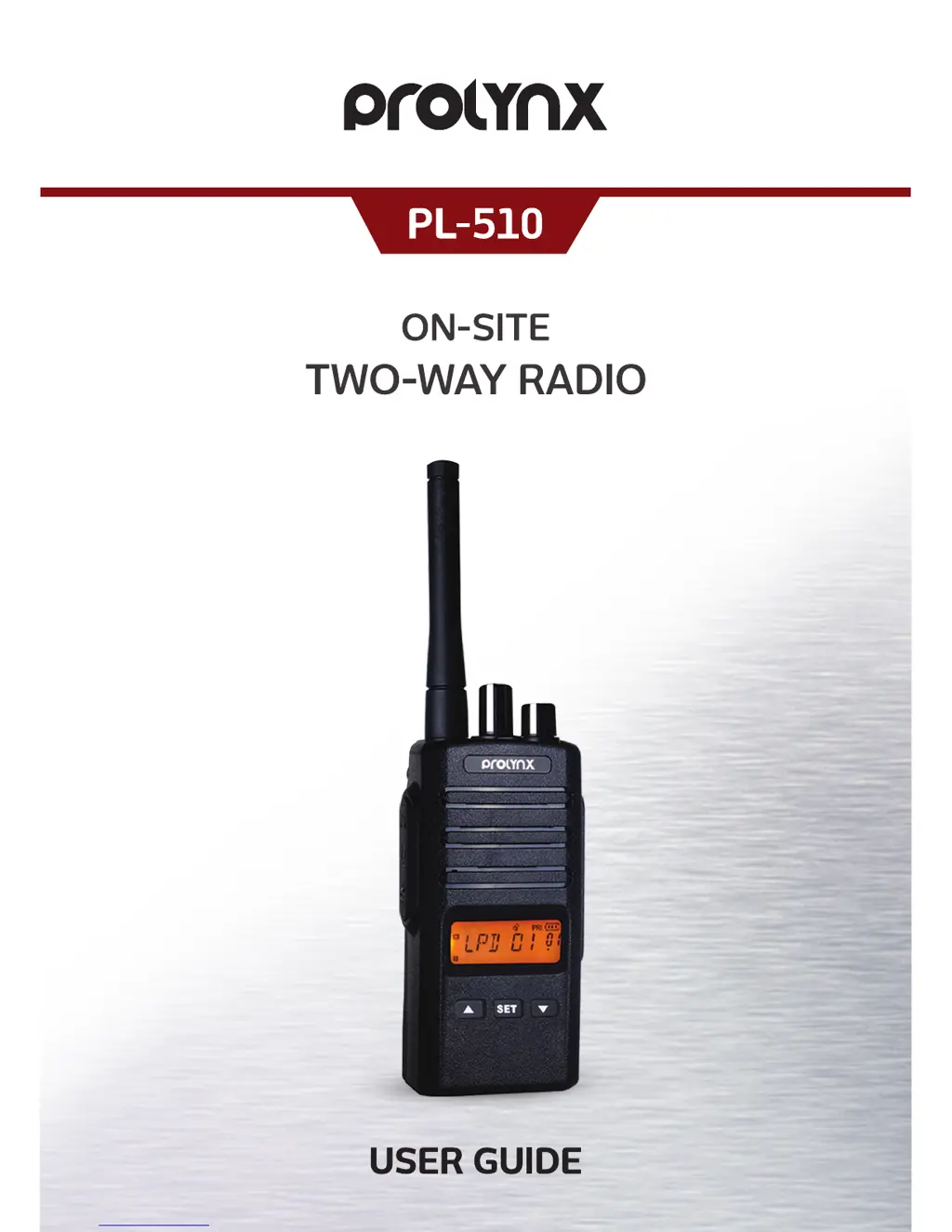
PROLYNX PL-510 - User Manual

PROLYNX PL-510
28 pages
Print Icon
To Next Page IconTo Next Page
Loading...

Questions and Answers

  • M
    murillopeterJul 31, 2025
    How to improve the talk range of my PROLYNX PL-510?
    • B
      blankenshipjamesJul 31, 2025
      To improve the transmission range of your PROLYNX Two-Way Radio, ensure a clear line of sight. Obstacles like steel, concrete, heavy foliage, buildings, and vehicles can decrease the range. Also, avoid wearing the radio close to your body, such as in a pocket or on a belt. Changing the radio's location and increasing power can also provide greater signal range and penetration through obstructions.
  • H
    hodgekaylaAug 5, 2025
    How to stop hearing other conversations on my PROLYNX PL-510 Two-Way Radio?
    • L
      Lindsay BoydAug 5, 2025
      If you are hearing other noises or conversations on a channel using your PROLYNX Two-Way Radio, it could be due to the frequency or CTCSS/DCS settings. Here's what you can do: * Confirm that the CTCSS/DCS is properly set. * Change the frequencies or CTCSS/DCS on all radios. * Ensure the radio is at the correct frequency and privacy code when transmitting.
  • S
    smithgregoryAug 9, 2025
    Why is the audio quality poor on my PROLYNX Two-Way Radio?
    • P
      Paul WilsonAug 9, 2025
      If the audio quality of your PROLYNX Two-Way Radio isn't good enough, the radio settings might not be matching up correctly. Double-check the frequencies, CTCSS/DCS, and bandwidths to ensure they are identical on all radios.
  • D
    Deborah Thompson DDSAug 13, 2025
    What to do if my PROLYNX PL-510 battery won't charge?
    • C
      Connie WebbAug 14, 2025
      If the battery of your PROLYNX Two-Way Radio does not charge, check that the desktop charger is properly connected and corresponds to a compatible AC adapter. Also, check the charger’s LED indicators to see if the battery has a problem.
  • A
    Anita HessAug 17, 2025
    Why is there heavy static on my PROLYNX PL-510 Two-Way Radio?
    • H
      hreillyAug 18, 2025
      If you are experiencing heavy static or interference with your PROLYNX Two-Way Radio, the radios may be too close together; they must be at least seven feet apart. It may also be caused by the radios being too far apart, or obstacles interfering with transmission.
  • J
    joe72Aug 21, 2025
    Why isn't the LED blinking on my PROLYNX Two-Way Radio desktop charger?
    • N
      Nicholas KingAug 21, 2025
      If the desktop charger LED light does not blink when charging your PROLYNX Two-Way Radio, check that the radio/battery is properly inserted, and inspect the battery/charger contacts to ensure they are clean and the charging pin is inserted correctly.
  • L
    lgibbsAug 27, 2025
    Why can't I activate VOX on my PROLYNX PL-510?
    • M
      Matthew SandovalAug 27, 2025
      If you cannot activate VOX on your PROLYNX Two-Way Radio, the VOX feature might be set to OFF. Use the programming software to ensure that the VOX sensitivity level is not set to ‘0’.

Summary

SAFETY INFORMATION

Warning

Details critical safety warnings for operating the radio in hazardous environments.

Caution

Lists precautions to prevent damage or injury during radio operation and modification.

Battery Care Precautions

Outlines essential precautions for charging and handling the radio's battery pack.

GETTING STARTED

Charging the Battery Pack

Provides instructions on how to charge the radio's battery pack using the charger.

BASIC OPERATION

Receiving a Call and Talking

Instructions on how to communicate by receiving and transmitting calls.

ADVANCED OPERATION

Emergency Calling

Describes how to send an emergency alert to other users.

MENU OPERATION

TROUBLESHOOTING

SPECIFICATIONS

General Specifications

Lists general technical characteristics of the radio.

Transmitter Specifications

Details the technical performance parameters of the radio's transmitter.

Receiver Specifications

Details the technical performance parameters of the radio's receiver.

PROLYNX PL-510 Specifications

General IconGeneral
BrandPROLYNX
ModelPL-510
CategoryTwo-Way Radio
LanguageEnglish