Connecting to the internet
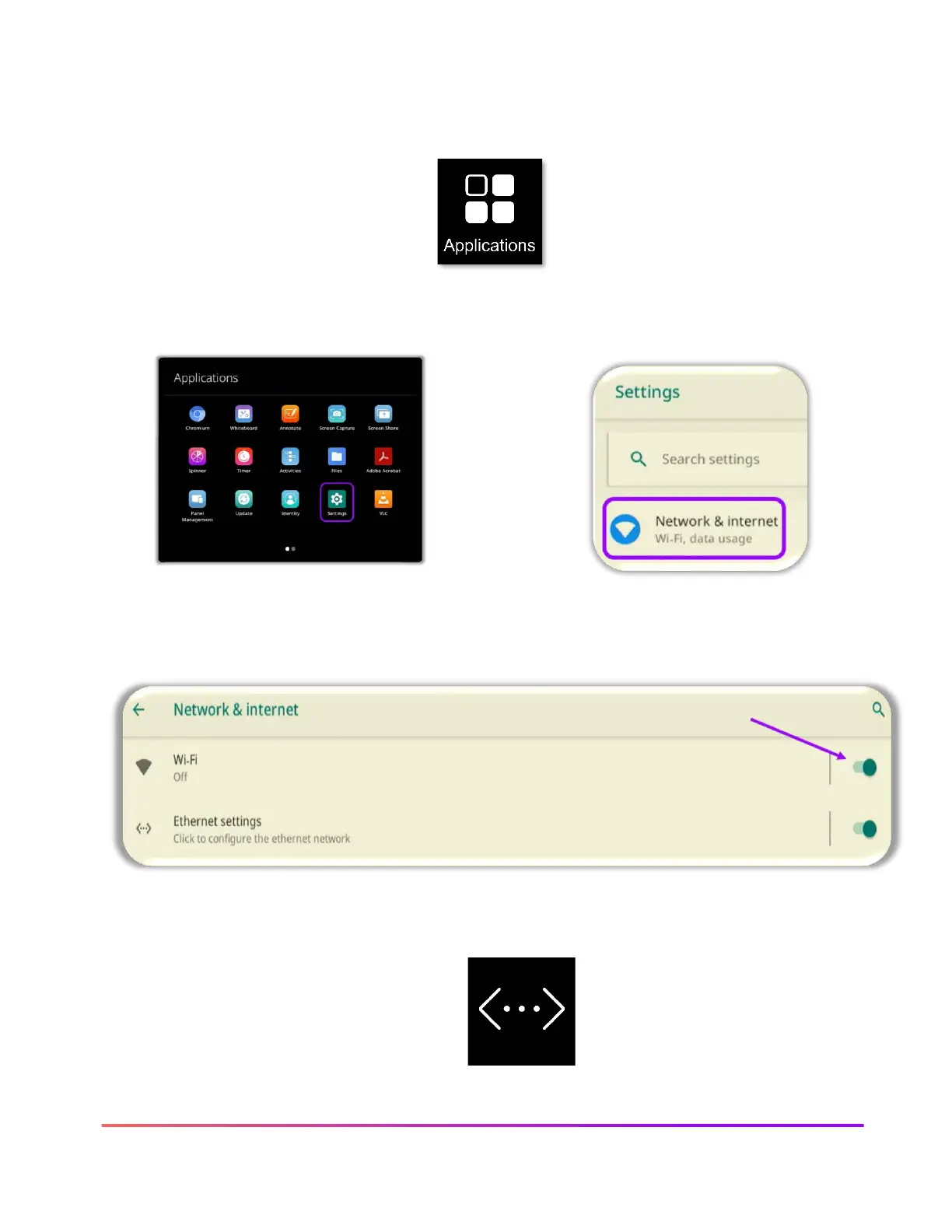
To connect your ActivPanel to the internet, select Applications from the Menu.
If an Ethernet cable is connected, follow the steps to complete the connection process.
To connect to a wireless network, toggle the Wi-Fi switch On. Select your desired wireless network
and input a password if necessary.
Once you have successfully completed Wi-Fi connection, the Network icon will
appear in the Menu.













 To Next Page