Console
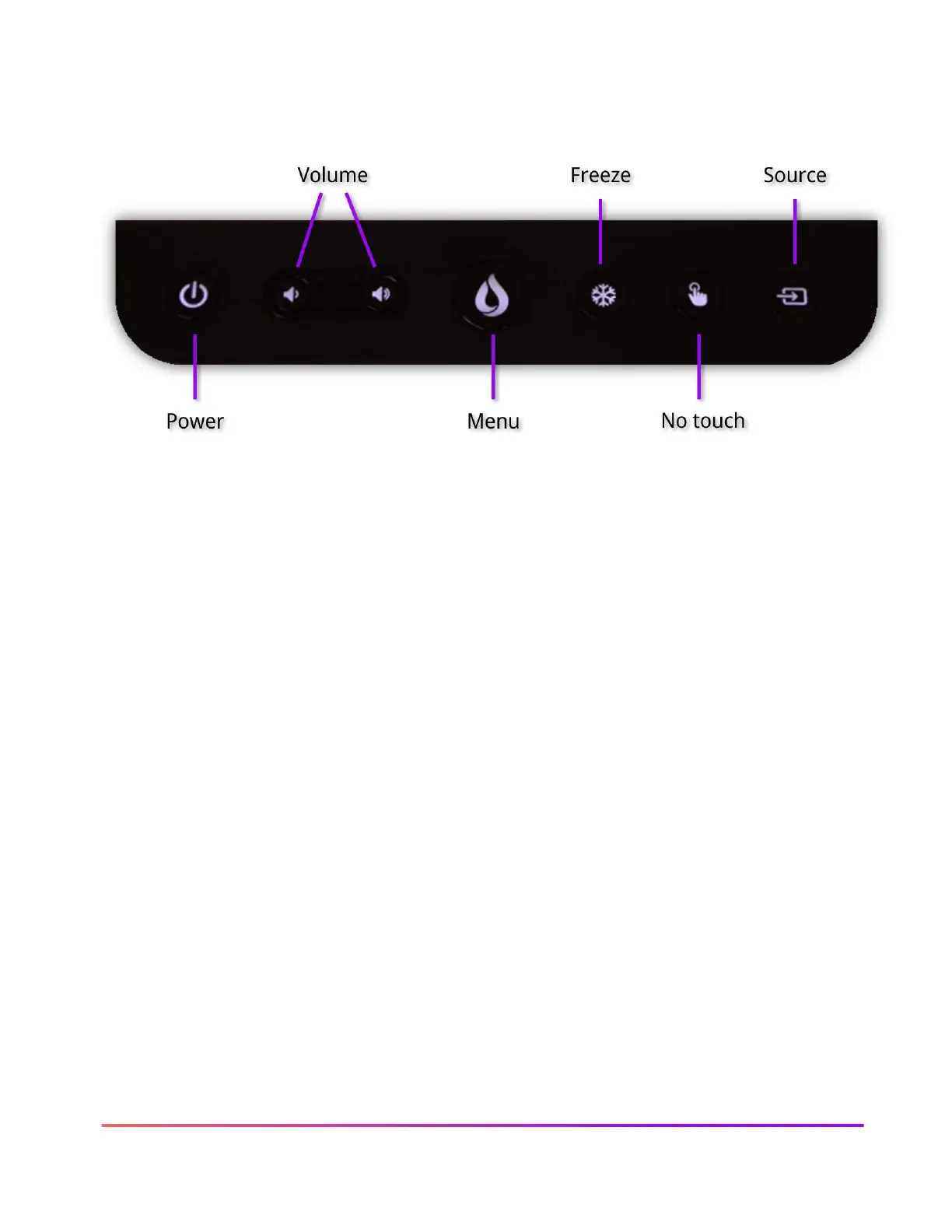
The ActivPanel 9 Console allows you to quickly navigate multiple features on the ActivPanel.
In addition to the Power and Volume buttons, the Menu button opens the ActivPanel Menu.
Freeze allows you to freeze the image from a connected device so you can navigate away without
displaying upon your ActivPanel. No touch allows you to disable the touch capability on the
screen to prevent accidental movement of slides and screens. The Source button allows quickly
switching between all devices connected to the ActivPanel.













 To Next Page