Multi-window
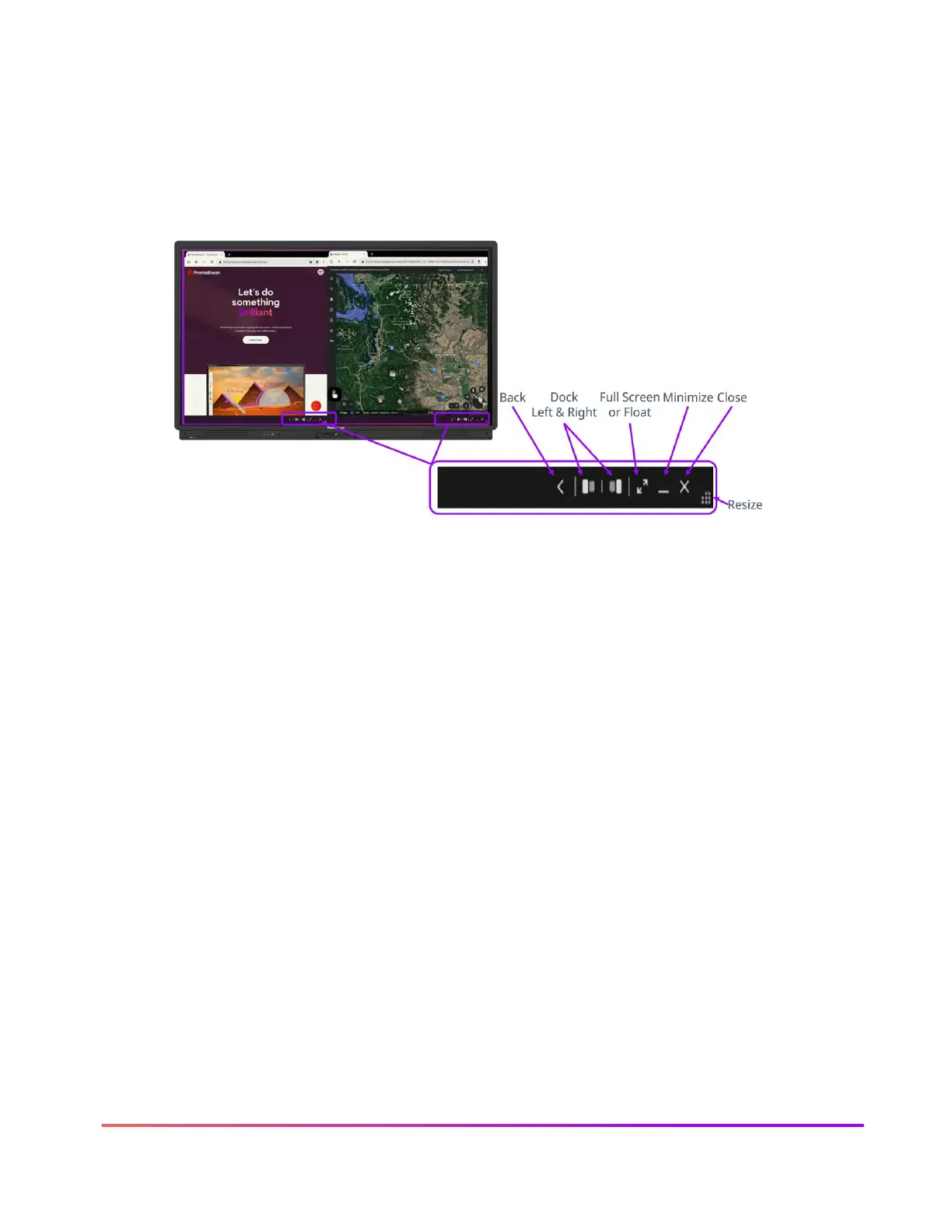
The Multi-Window toolbar enables the ability to work in multiple windows simultaneously. When
you see the Multi-window toolbar at the bottom of a window, this indicates Multi-Window
capabilities are in effect.
To access the sizing handle, press, and hold on the gray multi-window toolbar, then drag up and
release. This can be done from either full screen or half screen mode.













 To Next Page