Menu features
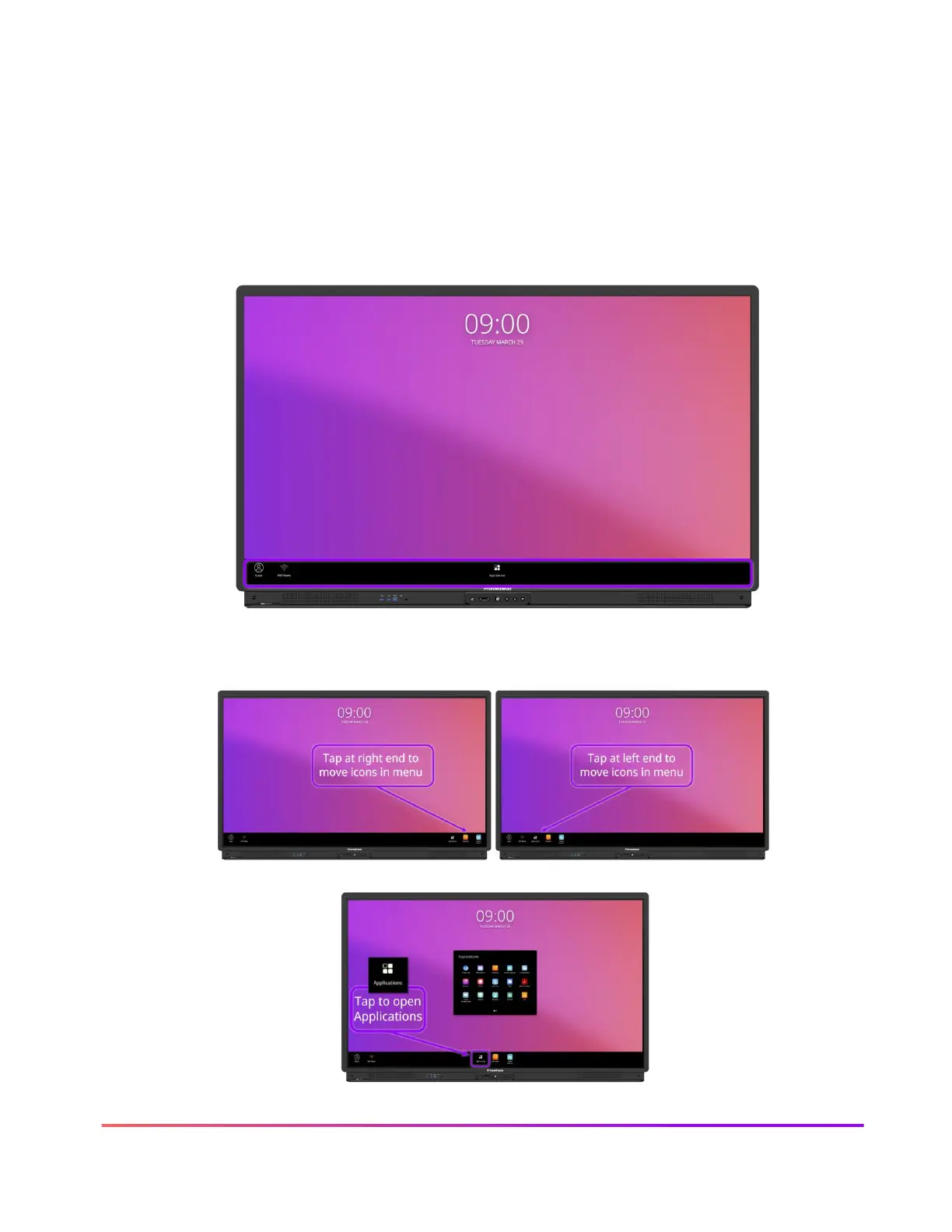
The icons default to the middle of the Menu. Tap the left or right side of the Menu screen to move
the icons for easy access.
The ActivPanel 9 menu experience allows you to interact with the content displayed on the
ActivPanel with minimal disruption. The menu appears at the bottom of the ActivPanel screen and
is easily customized to display the apps you most frequently use.
The icons default to the middle of the Menu. Tap the left or right side of the Menu screen to move
the icons for easy access.
From the Menu, you can open the Applications Locker by tapping the icon.













 To Next Page