EasyManua.ls Logo

promethean ActivPanel 9 - System Settings; Network and Internet Configuration; Connecting External Devices

promethean ActivPanel 9
62 pages
Print Icon
To Next Page IconTo Next Page
To Previous Page IconTo Previous Page
Loading...
37 ActivPanel 9 User Guide 06/22
Settings
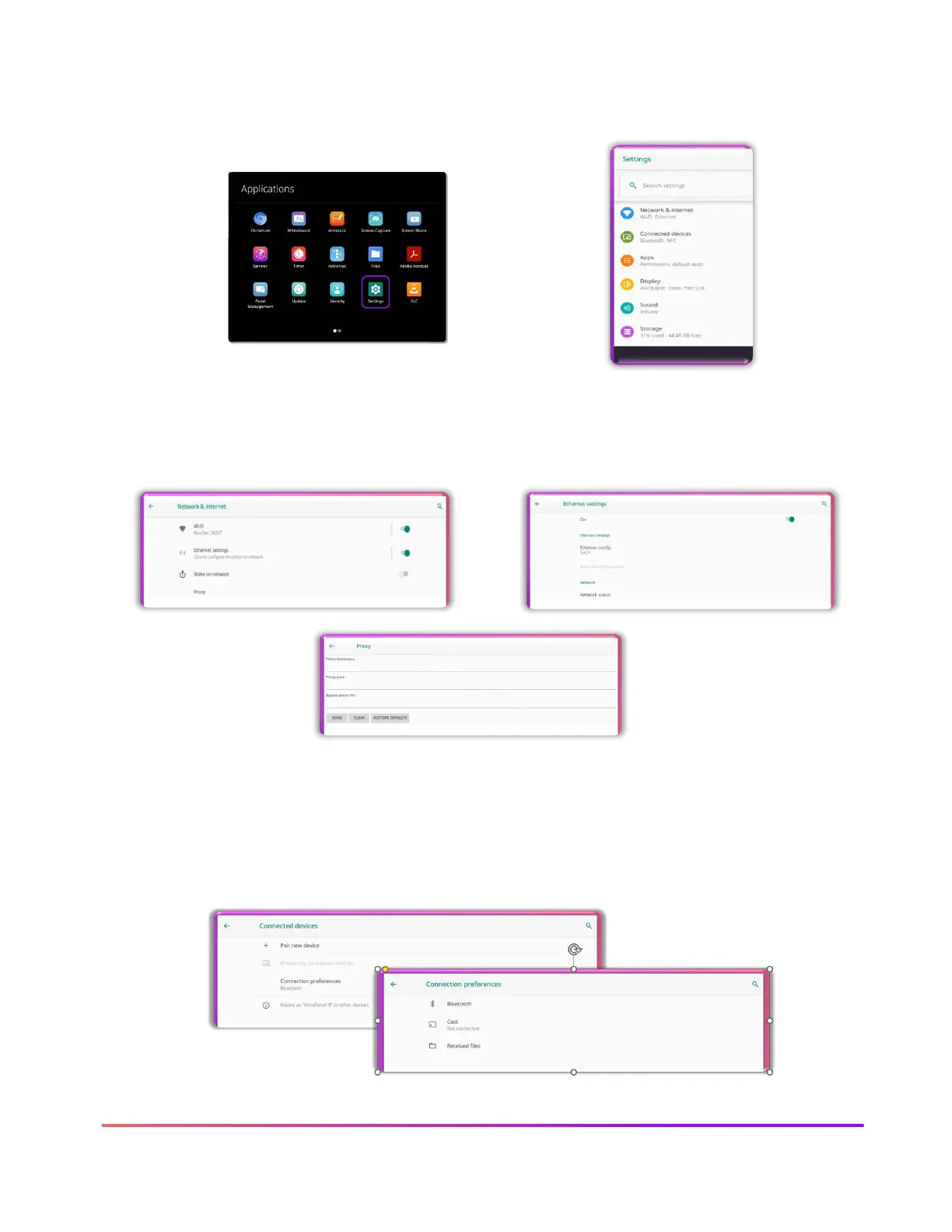
Selecting Settings from the Applications Menu give you access to many ActivPanel Settings
features. Please use your school or district settings standards.
Network and internet settings allow for Wi-Fi and Ethernet settings. Please consult your school or
district for these settings.
Connected devices settings allows you to connect selected Bluetooth and casting devices. Please
follow the directives of your school or district when connecting external devices to the ActivPanel.
Tap Connected devices and follow the instructions on the ActivPanel screen and the connecting
device. Please note, some devices might require extra steps to connect.

Other manuals for promethean ActivPanel 9

Related product manuals