38 ActivPanel 9 User Guide 06/22
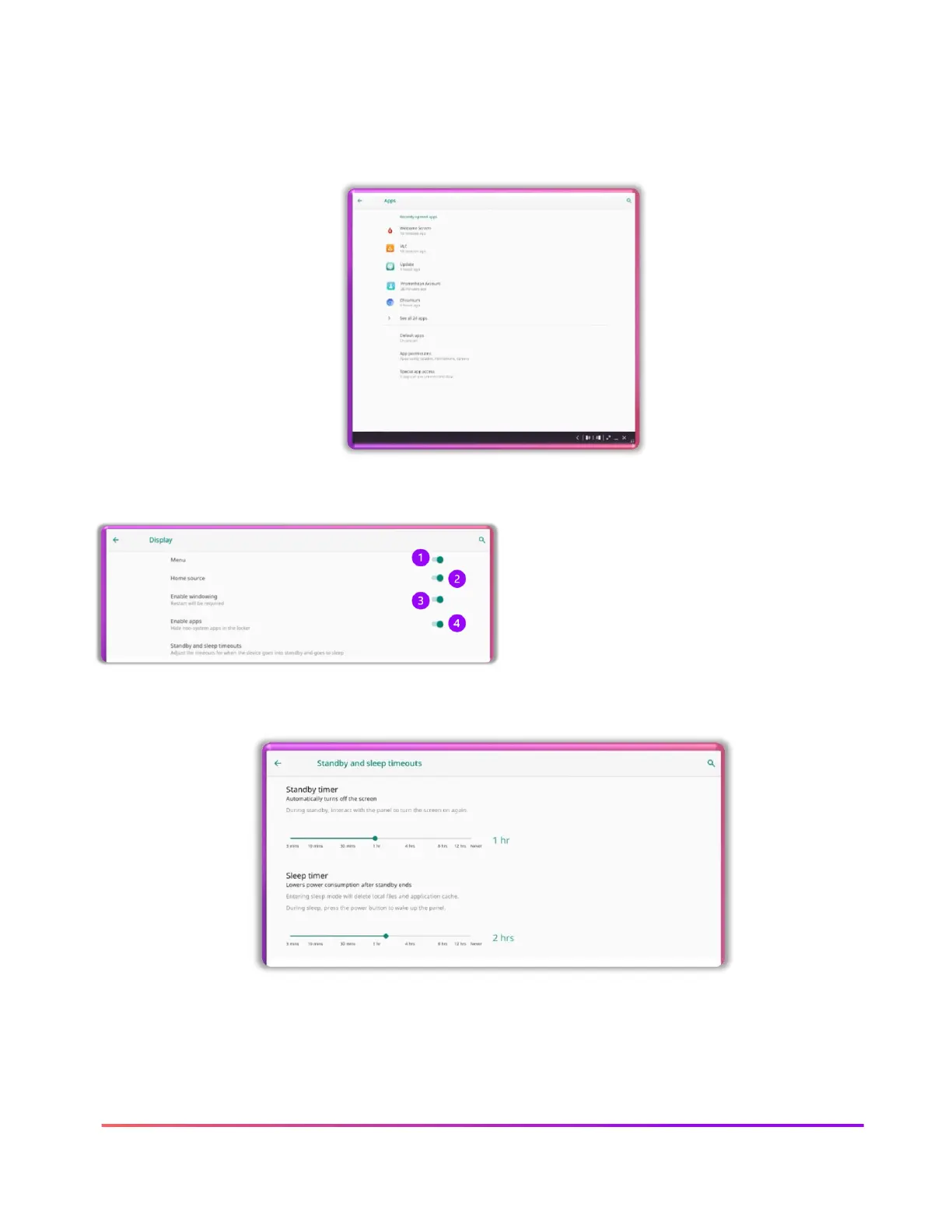
Apps settings allows you to view recently opened apps and all apps.
By selecting the app you wish to view, you can disable, force stop and refine permissions. Please
follow your school or district policy on apps.
Display settings allow for you to change many of the ActivPanel 9 settings.
1. Toggle off the Menu and the Applications locker
appears when the Promethean flame is selected
2. Toggle off Home source and the ActivPanel no longer
shows connected devices
3. Enable or disable windowing from Microsoft devices to
the ActivPanel
4. Enable or disable non system apps
Standby and sleep timeouts allow for you to adjust times to best fit your needs.













 To Next Page