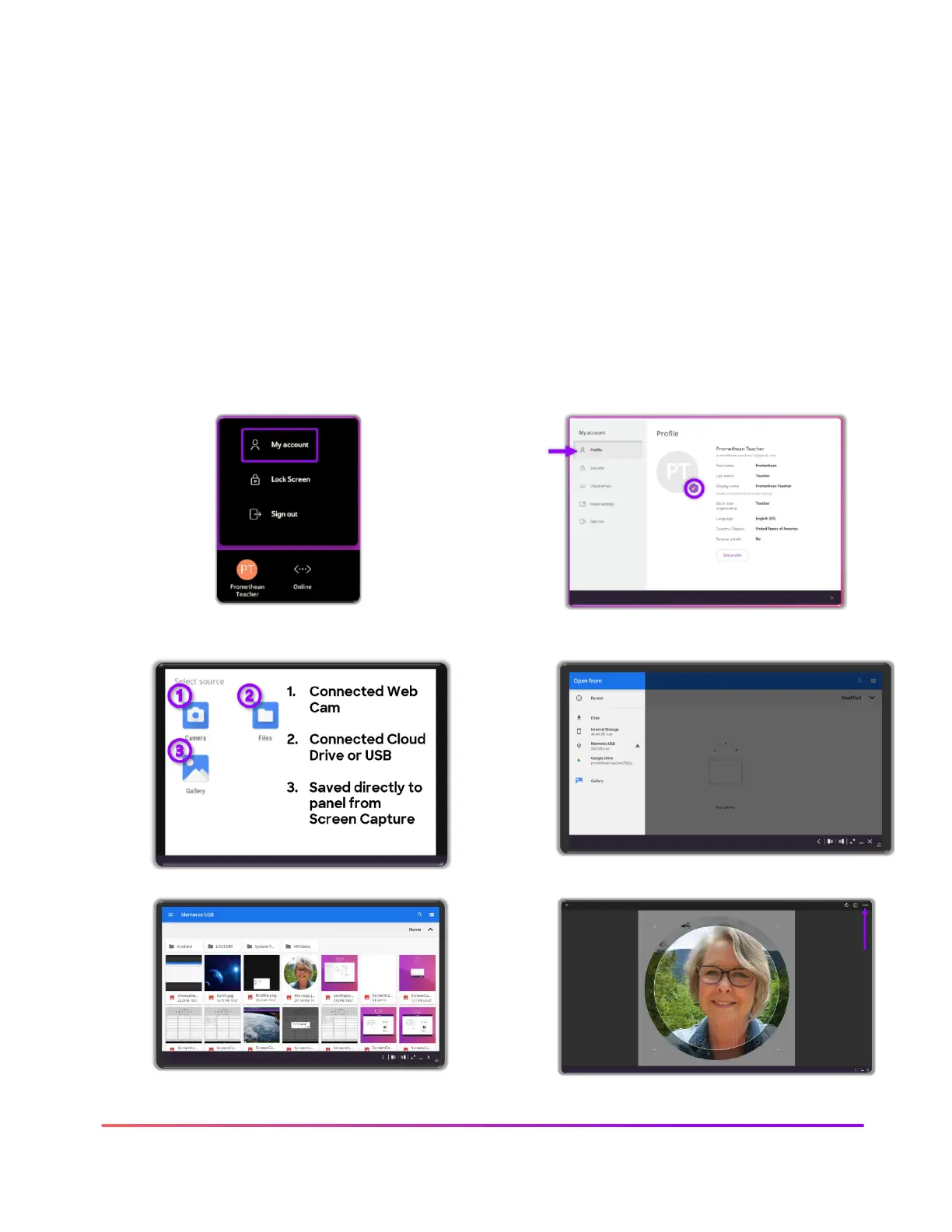
Customize your profile on the ActivPanel 9
Your ActivPanel 9 experience can be customized on any ActivPanel 9 by signing in with your
Promethean account. Please note: if you are using the ActivPanel 9 through the Guest account,
none of the settings you apply will be saved from one sign in to the next.
Profile picture
One of the many ways you can create an individual profile is use your own desired Profile picture.
You can update your profile picture from the ActivPanel or from your Promethean account.
Sign in to the ActivPanel 9 with your Promethean account













 To Next Page