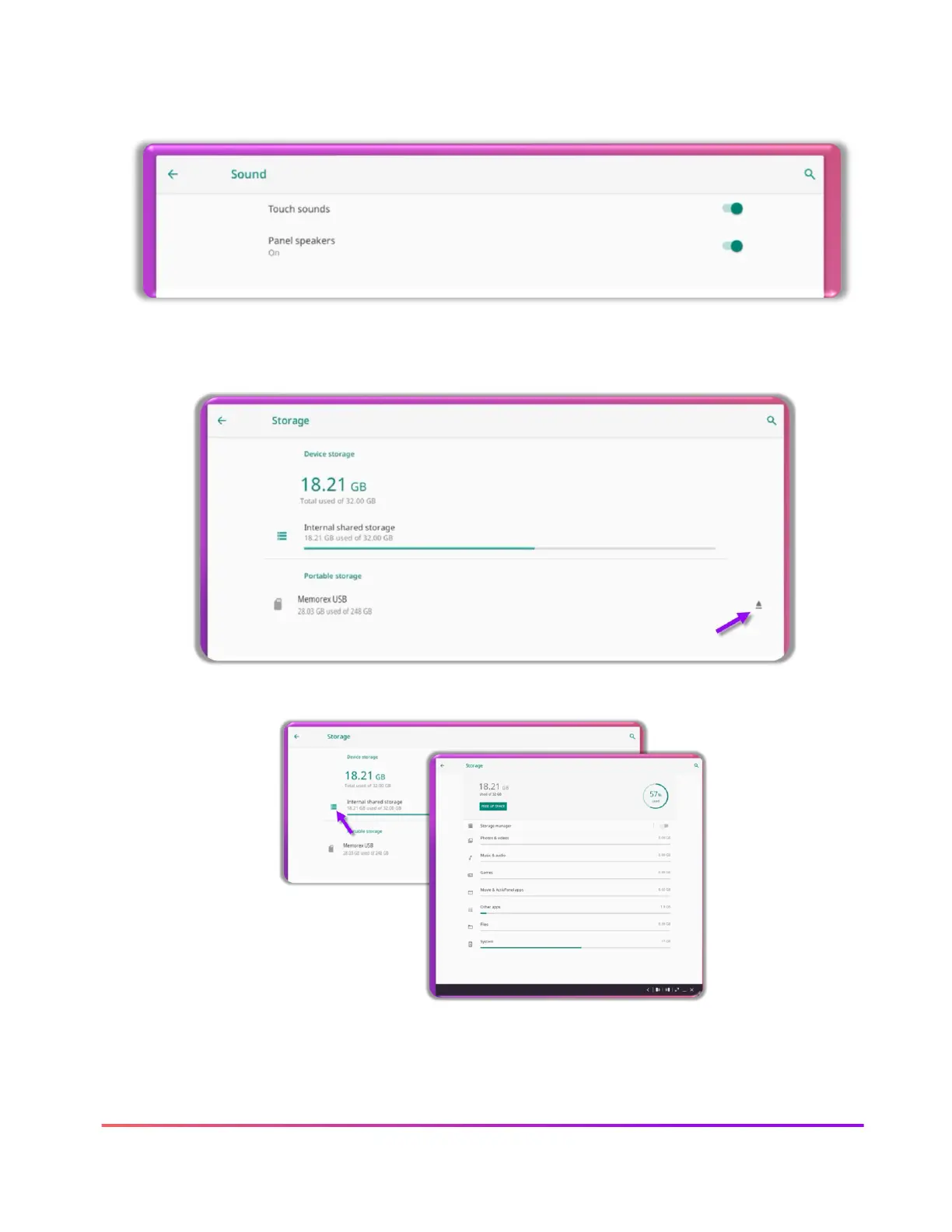
Sound settings allow you to toggle off or one the touch sounds (when you tap on the panel) and
Panel speakers.
Storage settings allow you to view storage on your ActivPanel and by clicking the arrow, you can
safely eject your connect USB drive.
Tap the view menu to see the amount of storage used in each category.
Security & location settings allow you to give permissions in the ActivPanel. Please follow your
school and district standards for these settings.













 To Next Page