EasyManua.ls Logo

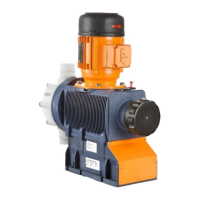
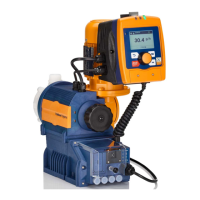
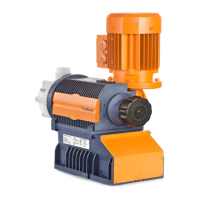
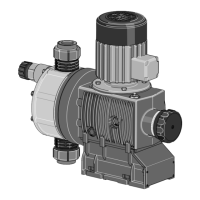
ProMinent Sigma 2 S2Ca - User Manual

ProMinent Sigma 2 S2Ca
77 pages
Print Icon
To Next Page IconTo Next Page
Loading...
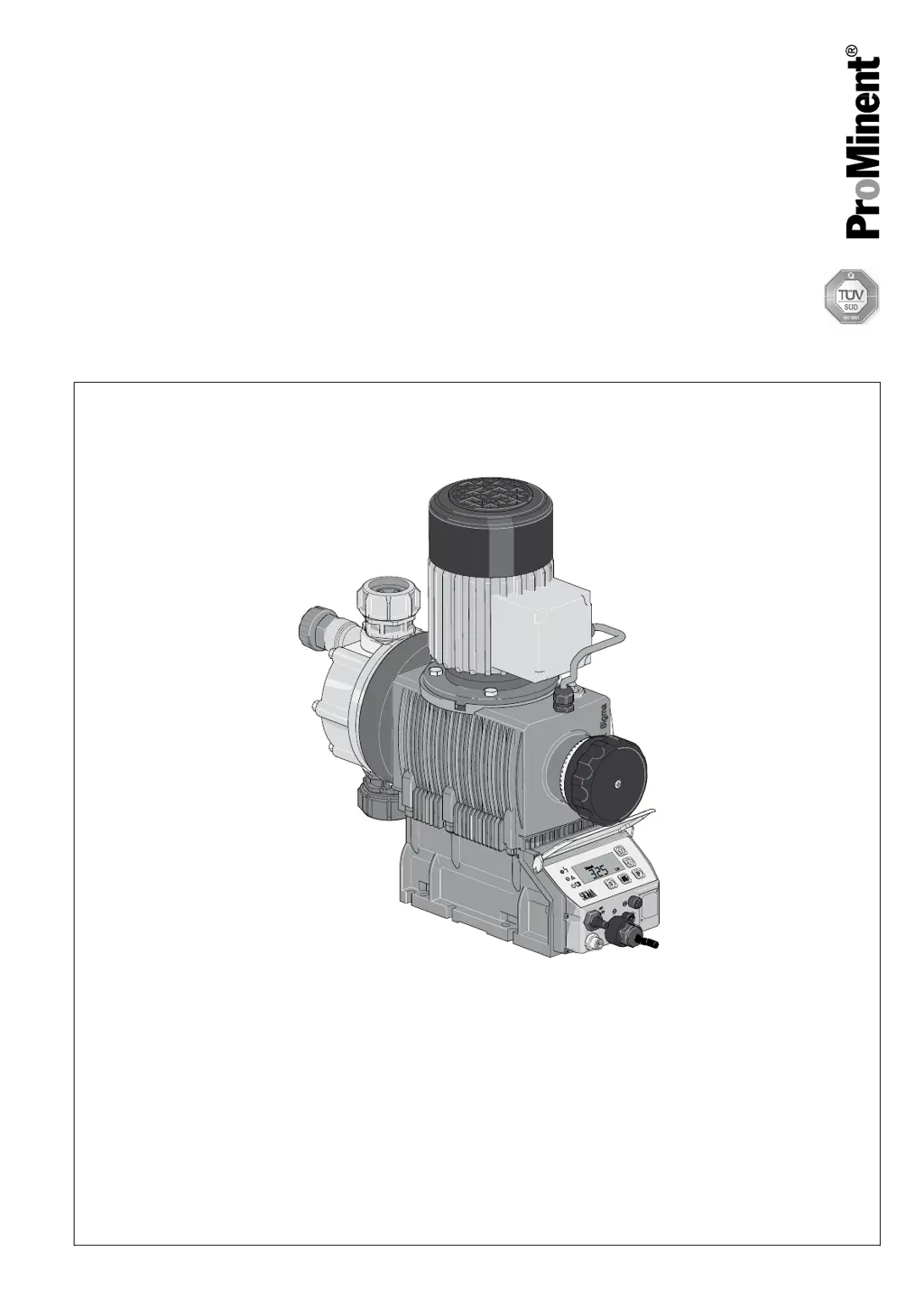
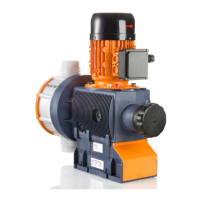
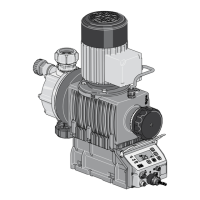
Diaphragm Motor-Driven Metering Pump
Sigma/ 2 Control Type S2Ca
Operating instructions
PK_2_115
Two sets of operating instructions are required for the safe, correct and proper operation of the metering pumps: The
product-specific operating instructions and the "General Operating Instructions for ProMinent
®
motor-driven metering
pumps and hydraulic accessories".
Both sets of operating instructions are only valid when read together.
Original Operating Instructions (2006/42/EC)Part no. 985894 BA SI 040 05/11 EN
Please carefully read these operating instructions before use! · Do not discard!
The operator shall be liable for any damage caused by installation or operating errors!
Technical changes reserved.

Table of Contents

Questions and Answers

  • P
    Pamela FlowersAug 19, 2025
    What to do if the red LED indicator illuminates with “Error” and “MOTOR” flashing on my ProMinent Sigma 2 S2Ca Water Pump?
    • J
      James AndersonAug 19, 2025
      If the red LED indicator illuminates and the display shows “Error” and “MOTOR” flashing on your ProMinent Water Pump, this could be due to several reasons. First, high back pressure might be preventing the motor from working correctly; try reducing the back pressure and then press the [P] key to reset. Second, the motor may have overheated; ensure the ambient temperature is no more than 40 °C, allow the motor to cool down, and then press the [P] key. If these steps don't resolve the issue, there may be other motor faults, in such case press the [P] key to reset function.
  • M
    Mark CooperAug 21, 2025
    What to do if the red LED indicator illuminates with “Error” and “FLOW” flashing on my ProMinent Sigma 2 S2Ca?
    • J
      Jessica AlexanderAug 21, 2025
      If the red LED indicator illuminates and the identifiers “Error” and “FLOW” flash on the display of your ProMinent Water Pump, it could be due to a couple of reasons. First, the dosing monitor might not be correctly connected, ensure it is properly connected and then press the [P] key. Second, the dosing monitor may have reported more defective strokes than set in the “FLOW” menu. Press the [P] key and then investigate to find and clear the underlying cause.
  • R
    Robert Brooks MDAug 25, 2025
    What does it mean if the red LED indicator illuminates with “Error” and “TEMPERATURE” flashing on my ProMinent Sigma 2 S2Ca?
    • J
      John HarrisAug 25, 2025
      If the red LED indicator illuminates and the identifiers “Error” and “TEMPERATURE” flash on the display of your ProMinent Water Pump, it means the temperature inside the pump housing is too high. This could be due to a high outside temperature; ensure lower outside temperatures and allow the pump to cool, then press the [P] key to reset. Alternatively, it could be due to high pump power consumption; check the installation, change it if necessary, allow the pump to cool, and then press the [P] key to reset.
  • K
    katherinemaldonadoAug 26, 2025
    How to fix the red LED indicator illuminating with “Error” and “DIAPH” flashing on my ProMinent Sigma 2 S2Ca Water Pump?
    • M
      Michael MoraAug 26, 2025
      If the red LED indicator illuminates and the identifiers “Error” and “DIAPH” flash on the display of your ProMinent Water Pump, the metering diaphragm is ruptured. Replace the metering diaphragm.
  • D
    dennismitchellAug 28, 2025
    What to do if the red LED indicator illuminates with “Error” and “MINIM” flashing on my ProMinent Sigma 2 S2Ca?
    • A
      Adam BlevinsAug 28, 2025
      If the red LED indicator illuminates and the identifiers “Error” and “MINIM” flash on the display of your ProMinent Water Pump, the liquid level in the storage tank has reached the "liquid level low 2nd stage". To resolve this, fill the storage tank.
  • J
    Jeffrey PeckAug 30, 2025
    Why is the green LED indicator not lighting up on my ProMinent Sigma 2 S2Ca?
    • M
      mdixonAug 30, 2025
      If the green LED indicator (operating indicator) does not light up on your ProMinent Water Pump, it might be due to incorrect or absent mains voltage. Check the nameplate for the specified mains voltage.
  • I
    isaac99Sep 1, 2025
    What does it mean if the red LED indicator illuminates with “Error” and “SYSTEM” flashing on my ProMinent Sigma 2 S2Ca Water Pump?
    • K
      Kathleen WhiteSep 1, 2025
      If the red LED indicator illuminates and the identifiers “Error” and “SYSTEM” flash on the display of your ProMinent Water Pump, there is a fault at the control. Disconnect the pump from the mains and then reconnect it. If the error message reappears, send the pump to ProMinent.
  • T
    Tammy WeeksSep 3, 2025
    What does it mean when the optical diaphragm rupture sensor has triggered on my ProMinent Water Pump?
    • K
      Kimberly ThompsonSep 3, 2025
      If the optical diaphragm rupture sensor has triggered on your ProMinent Water Pump, it means that the operating diaphragm of the metering diaphragm has ruptured. Replace the metering diaphragm.
  • R
    randygilbertSep 5, 2025
    What does it mean if the red LED indicator illuminates with “Error” and “ANALG” flashing on my ProMinent Water Pump?
    • J
      johnsmithSep 5, 2025
      If the red LED indicator illuminates and the identifiers “Error” and “ANALG” flash on the display of your ProMinent Water Pump, the pump control is in “Analog” operating mode, a fault behavior has been programmed in the “ANALG” menu, and the control current has fallen below 3.8 mA. Clear the cause of the low control current or switch the programming of the fault behavior to “OFF”.
  • T
    taminguyenSep 7, 2025
    What does it mean if the red LED indicator illuminates with “Error” and “CNTCT” flashing on my ProMinent Sigma 2 S2Ca?
    • M
      mfosterSep 8, 2025
      If the red LED indicator illuminates and the identifiers “Error” and “CNTCT” flash on the display of your ProMinent Water Pump, and the pump control is in the operating mode “Contact” or “Batch” and the function extension "Memory" has been set, and a very large factor was set, too many contacts have been received or the key [P] has been pressed too often, a stroke memory overflow has occurred! Press the [P] key to delete the memory content and then set up the pump again.

ProMinent Sigma 2 S2Ca Specifications

General IconGeneral
BrandProMinent
ModelSigma 2 S2Ca
CategoryWater Pump
LanguageEnglish

Related product manuals