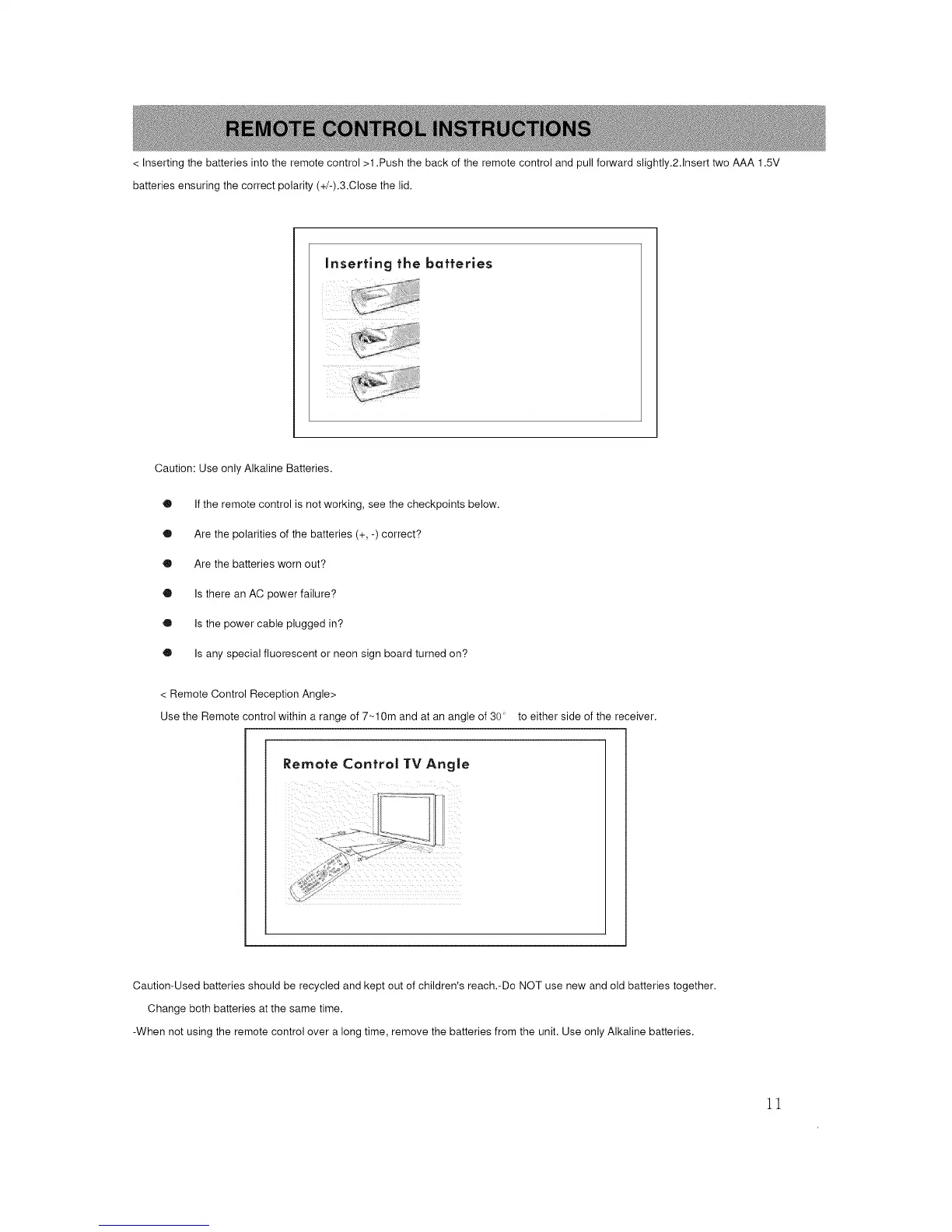
< Inserting the batteries into the remote control >1 .Push the back of the remote control and pull forward slightly.2.1nsert two AAA 1.5V
batteries ensuring the correct polarity (+/-).3.Close the lid.
Inserting the batteries
Caution: Use only Alkaline Batteries.
Q If the remote control is not working, see the checkpoints below.
Q Are the polarities of the batteries (+, -) correct?
Q Are the batteries worn out?
• Is there an AC power failure?
O Is the power cable plugged in?
O Is any special fluorescent or neon sign board turned on?
< Remote Control Reception Angle>
Use the Remote control within a range of 7 _10m and at an angle of 30 to either side of the receiver.
Remote Control TV Angle
Caution-Used batteries should be recycled and kept out of children's reach.-Do NOT use new and old batteries together.
Change both batteries at the same time.
-When not using the remote control over a long time, remove the batteries from the unit. Use only Alkaline batteries.
11














 To Next Page