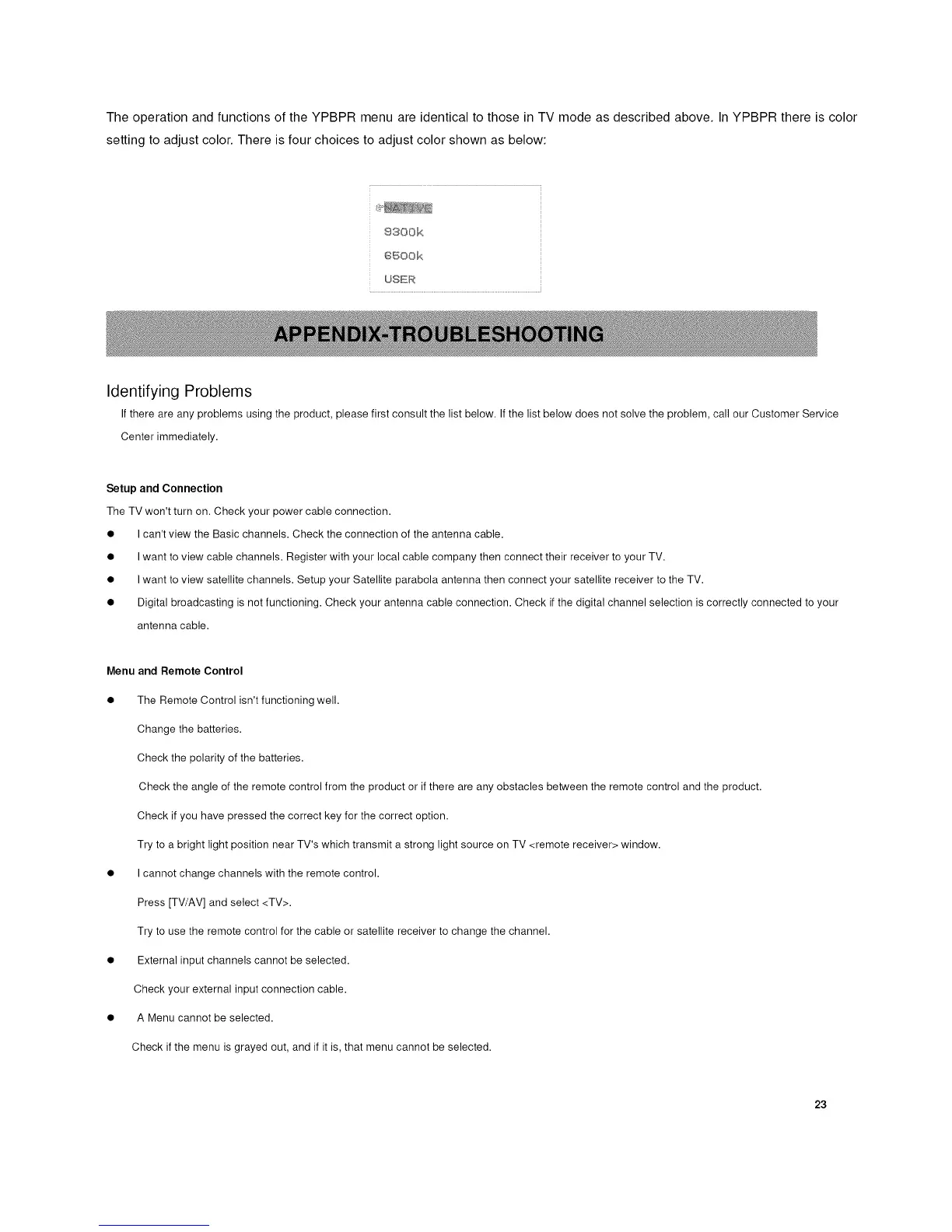
The operation and functions of the YPBPR menu are identical to those in TV mode as described above. InYPBPR there is color
setting to adjust color. There is four choices to adjust color shown as below:
@,
8300/<
6%©0k
USE_
Identifying Problems
If there are any problems using the product, please first consult the list below. If the list below does not solve the problem, call our Customer Service
Center immediately.
Setup and Connection
The TV won't turn on. Check your power cable connection.
• I can't view the Basic channels. Check the connection of the antenna cable.
• I want to view cable channels. Register with your local cable company then connect their receiver to your TV.
• I want to view satellite channels. Setup your Satellite parabola antenna then connect your satellite receiver to the TV.
• Digital broadcasting is not functioning. Check your antenna cable connection. Check if the digital channel selection is correctly connected to your
antenna cable.
Menu and Remote Control
• The Remote Control isn't functioning well.
Change the batteries.
Check the polarity of the batteries.
Check the angle of the remote control from the product or if there are any obstacles between the remote control and the product.
Check if you have pressed the correct key for the correct option.
Try to a bright light position near TV's which transmit a strong light source on TV <remote receiver> window.
• I cannot change channels with the remote control.
Press [TV/AV] and select <TV>.
Try to use the remote control for the cable or satellite receiver to change the channel.
• External input channels cannot be selected.
Check your external input connection cable.
• A Menu cannot be selected.
Check if the menu is grayed out, and if it is, that menu cannot be selected.
23














 To Next Page