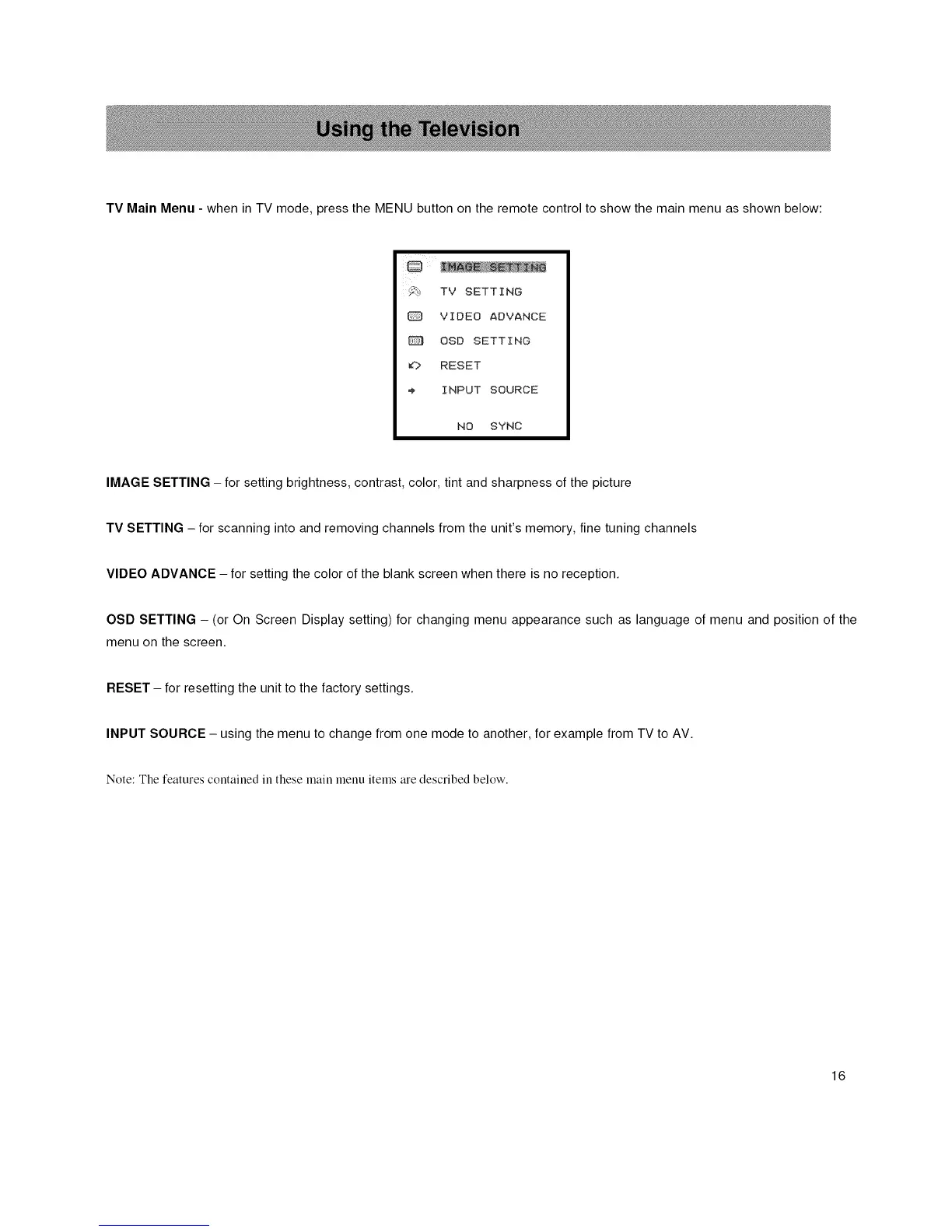
TVMainMenu-wheninTVmode,presstheMENUbuttonontheremotecontroltoshowthemainmenuasshownbelow:
i_! TV SETTING
VIDEO ADVANCE
OSD SETTING
_? RESET
INPUT SOURCE
NO SYNC
IMAGE SETTING - for setting brightness, contrast, color, tint and sharpness of the picture
TV SETTING - for scanning into and removing channels from the unit's memory, fine tuning channels
VIDEO ADVANCE - for setting the color of the blank screen when there is no reception.
OSD SETTING - (or On Screen Display setting) for changing menu appearance such as language of menu and position of the
menu on the screen.
RESET - for resetting the unit to the factory settings.
INPUT SOURCE - using the menu to change from one mode to another, for example from TV to AV.
Note: The features contained in these main menu items are described below.
16














 To Next Page