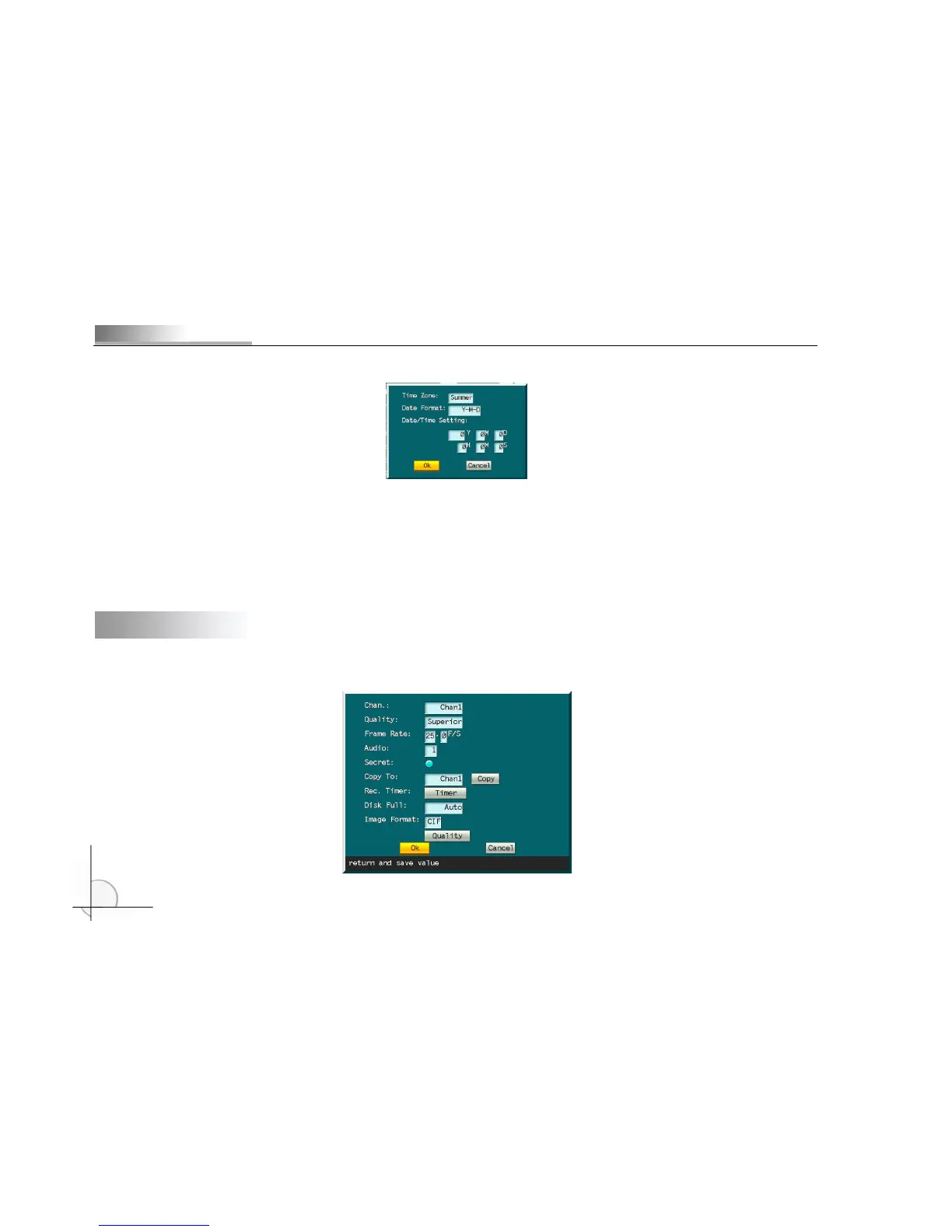
setting”, as shown below.
Time Zone Move cursor to “Time Zone” and press [Menu] key to select “Summer” or “Winter”. Press [←]/[→] to
select an option and press [Menu] to confirm.
Date Format Move cursor to “Time Zone” and press [Menu] key to select “Y-M-D” or “M-D-Y”. Press [←]/[→] to
select an option and press [Menu] to confirm.
Date/time Setting Move cursor to the item and press numerical keys on front panel to enter the values.
Step 3 Select “OK” and press [Menu] to save and exit.
4.3 Recording setting
Step 1 Press [Menu] key to enter system menu. Press [↑], [↓], [←], and [→] to move cursor to “RecordSet”.



 To Next Page