been copied into root directory of USB device. And the file name must be upcmsdvr.bin
Restart the recorder after update.
Note: Do not interrupt the upgrading process. Cutting off power supply or pressing the power button is prohibited;
otherwise, the recorder can’t be run in order.
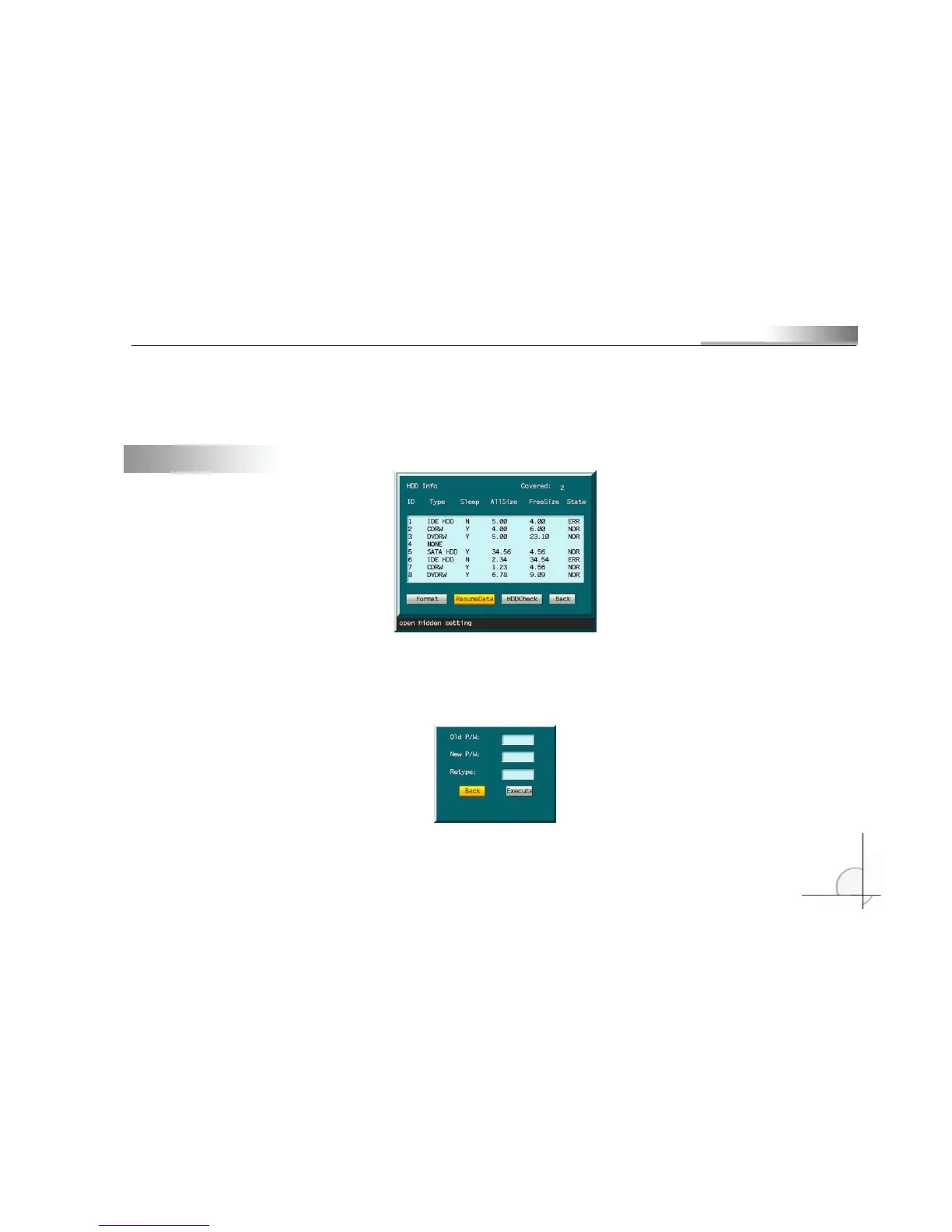
5.14 HDD management
Change the password of data saving. It will take effect after format. Press [Menu] button and the format dialogue box will
popup. Password is needed.
Note: All disks will be managed as a whole. You can’t manage a single disk separately. To manage a disk, open the case
and remove other disks.
Press numerical keys to input old password (default: 88888888). Input new password. The password contains figures only.
The new password may be same to old password. Repeat the new password. The system will prompt if you didn’t input same



 To Next Page