new password. When password is confirmed, click “Back” to cancel format; or click “Execute” to format. When the hard disk
is formatted, all files will be deleted. You need to input valid password to format the hard disk.
5.14.1 Recover data
Click “Recover data” to restore the data in hard disk.
Input the password (default: 88888888). Click “Back” to cancel the operation;
or click “Execute” to restore the data.
5.14.2 HDD check (not available at present)
5.15 Log management
View the log recorded in the digital video recorder. All operations will be recorded in log. Run Log management to view
all operations of the video recorder.
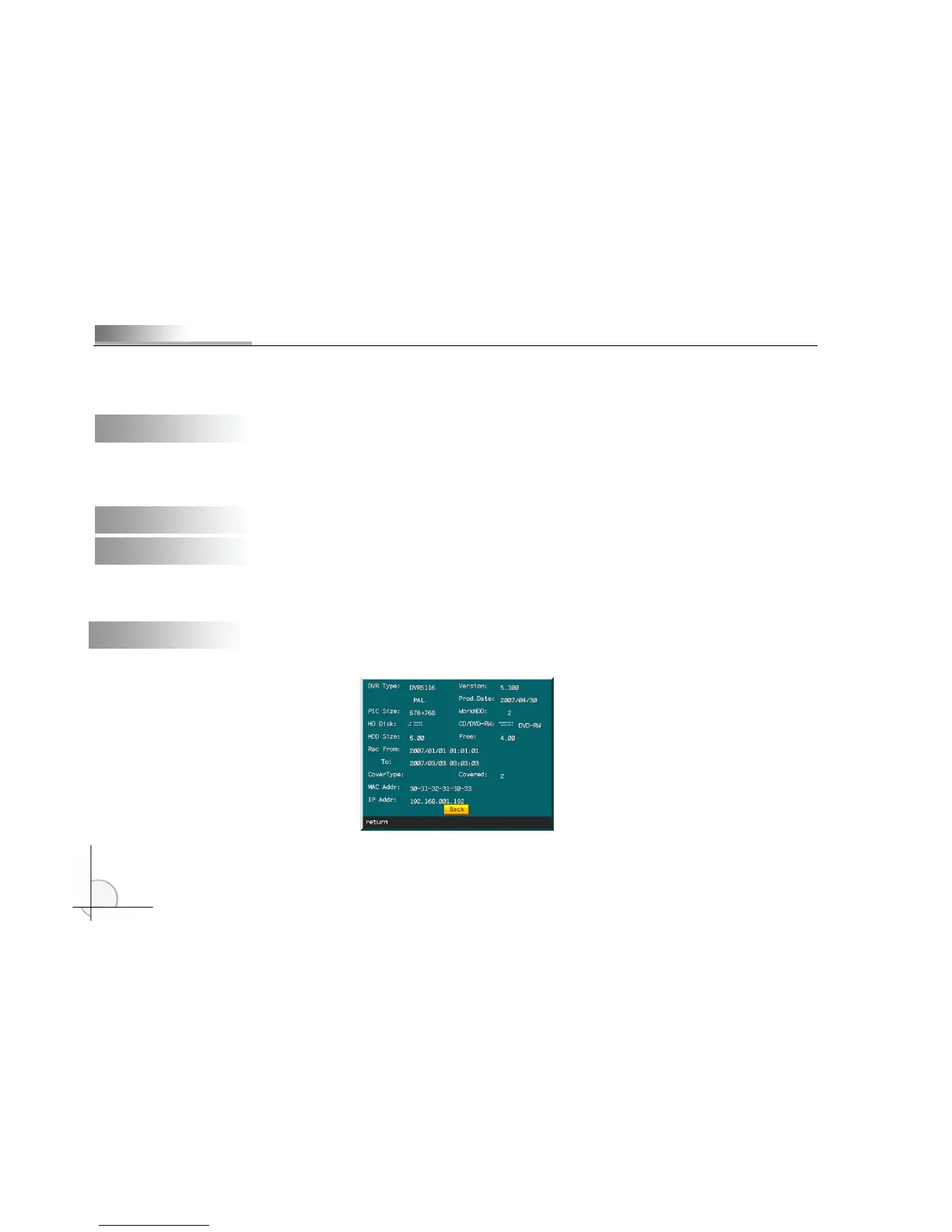
5.16 System information
Run System information to view the information of the video recorder, as shown in the picture below:



 To Next Page