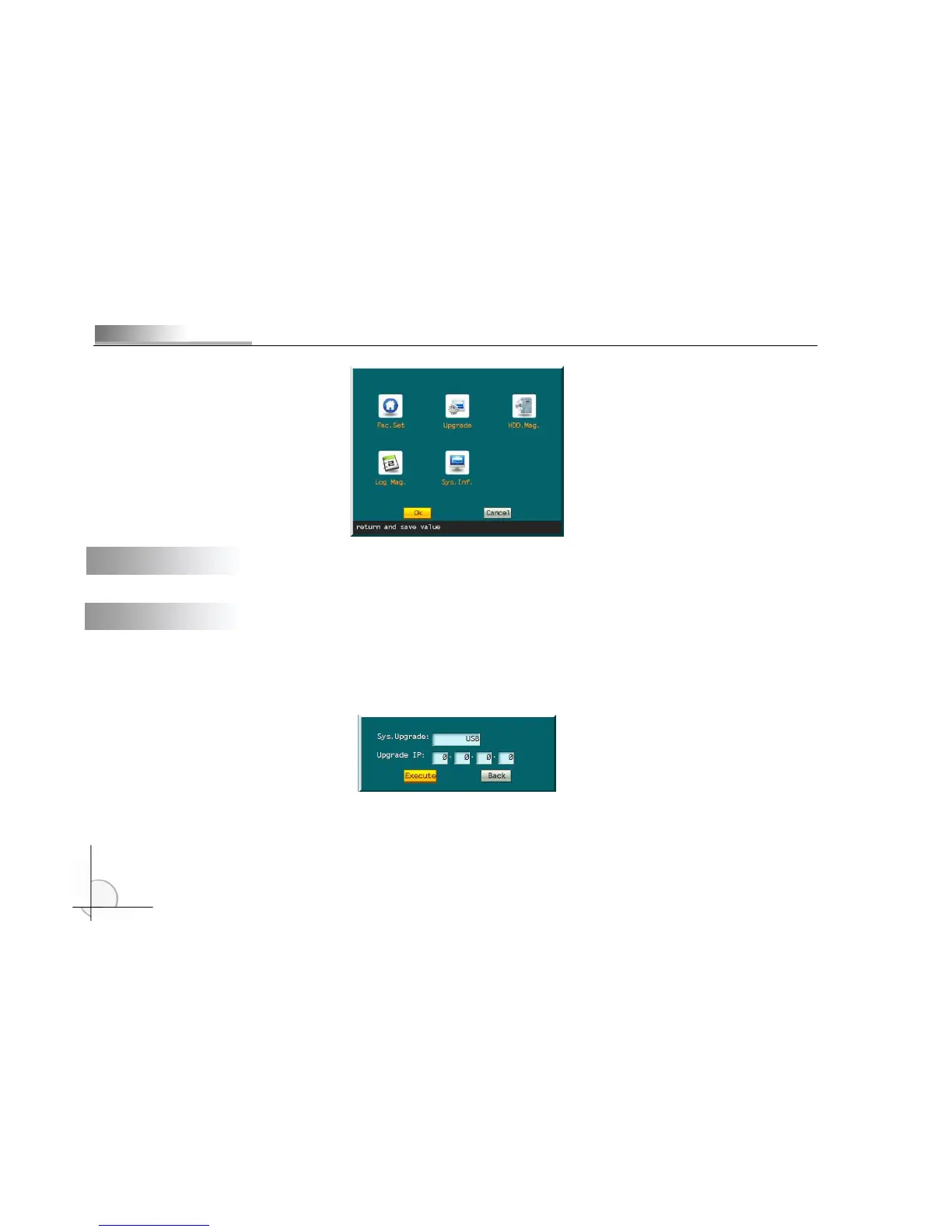
5.12 Factory settings
Restore default settings. It will take effect when the device is restarted. (IP and gateway are also reset.)
5.13 Upgrade
Upgrade the software. Check whether the language of original software is congruent with update. The update will fail if
they don’t have same language.
Select “Upgrade” and prompt box will popup. Two modes are available:
If network interface is selected, you need to input the host IP of server application; then, select “Execute” to update. The
process will be displayed in a message window. The special update software must be run on PC at specified IP.
If USB is selected, make sure the USB device has been connected properly and the update application (upcmsdvr.bin) has



 To Next Page