Default mode: Monitor and Patrol are available.
Patrol time: 5 sec by default.
Move to: In multi-channel control, you can move any DVR from one channel to another.
6.4.2 User management
User management includes three items: Account, Authority and Log.
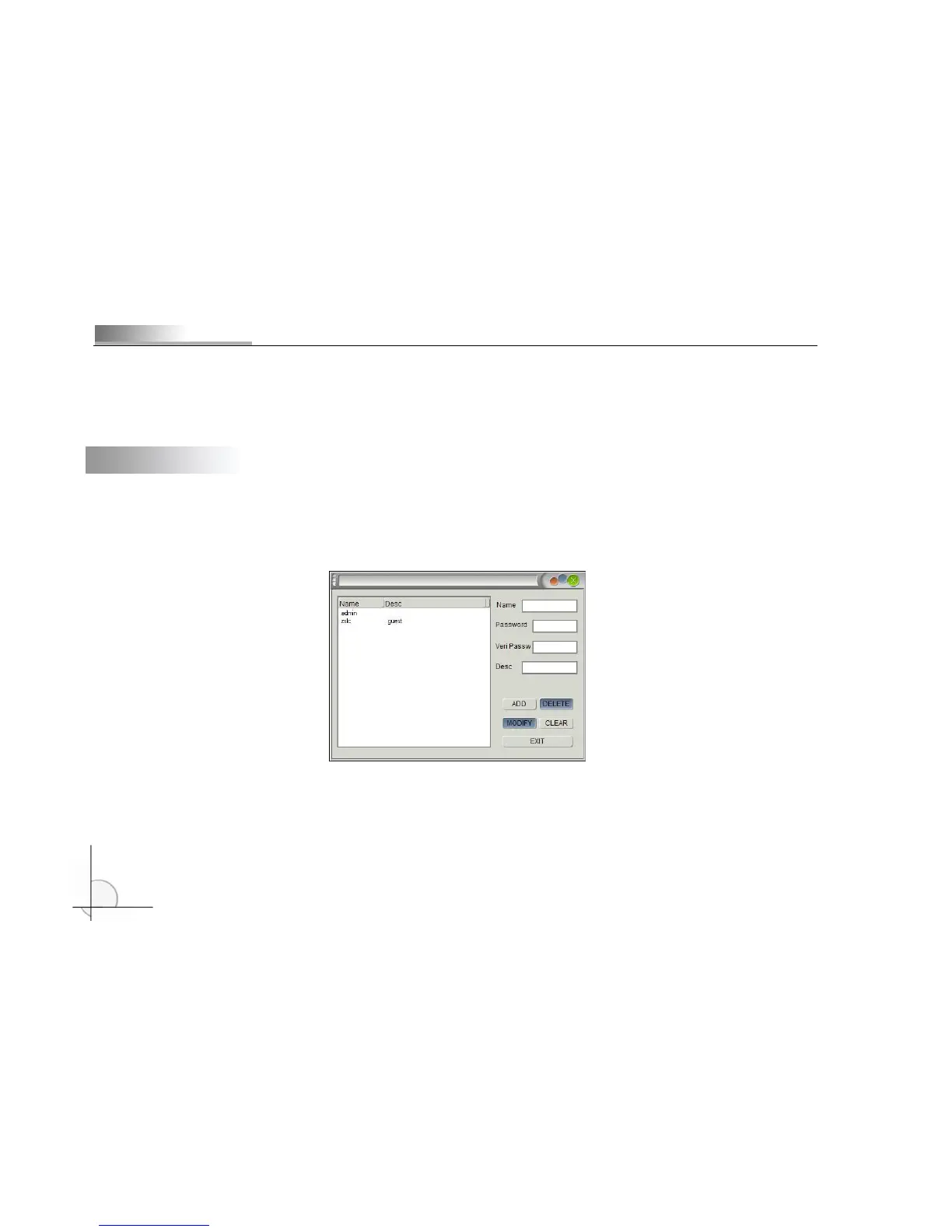
Account management: Administrator account features: set the authority; create and delete guest account; change administrator
password and type of other accounts, as shown in the picture below:
You need to input Name, Password and Verify password. Then, click “Add” and the name and description of added
account will be displayed in the status bar on the left, as shown below:



 To Next Page