“Input PSW” dialogue box will popup. (Default password: 88888888) Enter valid password to stop video loss alarm recording.
The alerting symbol in the image will also disappear.
5.2.5 Motion detection setting
Step 1: Select image
Enter “ImageSet” interface. Move cursor to “Select image” to select the image to perform motion detection setting. Press
[Menu] to confirm.
Step 2: Activate motion detection
Press [Menu] key to select “Motion detection” to activate mask alarm.
Step 3: Set sensitivity
Move cursor to “Sensitivity”. Seven options (level 1-7) are available. You can customize the settings. If the sensitivity is
low, the motion detection alarm will be activated only when the change of scene is obvious; if the sensitivity is high, the motion
detection alarm will be activated when the scene changes slightly.
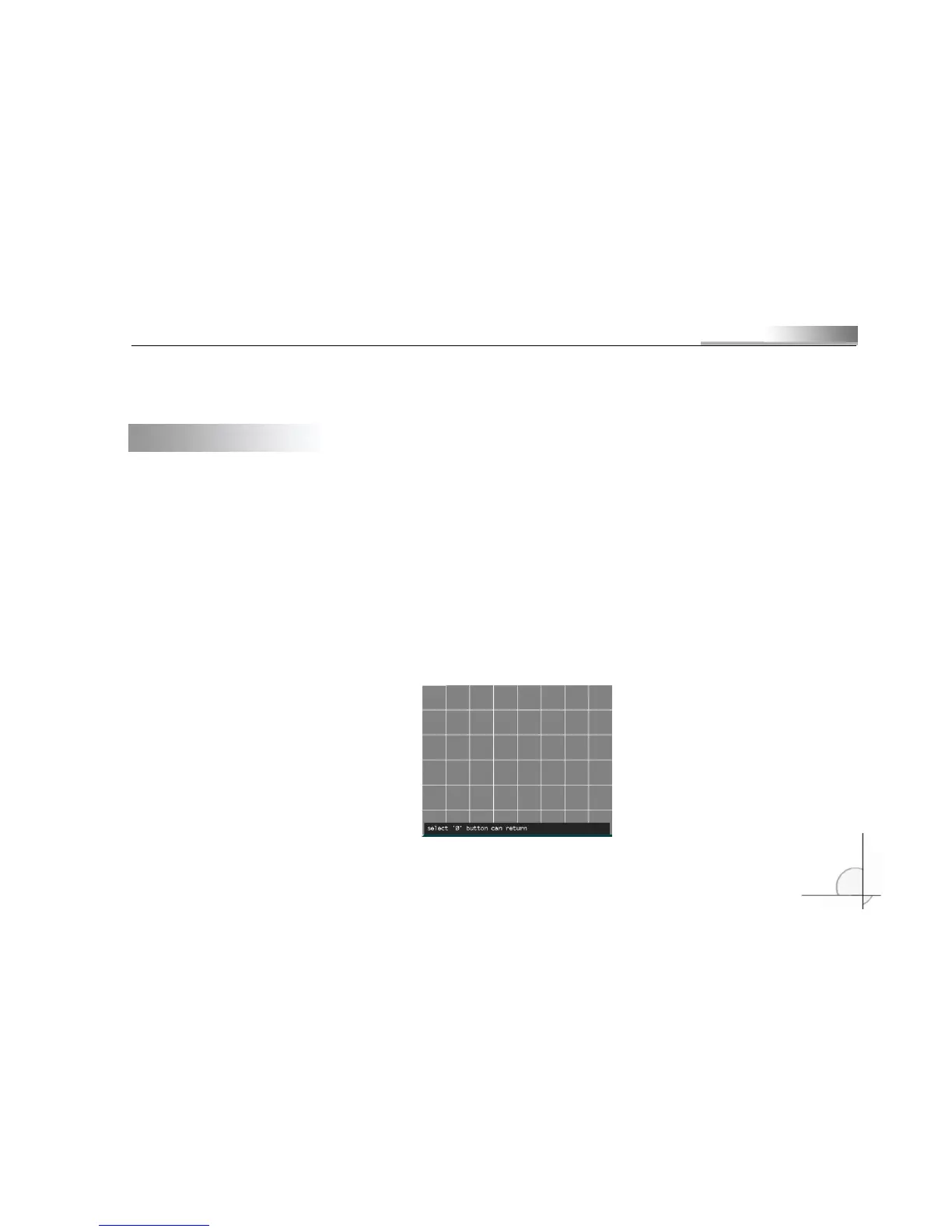
Step 4: Set motion detection area



 To Next Page