Chapter VII Specific Operation of NETDVR
7.1 Right-click menu
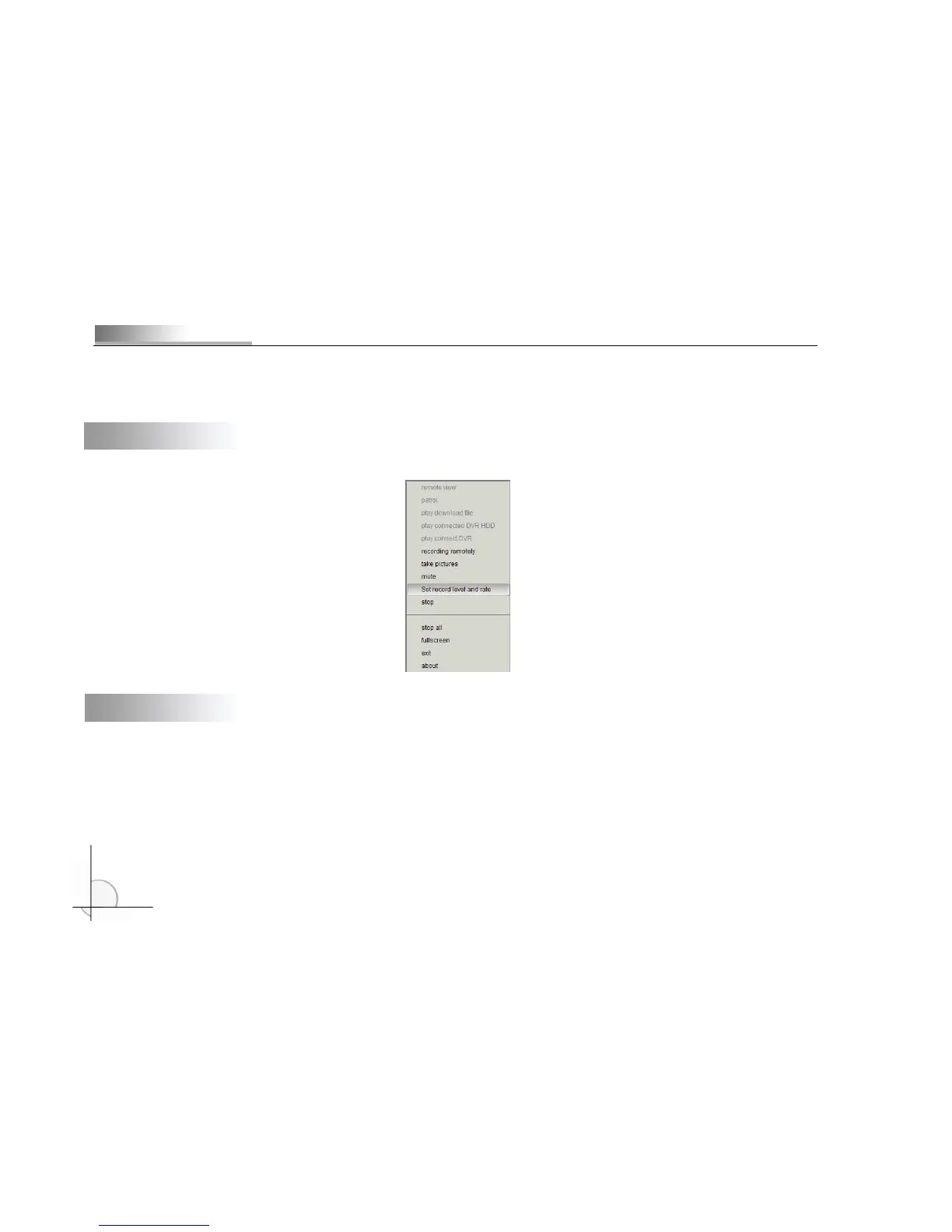
Move cursor to display area and right click, and the menu as shown below will popup:
7.2 View
Click “View” and the following two modes are available to connect:
1. If you have customized “Default DVR” in “Channel management”, it will connect to the IP of default DVR and display
the scene video;
2. If you haven’t customized “Default DVR”, the following dialogue box will popup:
Select a DVR and click “OK” to view the scene.



 To Next Page