Copy: to copy the set parameters of the channel to other channels to save time.
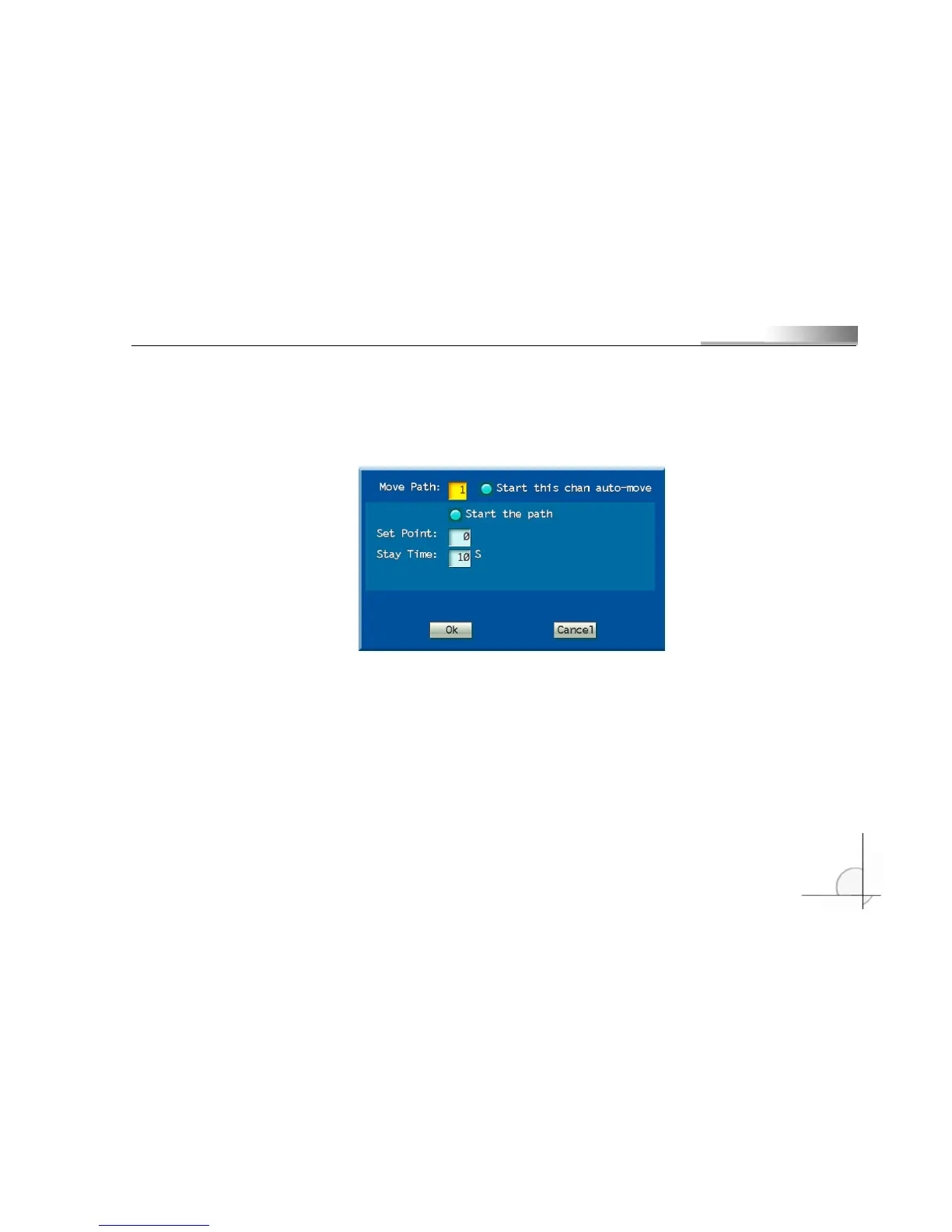
Auto Cruise: auto cruise is to set the cruising path. The cruising path is a path on which the camera moves
at a certain speed, passing through different cruising points with numbers. Each cruising point includes the
preset point and time for stay.
Cruising points: 16 (1 to 16) cruising points can be set at each channel, and each cruising point
corresponds to a preset point.
Preset points: set the preset point corresponding to the cruising point and make sure the preset point is
defined.
Cruising time: time of stay of the cruising point.
Take channel 1 for example to introduce the operation method of the PTZ. For other channels, refer to
channel 1:
○
1
To set the corresponding parameters of the PTZ in “Serial Device” menu and set the “Select Channel”
to “Screen 1”;
○
2
To set a series of preset points by “Set Preset Point”;



 To Next Page