PTZ Lens Control
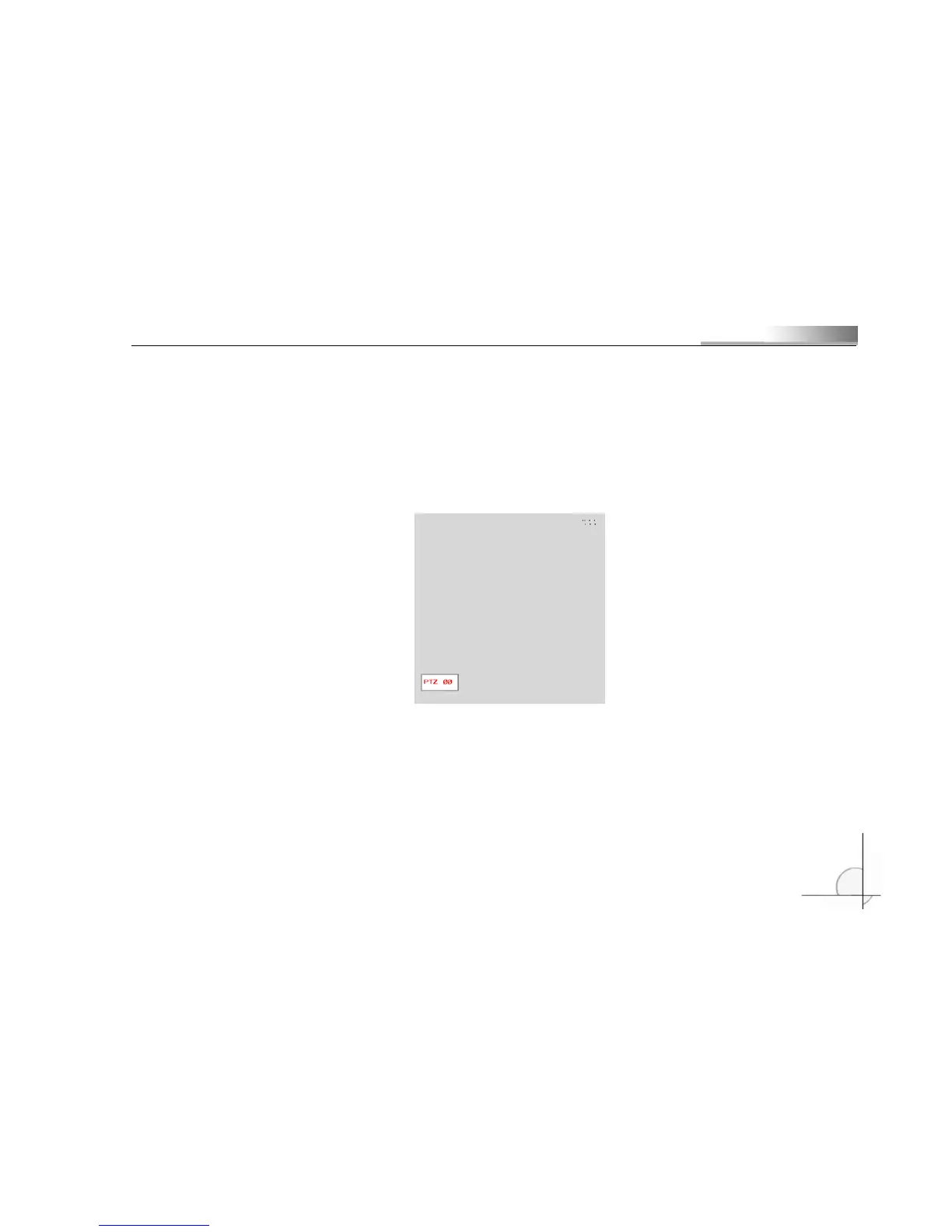
Select PTZ lens control: press the PTZ control button, the PTZ icon will display at the lower left
corner of the monitor, or the indicator will light to show that it is under PTZ control status.
(PTZ status indicator in the gray blank)
Direction buttons (Up, Down, Left and Right) control moving of the PTZ.
FOCUS +: Record Video
FOCUS -: Play Video
IRIS +: Rewind
IRIS -: Fast forward
ZOOM +: Previous



 To Next Page