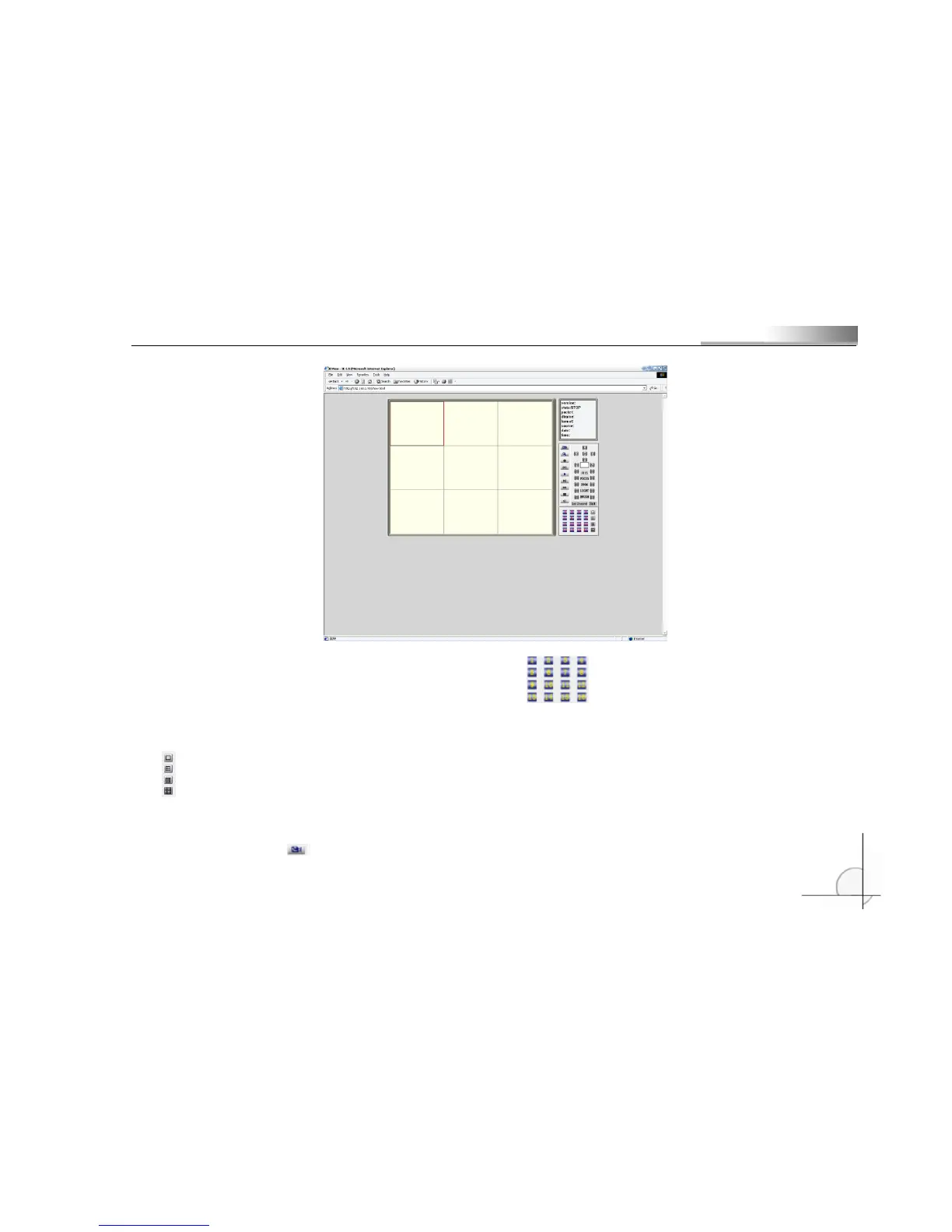
Select the DVR video channel that you want to view in . The default is all channels. This number
button can control audio channels in the process of viewing video;
is the button for switching video channels. You can switch among Single Channel, 4-Channel,
9-Channel and 16-Channel;
Press Field button ( ) to view DVR field;



 To Next Page