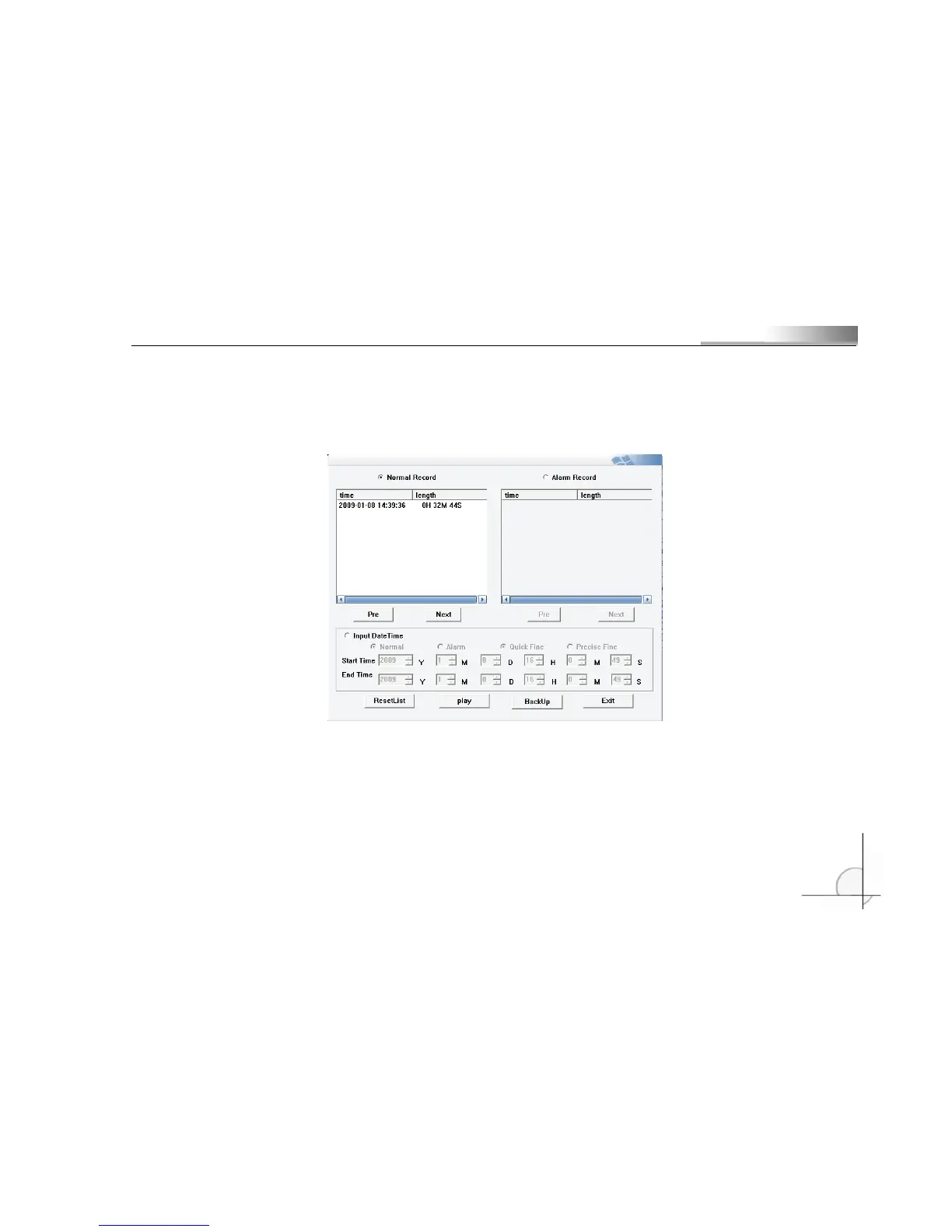
one or several channels can be selected. Before playing the video, select the channel numbers that you want to
view (icon is in red) and do not select the channel numbers that you will not view (icon is in yellow), and then
play the video.
Alerting Video and Common Video can be played according to time or section. If the list is so long that is
not continent for operation, click (Reset List) after entering time/section so only list within the entered
time/section will be displayed. You can backup the video by clicking the “Backup” button.



 To Next Page