REFLEX RAIL™ BOARD
SETTINGS AND FUNCTIONS
W W W . P R O T O P A I N T B A L L . C O M
10
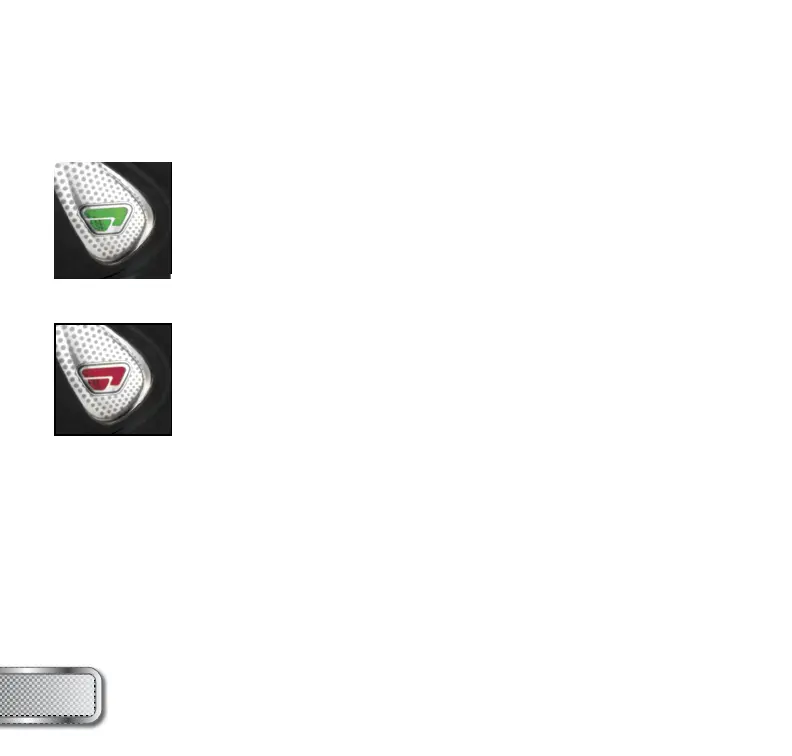
GREEN - Trigger Sensitivity Values 1 - 20 (factory default 3)
Trigger sensitivity is the amount of time that the trigger has to be
released before the next trigger pull is allowed. In some situations
with too low of a value, the REFLEX RAIL™ can register more trigger
than what was actually pulled. This can cause the REFLEX RAIL™ to
auto, even in semi-automatic mode. To fi x this, adjust the trigger
sensitivity setting higher.
RED - Dwell Values 1 - 30 (factory default 18)
Dwell is the amount of time that the solenoid will be activated.
Follow these steps for the best way to set your dwell:
• Remove loader and any paintballs from the RAIL™ marker.
• With the dwell set at 10, start increasing the value until the marker
begins to fi re.
• When you reach the setting where the marker begins to fi re, get
some paint and a loader and go to a chronograph.
• Increase the dwell until you see no increase in the velocity.
This is the optimal dwell setting to be used.
NOTE: You cannot turn your marker off with the power button
when the marker is in confi guration mode. You must fi rst set DIP
switch 2 to the OFF position.



 To Next Page