Page 42 of 69
Proton Products InteliSENS DG2030 Diameter Gauge Instruction Manual (Issue 1a)
Ethernet LED indicator
OPTIONAL COMMUNICATIONS INTERFACES
WIFI WIRELESS COMMUNICATIONS
The WiFi wireless interface is an optional extra that must be ordered for installation during
manufacture; it cannot be retrofitted to the unit.
This communications interface operates independently of the other communications interfaces and
may be used at the same time as them.
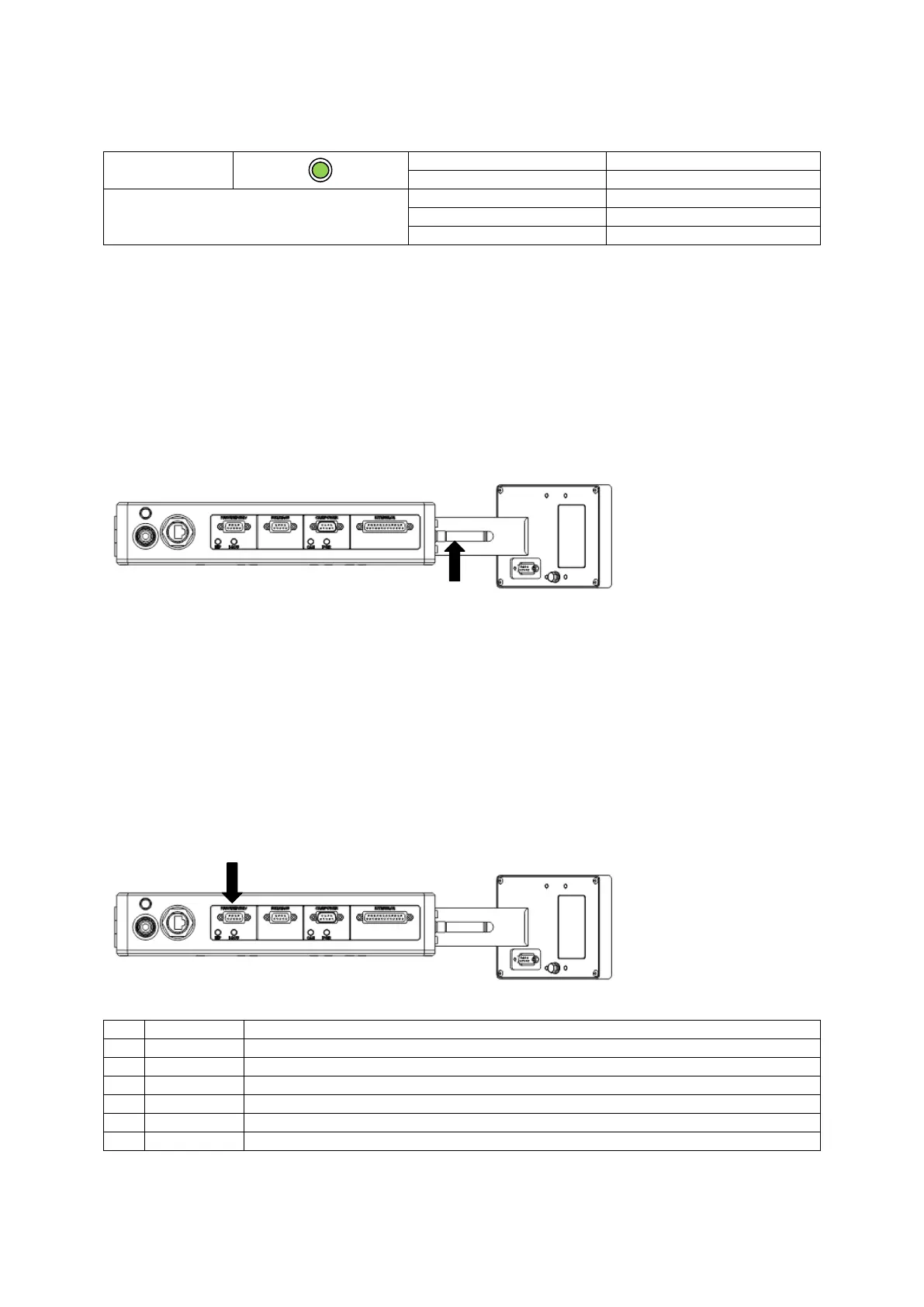
WiFi interface
Connector type: SMA female (install the supplied 2.4 GHz antenna on this connector).
PROFIBUS COMMUNICATIONS
The PROFIBUS interface is an optional extra that must be ordered for installation during
manufacture; it cannot be retrofitted to the gauge.
This communications interface operates independently of the other communications interfaces and
may be used at the same time as them.
PROFIBUS interface
The PROFIBUS interface may be accessed through the “PROFI/EIP/DEV” connector.
Connector type: DB9 female (socket)
Ensure that the cable shield is connected to this via the plug shield connection.



 To Next Page
 Loading...