PRO-VISION® Video Systems
16 provisionusa.com
10. Place the camera locking cover over the camera ball. Loosely tighten the three (3) set screws
holes using a 1.5mm Allen wrench, allowing the camera ball to freely move until the desired
camera aim is set.
11. Power on the DVR unit and connect to the Wi-Fi to view the live camera image to properly aim it
on the view page. (See Viewing Cameras on a Smart Device for connection details)
12. When finished aiming, fully tighten the three (3) set screws.
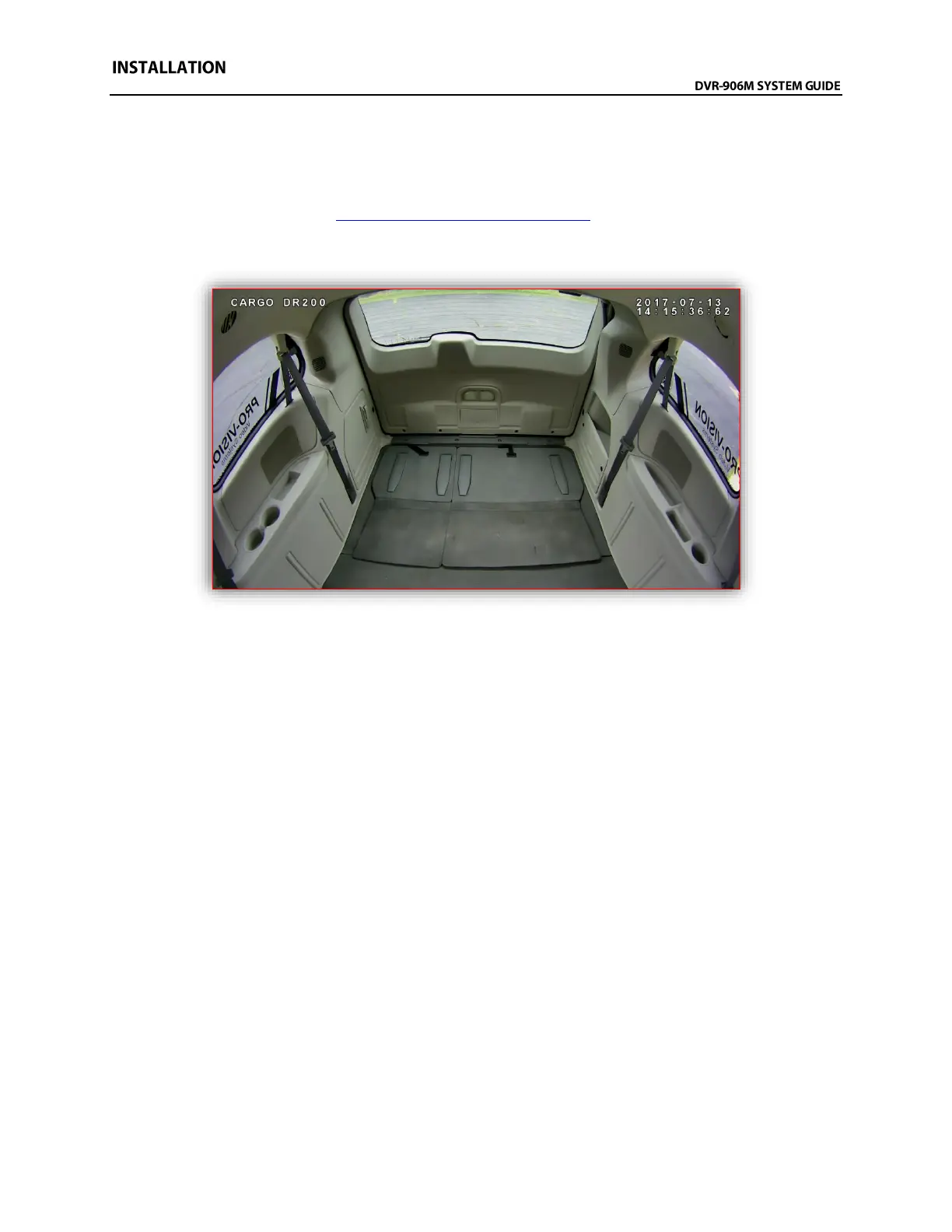
Example view of the cargo area of a Dodge Ram Cargo Minivan



 To Next Page