CONFIGURATION PRO-VISION® Video Systems
DVR-906M SYSTEM GUIDE
61 provisionusa.com
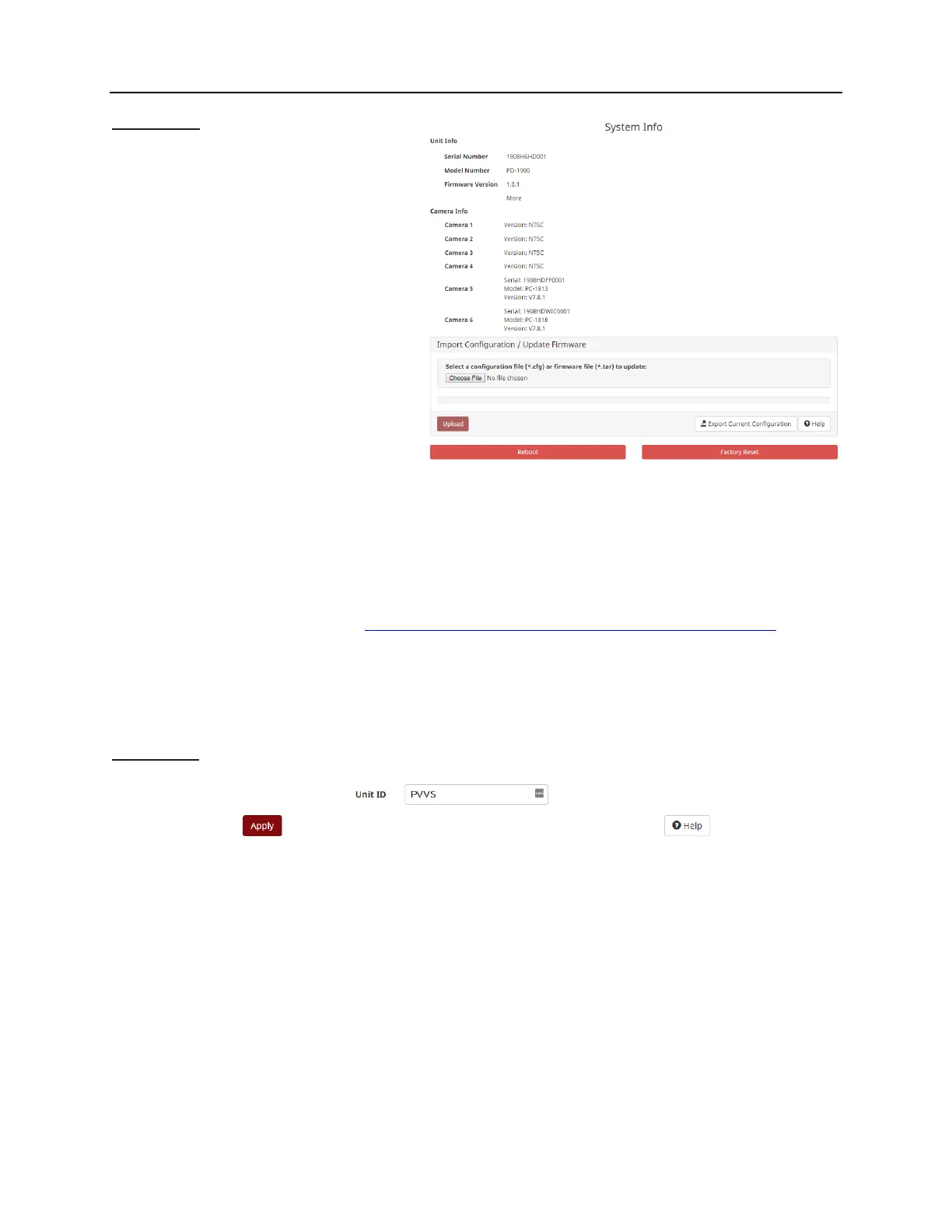
System Info
Unit Info:
Shows the current version of all DVR unit.
Camera Info:
Shows the current versions of each
camera and if applicable its model/type.
Import/Update:
Allows configuration files or firmware to be
uploaded onto the DVR unit, press
“Choose File”, locate your file, then press
“Upload” to upload and apply it.
Export Current Configuration:
Exports the current DVR settings to be
save into a file that can be reloaded at a
later time or loaded on other DVR units.
Periodically, PRO-VISION
®
may offer software updates to add or remove features of the DVR and/or fix
minor software bugs. In the event you need a software update to add a function or fix a software issue, a
".tar" file will be sent via email. Simply save the ".tar" file to your computer desktop and using this portion
of the DVR Settings Menu, browse for the saved ".tar" file and upload it to the DVR.
The latest firmware can be found at: http://files.provisionusa.com/firmware/pd1900/PD-1900.html
Reboot: This action will reboot the DVR to enable any settings that were changed.
Factory Reset: Returns the DVR back to factory default settings.
Vehicle Info
Unit ID: Allows the user to input a unique identifier for the DVR that will show on the video. This aids in
establishing which unit video is being viewed. This is typically set to include the department ID as well as
the vehicle number, for example: Kent County Sheriff Department unit number 2341 would be set as
KCSD2341.
The Unit ID is stamped on the video recording, file names, and in the video file metadata. It is used in
searches to find the unit.



 To Next Page