TROUBLESHOOTING PRO-VISION® Video Systems
DVR-906M SYSTEM GUIDE
69 provisionusa.com
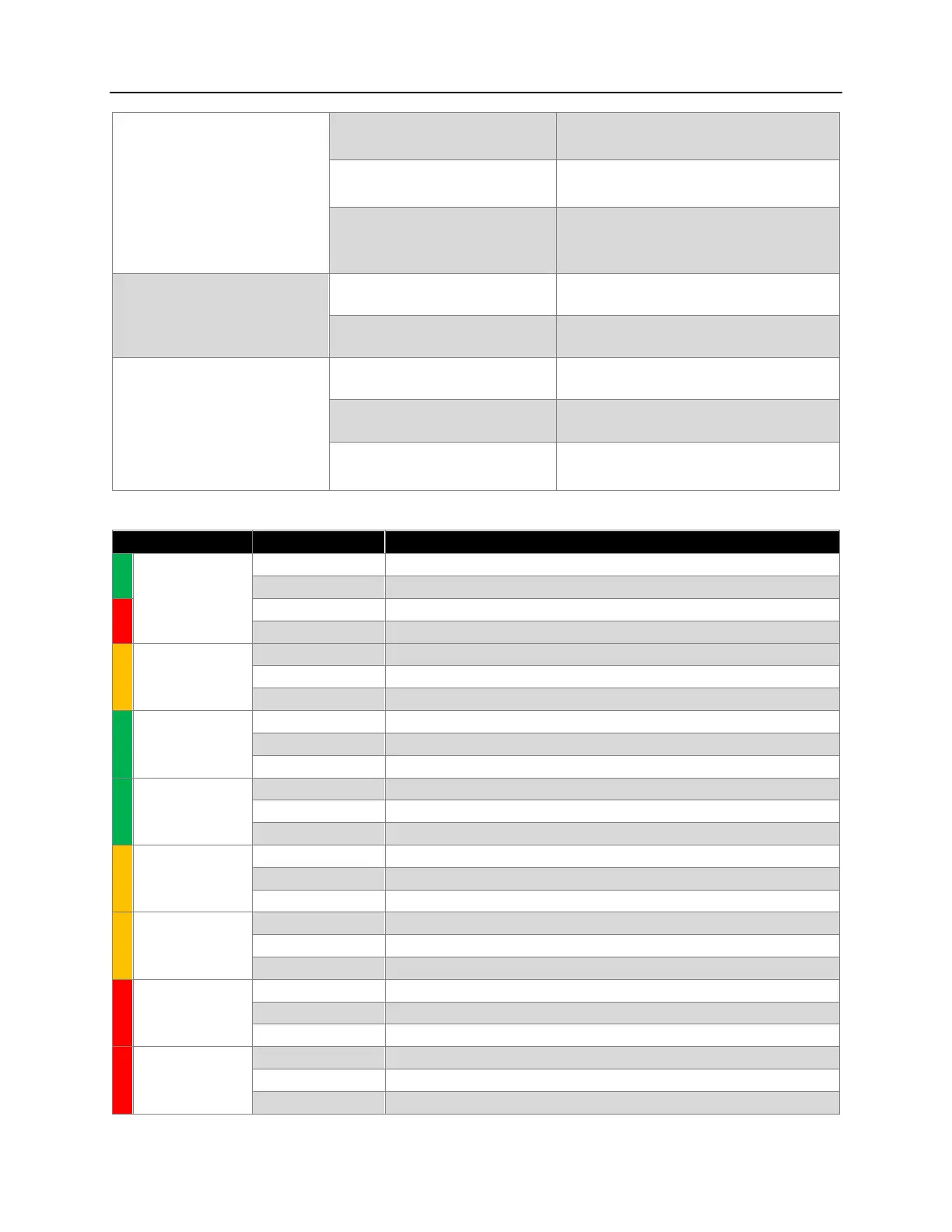
Able to connect to the Wi-Fi but
cannot access the DVR.
The device is configured with and
incorrect static IP.
Ensure that the network settings of the devices
Wi-Fi are set to DHCP rather than static IP.
The web path was entered incorrectly.
Ensure the web address of 192.168.10.254 was
entered.
The DVR’s Wi-Fi AP has DHCP
disabled.
Enter a static IPv4 address of 192.168.10.100
mask of 255.255.255.0 and then connect to the
DVR and go to the Wi-Fi settings and re-enable
DHCP.
DVR’s Wi-Fi Client will not find the
buildings Wi-Fi.
The buildings Wi-Fi is out of range of
the DVR.
Relocate the vehicle, reposition the antennas on
the building and/or the vehicle.
The buildings Wi-Fi is using an
unsupported name format.
Ensure the buildings Wi-Fi SSID name is not
using spaces or special characters.
DVR’s Wi-Fi Client will not connect
the buildings Wi-Fi.
The signal strength is poor of the
building’s Wi-Fi AP.
Relocate the vehicle, reposition the antennas on
the building and/or the vehicle.
The security key was incorrectly
entered.
Find the Wi-Fi AP again and reenter the security
key.
The security mode of the buildings
Wi-Fi AP is not compatible with the
DVR.
Change the security mode of the buildings Wi-Fi
AP.
STATUS
(RED/GREEN
LED)
- DVR
- Event Button
No power to DVR, or no power to Event Button.
DVR is booting up, or is booted up but not set to record.
DVR is recording, DVR is working properly.
DVR cannot record, SD card issue, camera issue.
No power to DVR, no 4G modem, 4G is disabled, or 4G has not yet booted.
4G is connected and available for data transfer.
4G is connected and transferring data to/from DVR.
Ignition Accessory Signal Detected and DVR is booting/booted.
System has no ignition signal and is in a standby/delayed shutoff state.
System error state, unplug then reconnect power to reset.
Delayed shutoff if flashing with PWR, standby if flashing opposite PWR.
No power to DVR, Wi-Fi is disabled or not yet booted.
Wi-Fi is running and ready for connection(s).
Wi-Fi is connected and transferring data to/from DVR.
No power to DVR, system not yet booted.
System Processor is running and ready for operation.
System Processor is in operation.
No power to DVR, No SD Card Inserted, SD Card is not detected.
SD Card has been detected and loaded by DVR.
SD Card has been loaded and transferring data to/from DVR.
No power to DVR, No SSD inserted, SSD is not detected.
SSD has been detected and loaded by DVR.
SSD has been loaded and transferring data to/from DVR.



 To Next Page