28 PowerScan
®
Scanner
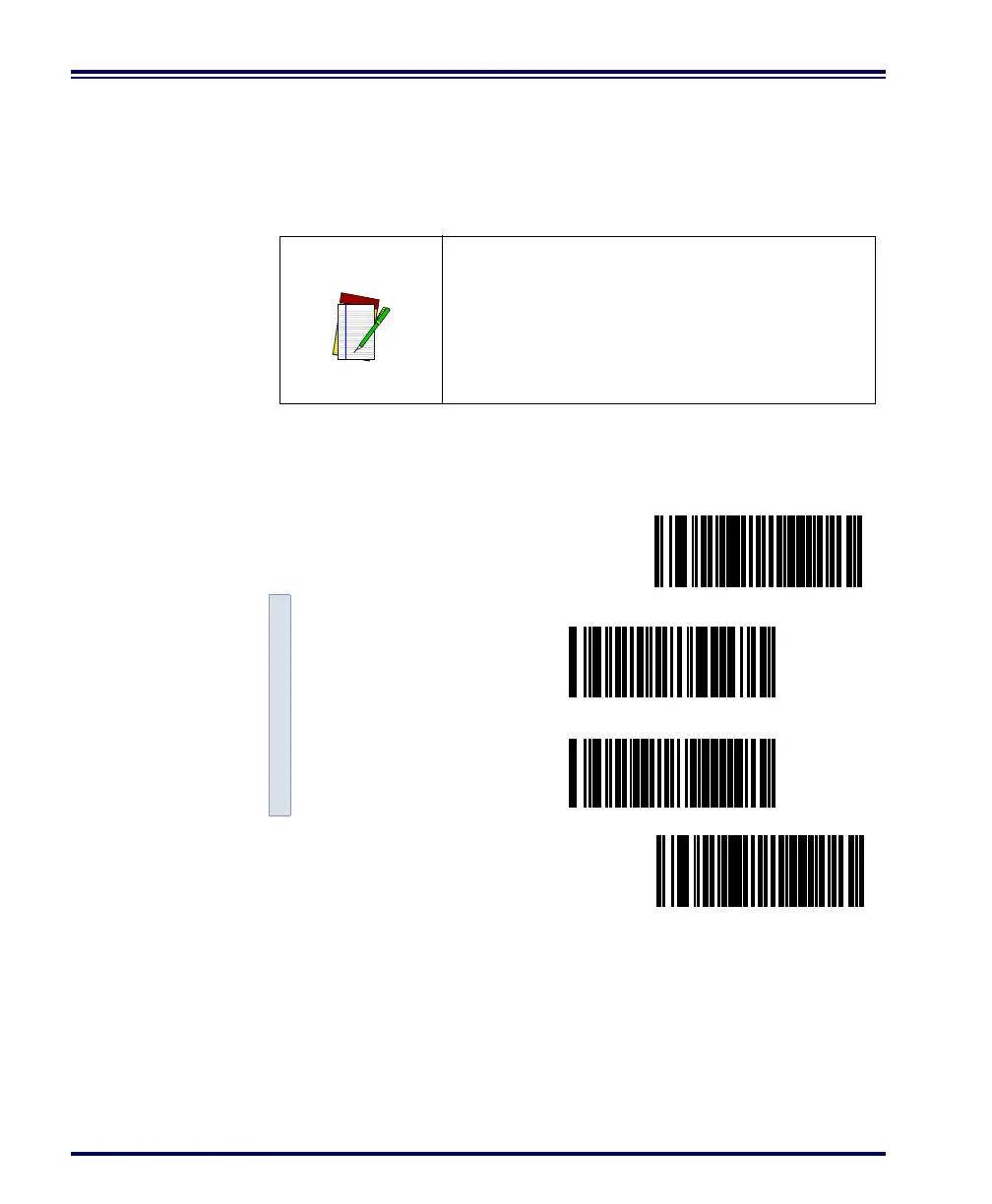
Disable both CTS/RTS and Xon/Xoff Controls - disables both the
CTS/RTS and Xon/Xoff software controls.
Scan the SET bar code label then the Step #1, Step #2 below, followed
by the END bar code labels to disable both CTS/RTS and Xon/Xoff
Control.
NOTE
To disable either CTS/RTS or Xon/Xoff, you
must first DISABLE BOTH CRTS/RTS and Xon/
Xoff Control using the programming labels
below. Then ENABLE the desired handshak-
ing feature from page 25 or page 27.
Disable both CTS/RTS and Xon/Xoff Control
SET -------------------------------------------
Step #1 ---------
Step #2 ---------
END ------------------------------------------



 To Next Page