Setting Up the Dock
User’s Guide 111
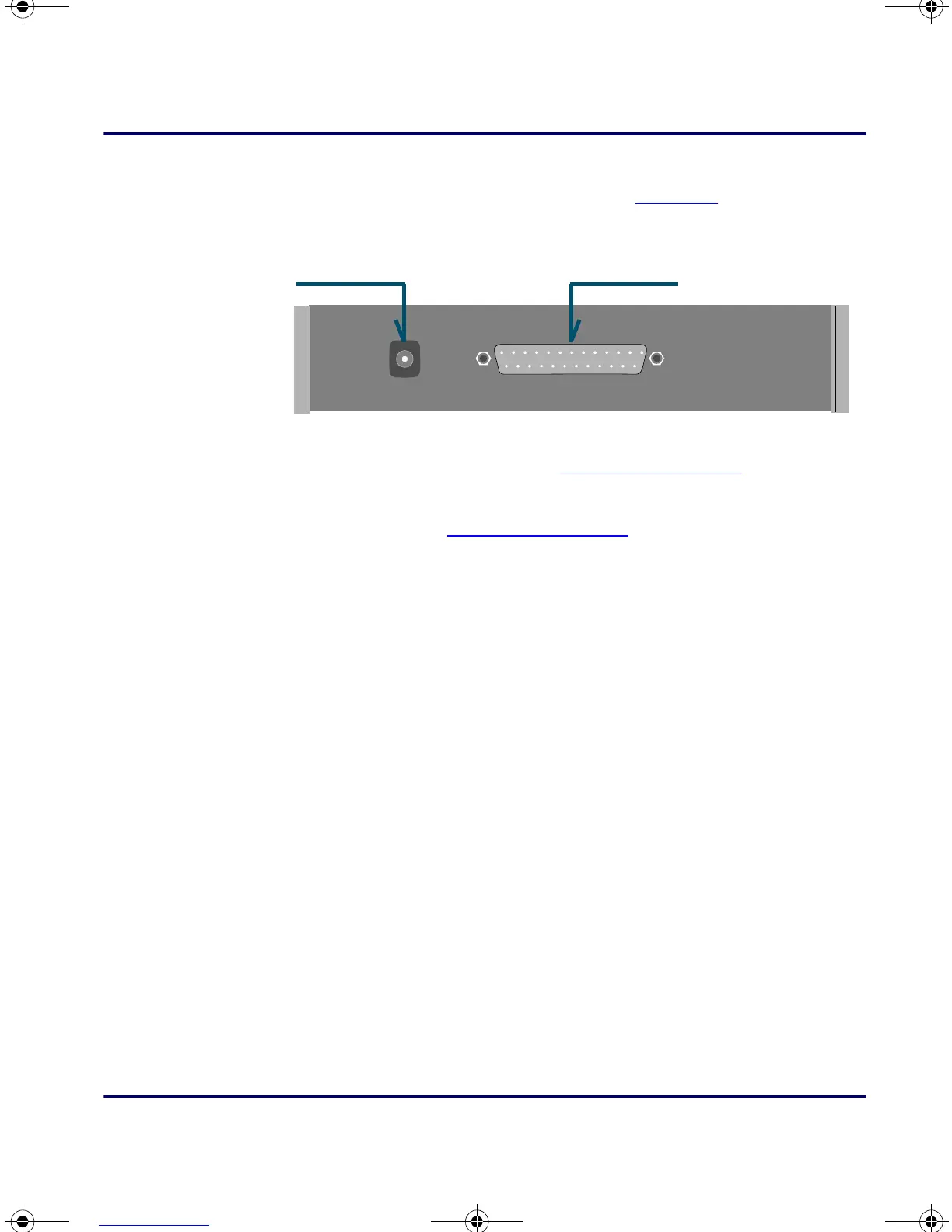
2. Plug the 25-pin connector of the cable into the cable input jack
on the back of the PT Dock (refer to
Figure D-3).
Figure D-3: Back of the PT Dock
3. Attach the small male plug of the PSC cable to the keyboard jack
on the workstation (refer to
Figure D-4 on page 112).
4. Attach the keyboard cable to the small female jack on the PSC
cable (refer to Figure D-4 on page 112).
5. Turn the workstation on. The green light-emitting diode (LED)
labeled
POWER on the front panel of the PT Dock should light
up.
Power input jack
Cable input jack
PT2000.book Page 111 Thursday, February 26, 2004 9:34 AM



 To Next Page