Using Predefined Defaults
User’s Guide 63
Using Predefined Defaults
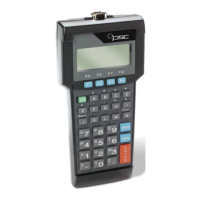
TopGun and the PT2000 have the following three sets of parameter
defaults:
Predefined Default 0 (D0) : turns every on/off parameter off and sets
all minimum and maximum lengths to zero.
Predefined Default 1 (D1): turns every on/off parameter on, sets all
minimum lengths as low as possible, and sets all maximum lengths as
high as possible.
Predefined Default 2 (D2) : is the default set that was installed in the
portable at the factory. This default set will work for most applications.
Reset the portable to a predefined default set by scanning one of the
following bar codes:
Note: To restore the default settings for serial communications,
scan Serial Communications Parameter (default) bar code
on
page 81.
D0
*$+$-D0EE*
D1
*$+$-D1EE*
D2
*$+$-D2EE*
PT2000.book Page 63 Thursday, February 26, 2004 9:34 AM


 To Next Page