Using the PT2000 and TopGun with PALPRO
54 PT2000™ & TopGun™
Resetting the Portable
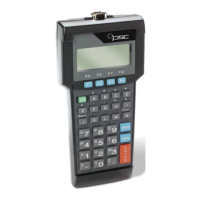
To reset the PT2000 or TopGun, remove the battery pack, alkaline
batteries, or external power supply. Then press and hold down the
<Alpha> and <ENTER> keys while reinserting the batteries or
reconnecting the power supply. The portable will prompt to enter the
current date and time.
Or, reset the PT2000 by scanning the following bar code:
Caution: Resetting the PT2000 or TopGun is similar to pressing
<Ctrl>+<Alt>+<Delete> on a PC. All data stored in the
portable’s memory will be cleared.
Reset
*+.*
PT2000.book Page 54 Thursday, February 26, 2004 9:34 AM


 To Next Page