The PT Dock
112 PT2000™ & TopGun™
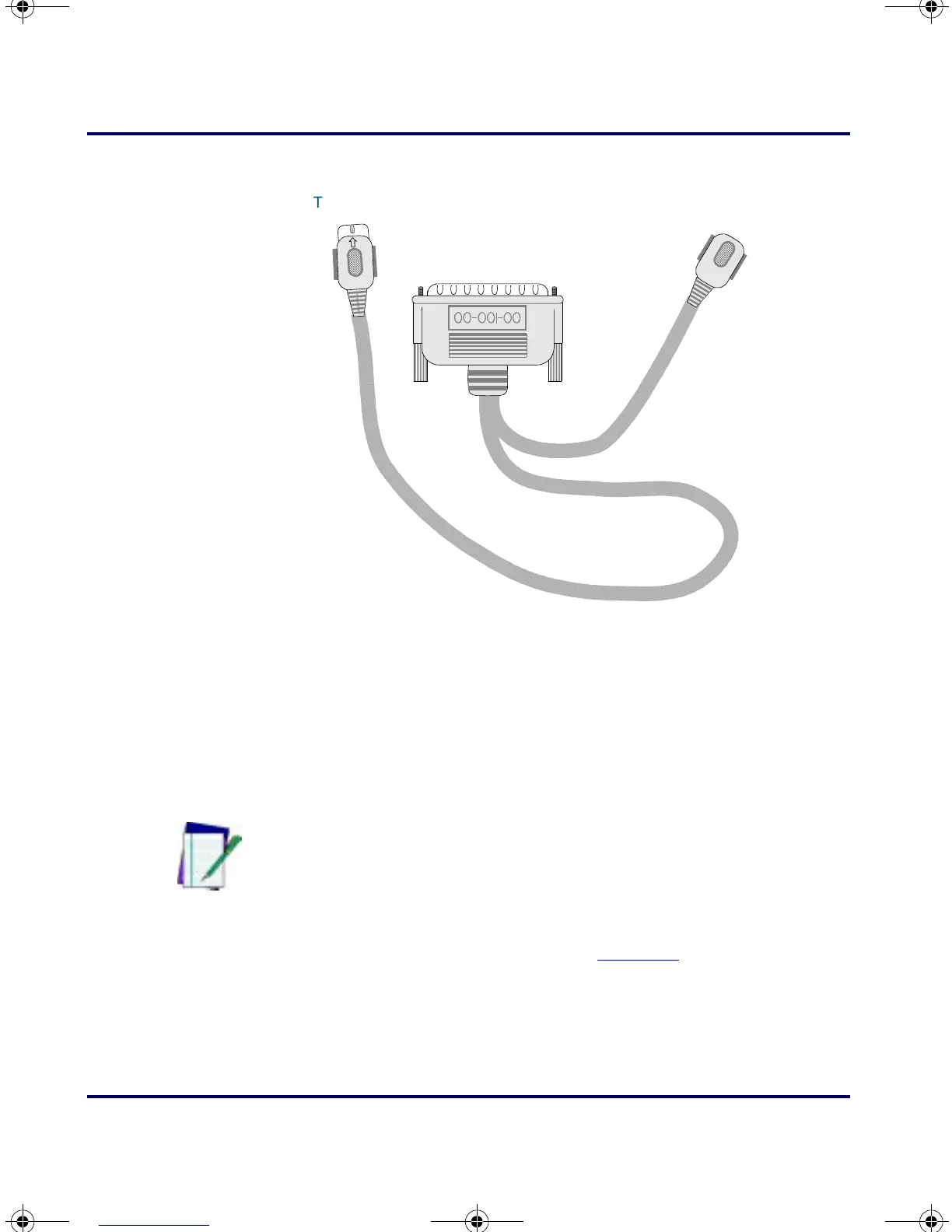
Figure D-4: Sample PSC Keyboard wedge
About the Power Adapter
To use the PT Dock with a serial cable, use a 9-volt power adapter to
recharge the NiCd batteries in the PT2000 or TopGun. Power adapters
are available from a PSC dealer. (When using the keyboard wedge
configuration, power is supplied by the workstation.)
Attach the small, round plug of the power adapter to the power input
jack on the back of the PT Dock (refer to
Figure D-3). Plug the other end
into a 110-volt outlet or power strip. The green light-emitting diode
(LED) labeled
POWER on the front panel of the PT Dock should light
up.
To PT Dock
O
U
T
×
To computer
To keyboard
Note: Use only a 9-volt power adapter supplied by PSC. Using
another adapter can damage the unit.
PT2000.book Page 112 Thursday, February 26, 2004 9:34 AM



 To Next Page