Collecting Data
User’s Guide 39
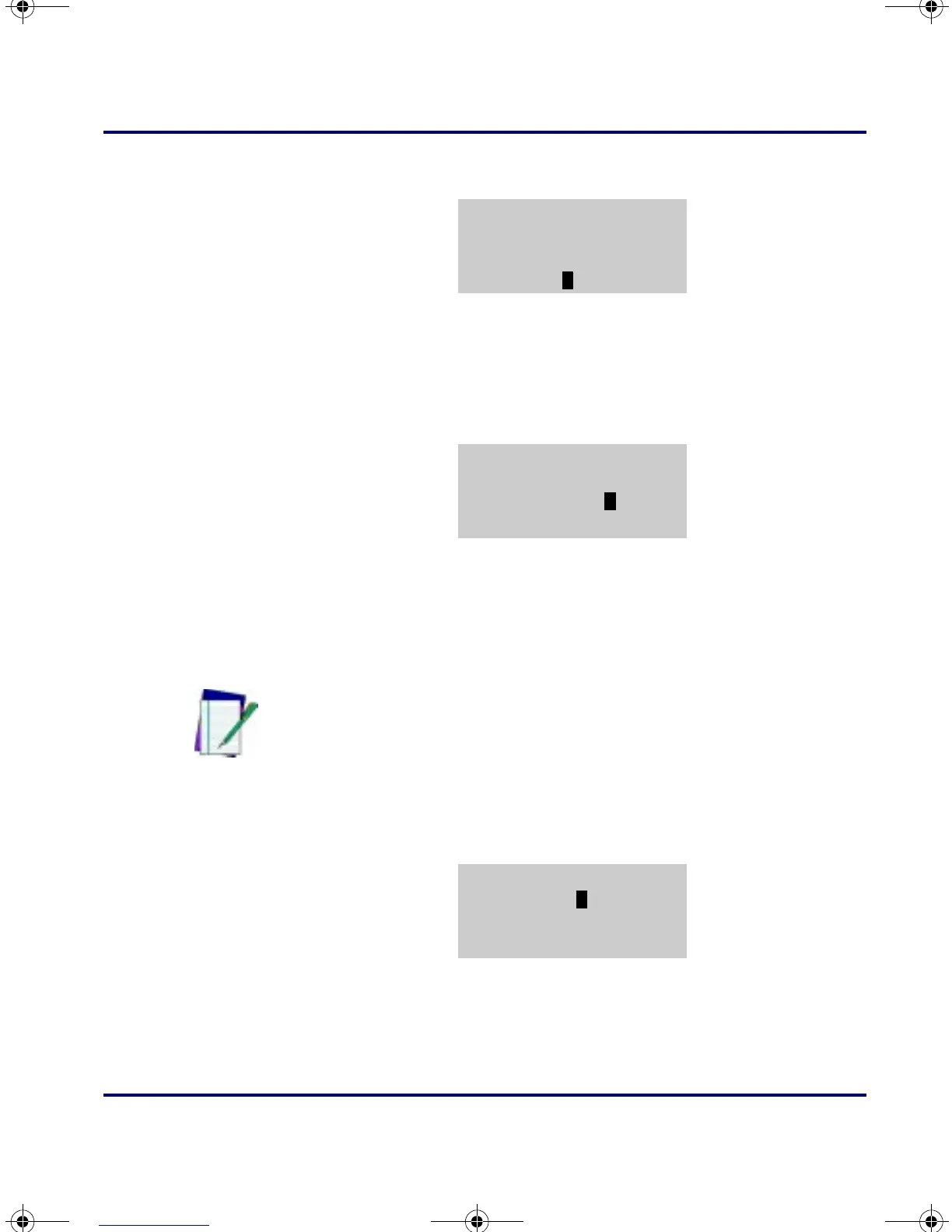
Figure 3-45:
CONNECT TO PORTABLE Prompt
9.
When the transfer is completed, the portable’s screen will report
on the number of records in the list in memory. Press the
<F4>
key to return to the
Receive Lists menu.
Figure 3-46: Results Report
10 .
To load another file, repeat steps 7 through 9. When both files
are loaded, press the
<F4> key to return to the application menu.
Using
DESCRIPT
1. At the screen displaying the program name, press any function
key.
Figure 3-47: DESCRIPT Prompt
2.
At the next screen, press the <F1> key to display the application
menu.
CONNECT FOR REC
ITEM LIST
F3=CONTINUE
F4=EXIT
RESULTS
RECORDS=16
F4=CONTINUE
Note: To set a new date or time, see page 19.
DESCRIPT
08:17:32
05/01/02
F-KEY=CONTINUE
PT2000.book Page 39 Thursday, February 26, 2004 9:34 AM


 To Next Page