Programming the PT2000 and TopGun
60 PT2000™ & TopGun™
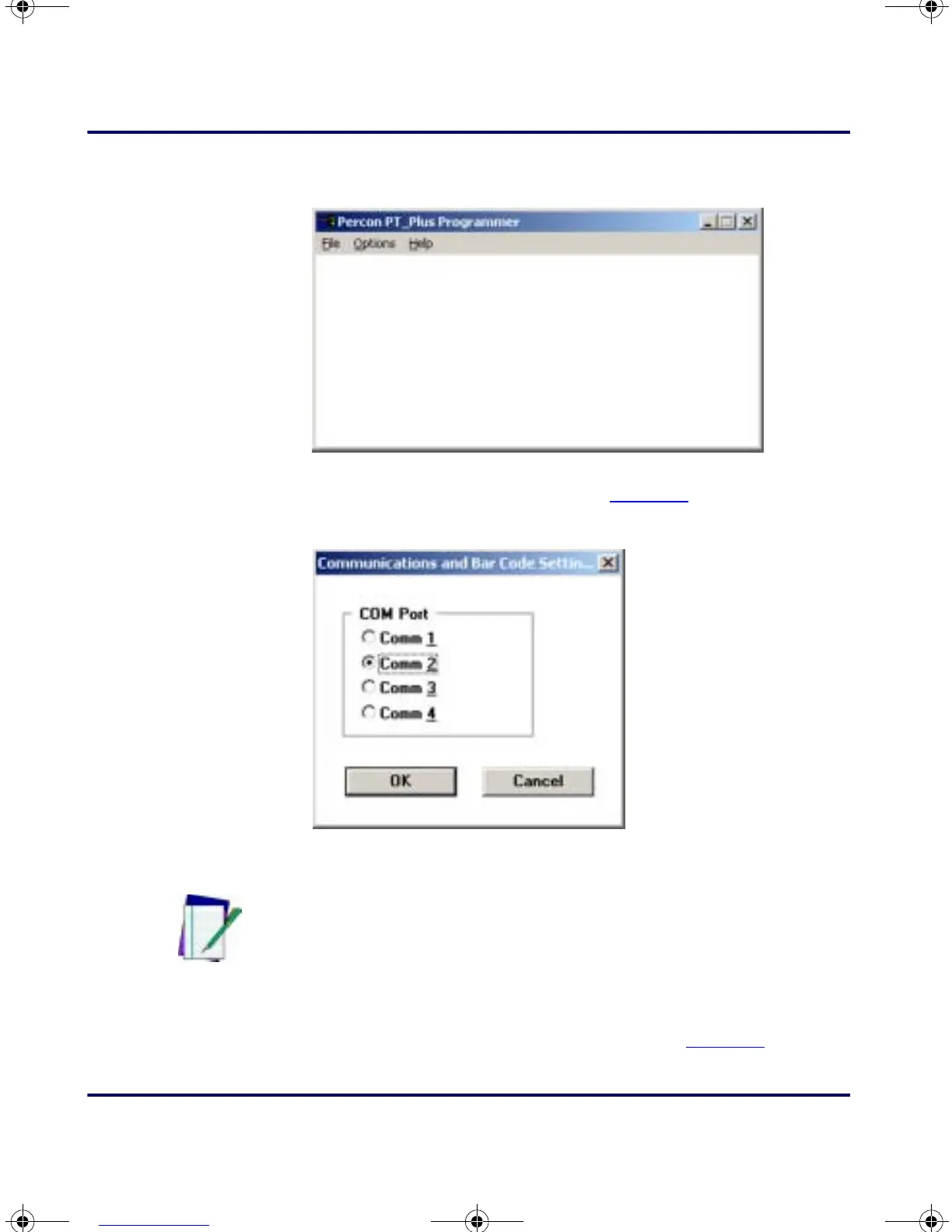
Figure 4-1: The PSC Portable Programmer (PERCPROG) Main Window
3.
From the menu, select Options > Settings. The Communications
Settings window will open (refer to Figure 4-2).
Figure 4-2: The Communications Settings window
4.
Select the desired serial port. Then select OK.
5. From the PSC Portable Programmer menu, select File > Open.
The
Program File window will open (refer to Figure 4-3).
Note: After changing the serial port setting, PERCPROG will keep
the new setting until it is changed again. Use the icons in the
PSC PAL program group (Windows 3.1) or the Start Menu
(Windows 9x) to install an application.
PT2000.book Page 60 Thursday, February 26, 2004 9:34 AM



 To Next Page