Need help?
Do you have a question about the PSI FluorPen FP 100 and is the answer not in the manual?
Lists all parameters the FluorPen can measure and calculate.
Defines adjustable ranges for saturating, actinic, and measuring light.
Details communication interfaces and software compatibility.
Covers data logging, power, operating, and storage conditions.
Introduces the FluorPen as a portable fluorometer for various applications.
Lists and describes different models of the FluorPen.
Lists all items typically found in the FluorPen package.
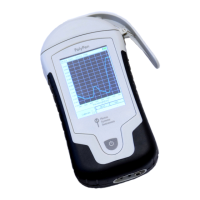
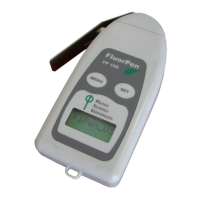
Labels and describes the main physical components of the FluorPen.
Describes the carrying case and optical protective pad.
Explains the battery type and operational life of the FluorPen.
Explains how to navigate the FluorPen's menu system using buttons and arrows.
Outlines the main options available in the FluorPen's main menu.
Details the options for selecting and performing measurements.
Explains how to browse and erase previously recorded data.
Covers how to adjust device settings like light, time, and sound.
Lists requirements for establishing a Bluetooth connection between FluorPen and PC.
Step-by-step guide for pairing the FluorPen with a PC via Bluetooth.
Instructions on establishing a live connection after successful pairing.
Lists requirements for connecting the FluorPen to a PC via USB cable.
Outlines the process of connecting and starting the FluorPen software via USB.
Guides on how to start and connect the FluorPen software.
Describes the functions of menus and icons within the software interface.
Provides an example of transferring and visualizing measured data.
Explains the technical parameters related to OJIP fluorescence measurements.
Details the Non-Photochemical Quenching (NPQ) measurement protocols.
Explains the Light Curve (LC) protocols for photosynthesis response.
Guides on how to update the FluorPen device firmware.
Overview of the GPS module and its physical components.
Steps for installing and configuring the GPS module with FluorPen software.
Instructions for operating the GPS module and synchronizing data.
Process for downloading GPS data paired with FluorPen measurements.
Outlines the terms and conditions of the product's limited warranty.
 General
| Brand | PSI |
|---|---|
| Model | FluorPen FP 100 |
| Category | Measuring Instruments |
| Language | English |

 To Next Page