1. Installing AA Batteries
The device operates on two AA batteries. You can use alkaline, NiMH or lithium batteries. Use NiMH of
lithium batteries for best results.
1. Turn the D-ring counter clockwise and pull up to remove the cover.
2. Insert the batteries, observing polarity.
3. Replace the battery cover and turn the D-ring clockwise.
4. Hold
5. Select Setup->System->Battery Type
6. Select Alkaline, Lithium or Rechargeable NiMH
2. Device settings
1. Hold
2. After the device is on, it begins acquiring satellite signals. The device may need a clear view of the
sky to acquire satellite signals.
3. You can check current position and accuracy in Satellite Page
4. For better precision you can enable GPS+GLONASS mode in Setup->System
->Satellite System->GPS+GLONASS and turn WAAS/EGNOS On.
5. Make sure that USB Mode is set to Mass Storage (Setup->System->USB Mode)
For more information please check Garmin eTrex manual.
10.B. First Time Installation of the GPS Module
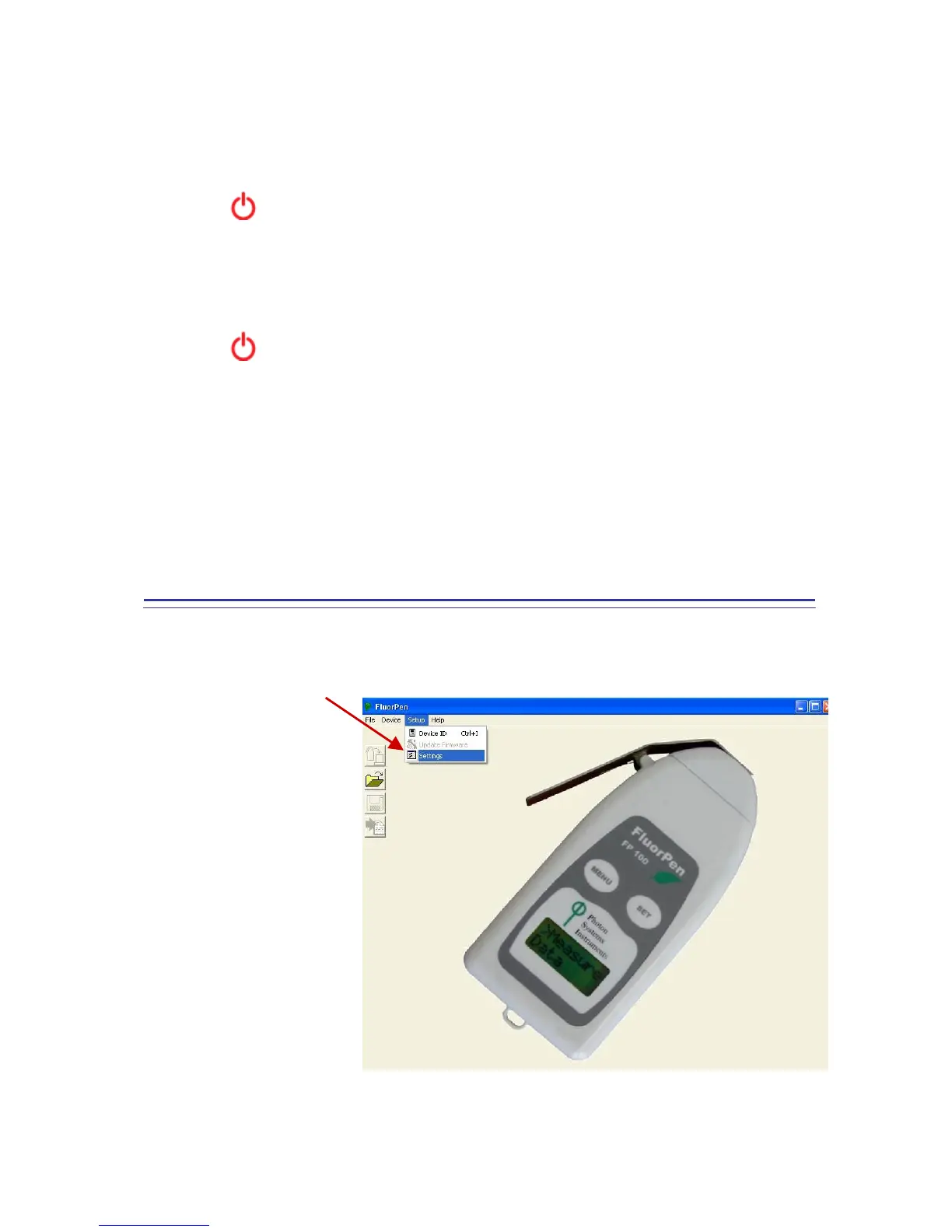
Step 1: Enabling GPS Module in the FluorPen Software
Select: Setup>Settings


 To Next Page
 Loading...