PT200MI instruction manual 8
5. FUNCTION SETTING
Enter function setting: Press and hold MODE key, then press G/N key, 2 seconds later, “FUNC” is displayed,
the function setting mode is selected and data within functions “F0 0” to “F19 XX” can be set.
Note INPUT1 must be connected to COM to enter the function setting mode.
The factory setting for INPUT1 is FUNC and implements this lock.
Not all changes to functions activate immediately. F0 saves any changes.
After saving with F0, turn off, wait 30 seconds and turn on to activate all changes.
If function data is changed, enter the calibration mode to verify/perform calibration as calibration may have
altered.
Key description:
key : Selects the function No. (from F0 to F19 to F0).
key : Changes the data value(from FX 0 to 1,2…….etc.).
key : Accepts the data and moves to the next function.
Note:
(1) Data setting using RS232/RS485 is possible with a serial option installed and using
a simple terminal program such as hyperterminal or seyon.
(2) If an error occurs, “ERROR X” will be output from the RS232/RS485 port.
(3) When a “check sum” error occurs or there is a function change of “max.cap”, “mult” or “step”, the
PT200MI is put into the “CAL” re-set mode (the message is automatically displayed). However the
power supply must be turned off/on during that state, the PT200MI will return to the weighing mode
and “CAL” mode must be entered manually.
(4) Percentage of zero range can be ignored.
Function setting must be within the parameters of the instrument.
• The total divisions (capacity divided by the increment or step) cannot exceed 10000.
• The minimum number of divisions is 100.
• The voltage input per division (increment, step) must not be less than the minimum input sensitivity
of 0.5μV/D.
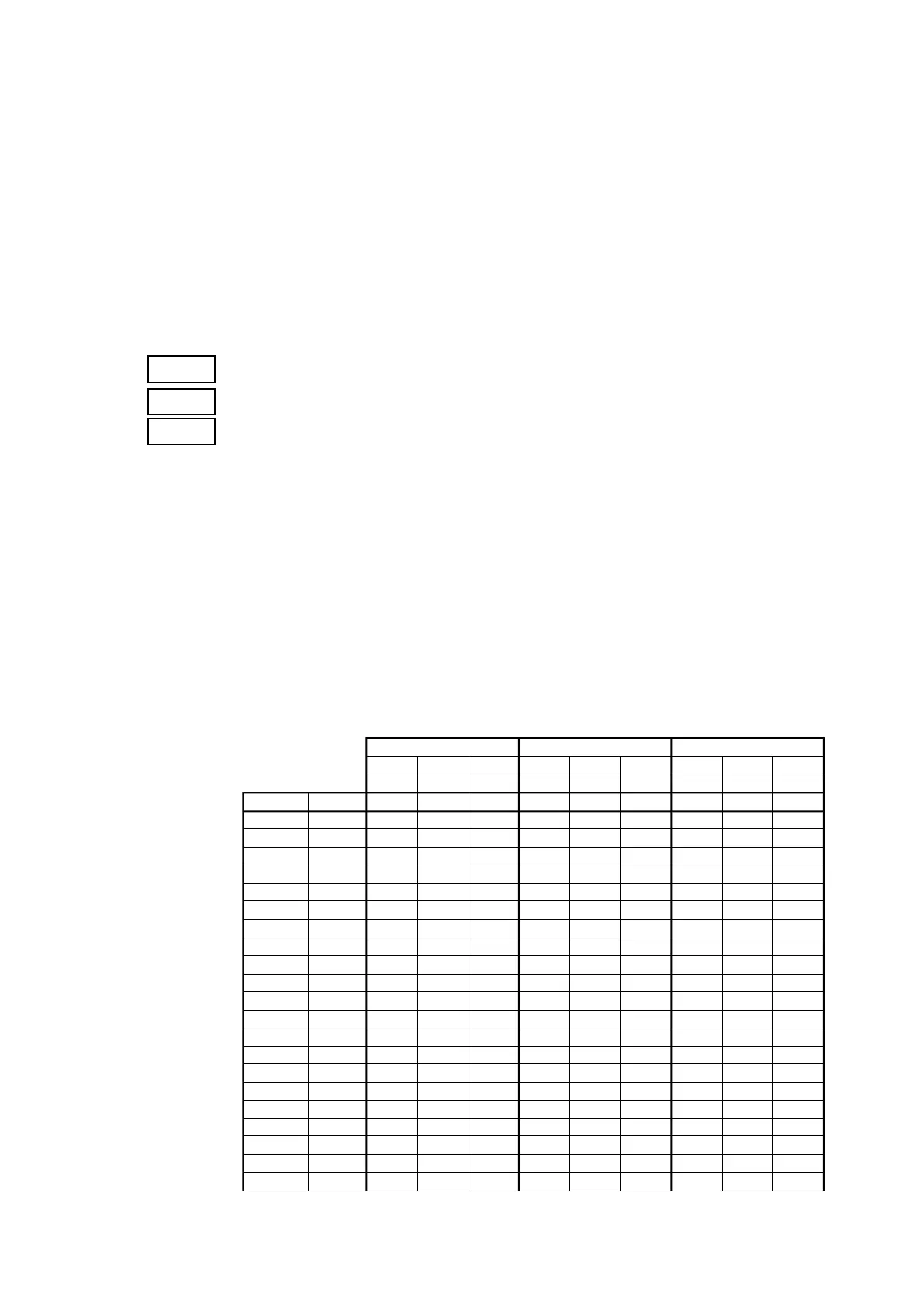
To aid setting of the PT200MI a tables below show settings of F4, F5 and F6 for various capacities and
increments.
MULTIPLIER F4
0.0001 (F4=5) 0.001 (F4=4) 0.01 (F4=3)
DIVISION F5
1 2 5 1 2 5 1 2 5
(F5=0) (F5=1) (F5=2) (F5=0) (F5=1) (F5=2) (F5=0) (F5=1) (F5=2)
Increment or step 0.0001 0.0002 0.0005 0.001 0.002 0.005 0.01 0.02 0.05
500 (F6=0) 0.0500 0.0500 0.0500 0.500 0.500 0.500 5.00 5.00 5.00
1000 (F6=1) 0.1000 0.1000 0.1000 1.000 1.000 1.000 10.00 10.00 10.00
1200 (F6=2) 0.1200 0.1200 0.1200 1.200 1.200 1.200 12.00 12.00 12.00
1500 (F6=3) 0.1500 0.1500 0.1500 1.500 1.500 1.500 15.00 15.00 15.00
2000 (F6=4) 0.2000 0.2000 0.2000 2.000 2.000 2.000 20.00 20.00 20.00
2500 (F6=5) 0.2500 0.2500 0.2500 2.500 2.500 2.500 25.00 25.00 25.00
3000 (F6=6) 0.3000 0.3000 0.3000 3.000 3.000 3.000 30.00 30.00 30.00
MAXIMUM
4000 (F6=7) 0.4000 0.4000 0.4000 4.000 4.000 4.000 40.00 40.00 40.00
CAPACITY
5000 (F6=8) 0.5000 0.5000 0.5000 5.000 5.000 5.000 50.00 50.00 50.00
F6
6000 (F6=9) 0.6000 0.6000 0.6000 6.000 6.000 6.000 60.00 60.00 60.00
8000 (F6=10) 0.8000 0.8000 0.8000 8.000 8.000 8.000 80.00 80.00 80.00
10000 (F6=11) 1.0000 1.0000 1.0000 10.000 10.000 10.000 100.00 100.00 100.00
12000 (F6=12) ERR 1.2000 1.2000 ERR 12.000 12.000 ERR 120.00 120.00
15000 (F6=13) ERR 1.5000 1.5000 ERR 15.000 15.000 ERR 150.00 150.00
20000 (F6=14) ERR 2.0000 2.0000 ERR 20.000 20.000 ERR 200.00 200.00
25000 (F6=15) ERR ERR 2.5000 ERR ERR 25.000 ERR ERR 250.00
30000 (F6=16) ERR ERR 3.0000 ERR ERR 30.000 ERR ERR 300.00
40000 (F6=17) ERR ERR 4.0000 ERR ERR 40.000 ERR ERR 400.00
50000 (F6=18) ERR ERR 5.0000 ERR ERR 50.000 ERR ERR 500.00
60000 (F6=19) ERR ERR ERR ERR ERR ERR ERR ERR ERR
80000 (F6=20) ERR ERR ERR ERR ERR ERR ERR ERR ERR



 To Next Page