PT200MI instruction manual 36
Step 5: Zero band setting (ZB)
Transmit Response
[num]<CR><LF> ZERO BAND [num]<CR><LF>
Options for [num]
The value of the final required batch weight.
N<CR><LF> to move to the next setting.
R<CR><LF> to return to normal weighing.
FINAL [NUM]<CF><LF>
YES
An error occurs if correct setting conditions are not satisfied
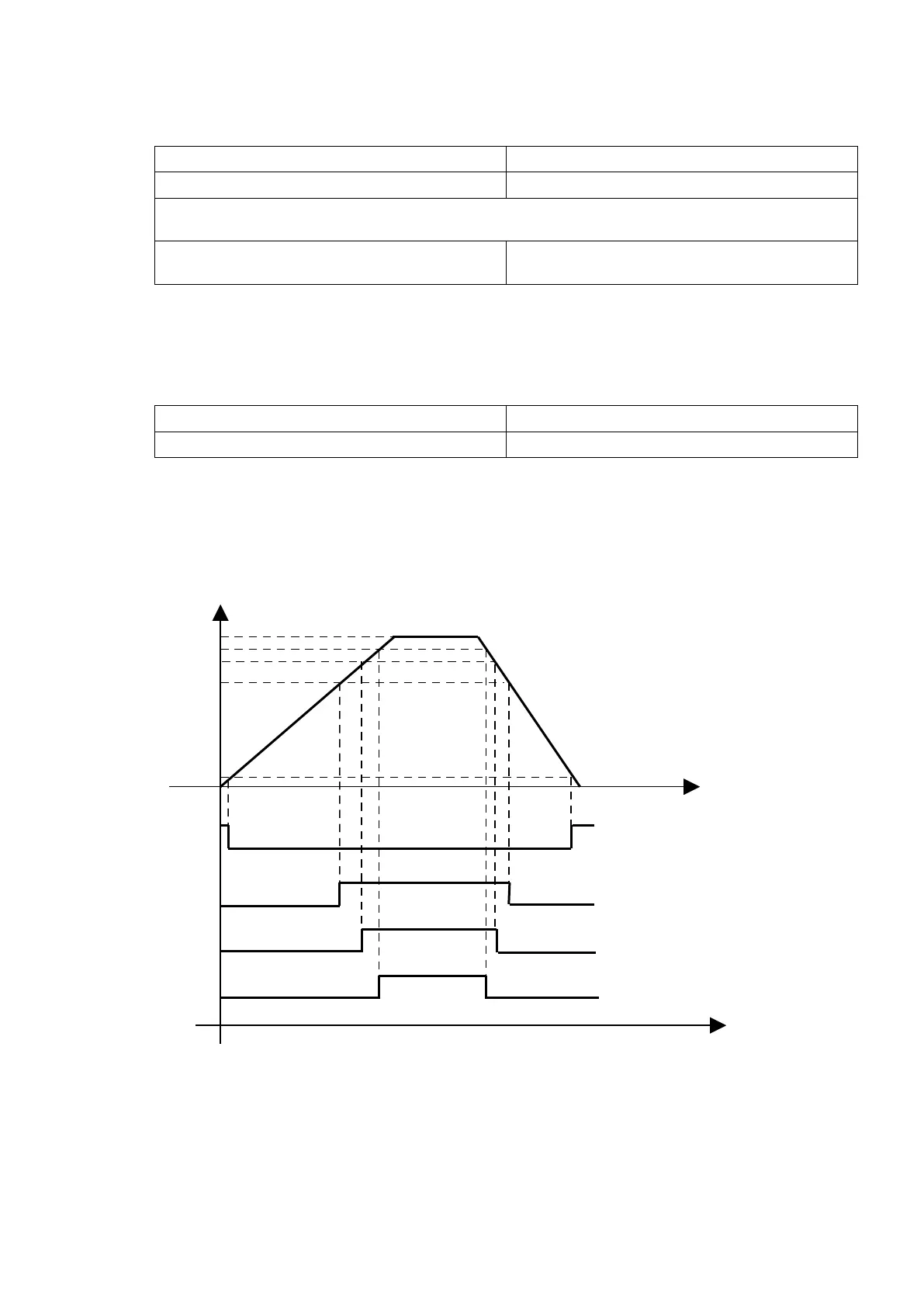
Final setpoint > Optional preliminary > Preliminary > Free fall. (> means greater than)
In this event press input “N <CR><LF>” to restart from step 1 to step 5.
Step 6: Exit the set-point setting mode.
Transmit Response
R<CR><LF> to return to normal weighing. YES
For example:
Final setpoint = 1000 Optional prelim.(OP) = 400
Prelim.(PL) = 200 Free fall(FF) = 100
Zero band(ZB) = 50



 To Next Page