3
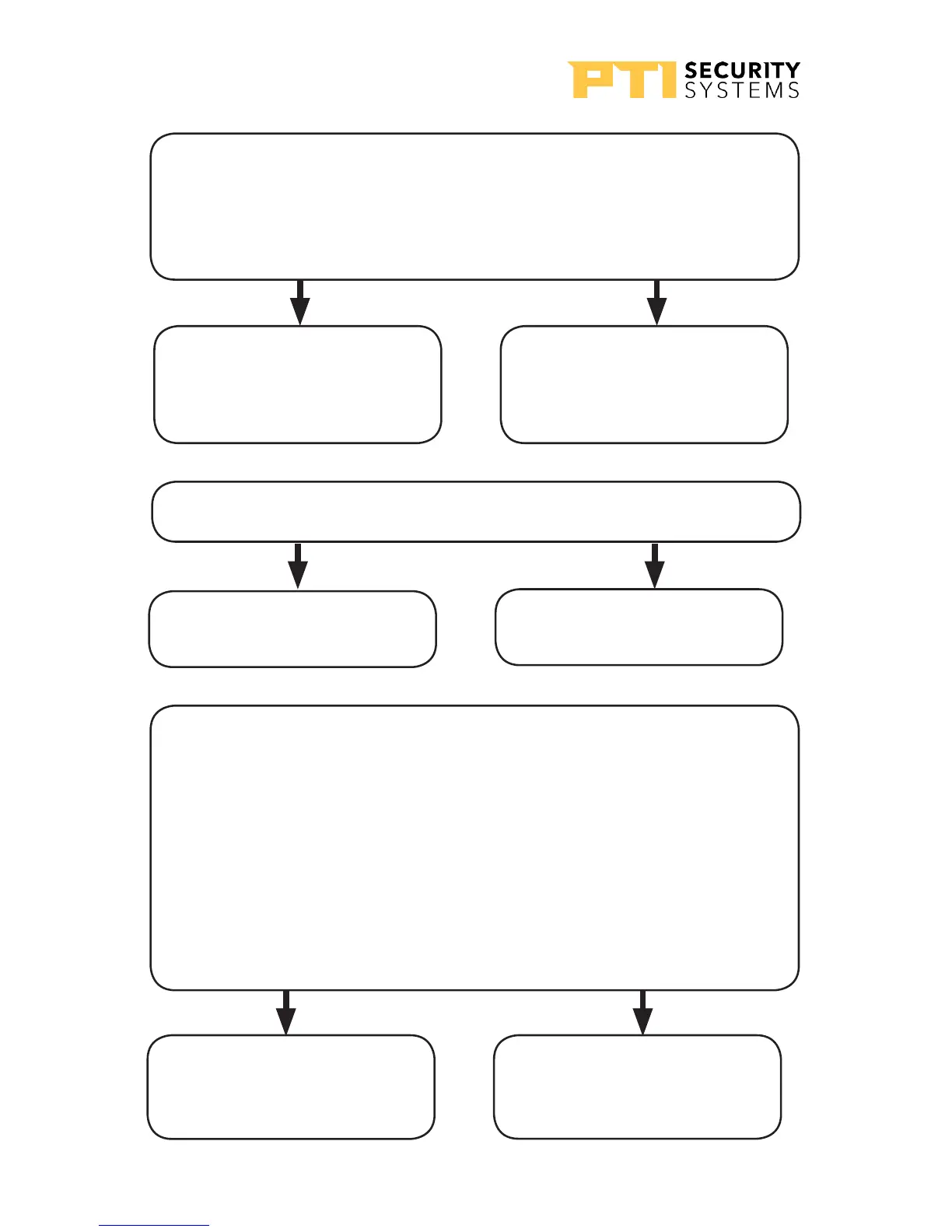
Is the voltage at the APEX, connector P1 pins 1 & 2
greater than 18 Volts?
(Use a volt meter to measure the voltage).
Note these readings on the sketch.
Yes – Voltage is too high,
check power supply and
retest
No – Proceed to step 4
4
Is the APEX display blank?
Yes – Replace the APEX
and retest
No – Proceed to step 5
5
Is the APEX communicating with the controller and
software?
Check the LEDs on the APEX board or by run the system setup
report on the controller.
When the APEX is communicating with the controller, LEDs
D1—D6 will be blinking. If only D1 and D4 are blinking,
proceed to step 7.
See “Drawing 20: LED layout on the APEX board” on page
53 for the LEDs location.
Yes – Contact Technical
Support if the APEX is still
not working.
No – Check wiring and
proceed to step 6
APEX Access Device
52
114A3863.E rev. 7-2017



 To Next Page