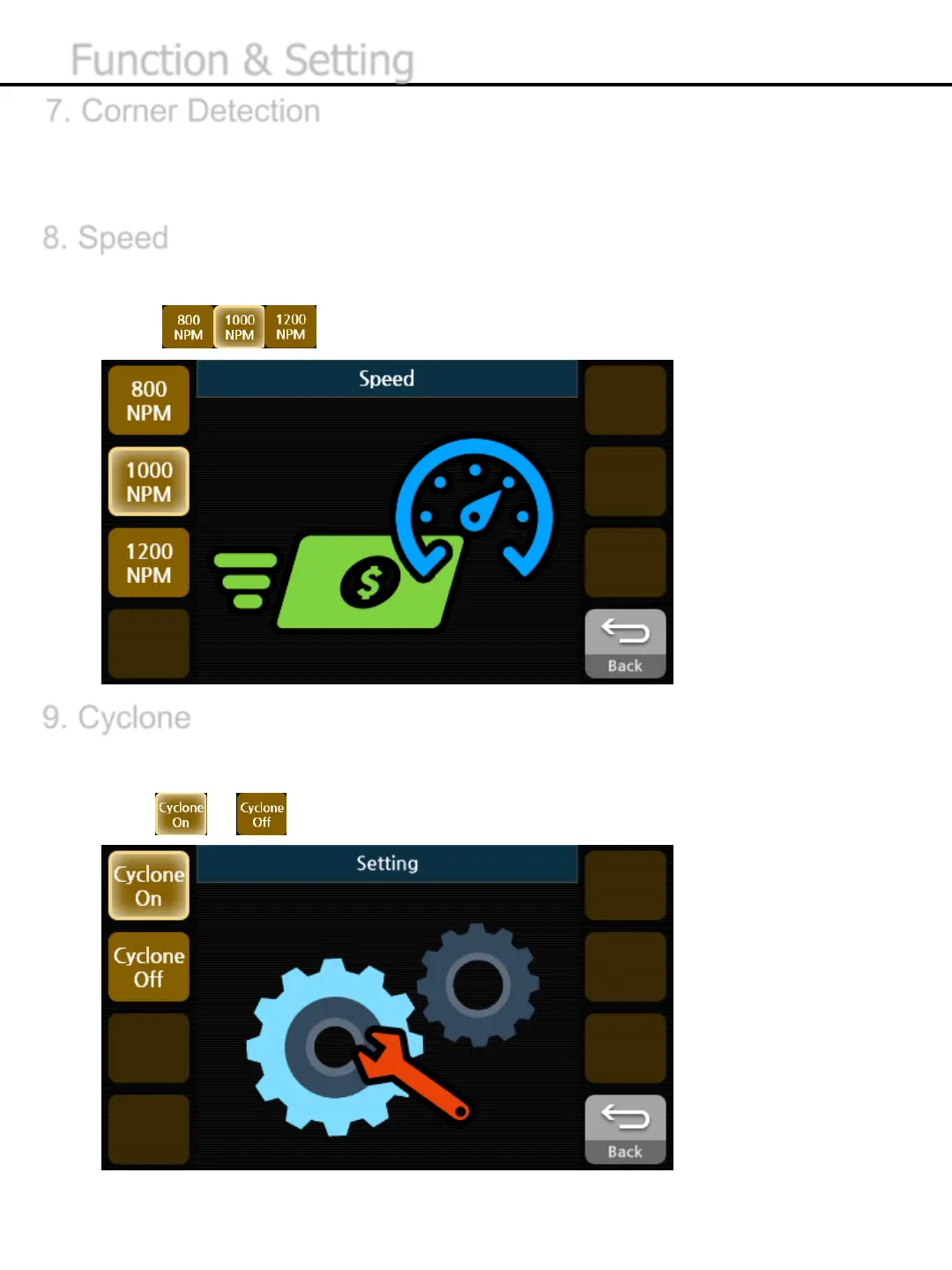
8. Speed
9. Cyclone
If Cyclone is ON, dusts will be collected in Dust Pocket during the operation.
1) Press or button to turn it on or off.
-35-
7. Corner Detection
Corner Detection enables to detect the status of corner and send the cut or curled banknotes to
Reject Pocket.
The EE7 offers three options of speed; 800 / 1000 / 1200 NPM (Notes per Minute)
1) Press button to select counting speed.
Function & Setting


 To Next Page