Changing the information shown on the display
To change what information is shown on the display, press and hold the Menu button . You
can change between the following options:
• Station name
• Now playing information
• Clock
FM radio
Listen to your favourite FM radio stations.
To get a better radio reception, you may need to extend the built-in auxiliary cable. The
cable also acts as an aerial.
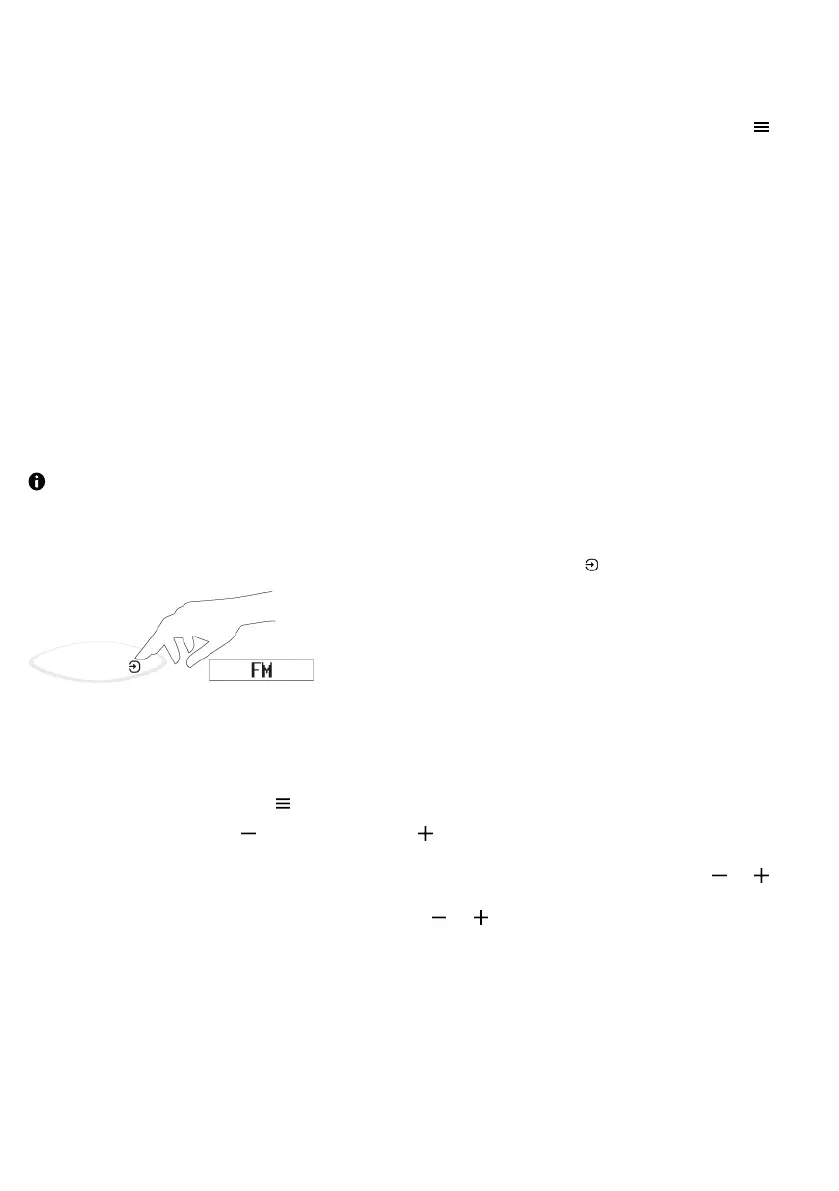
To change the source mode to FM radio, press the Source button until FM is displayed.
Changing the FM radio station
1. Press the Menu button .
2. Use the left button or the right button .
• To automatically seek down or up for the next station, press and hold or .
• To step down or up 0.05MHz, press or .
StreamR Splash User Guide 13



 To Next Page