Actions Example of voice command
Listen to a radio station "Play BBC Radio 2."
Play some music "Play some jazz music."
Set a timer "Set a timer for 20minutes."
Ask a question "What's the weather?"
To cancel an Alexa alarm or timer, press and hold the Pure button when the alarm or
timer sounds.
Alexa plays music using the Amazon Music service.
Bluetooth
Set up your mobile device to stream music using Bluetooth.
Alexa voice control requires a mobile device with a data or Wi-Fi connection, which is
connected to your StreamR Splash using Bluetooth. See "Controlling your speaker with
voice commands".
Connecting a Bluetooth device
If you set up your StreamR Splash using the Pure Home app, the mobile device you used is
already paired with your speaker.
To connect to a previously paired Bluetooth device:
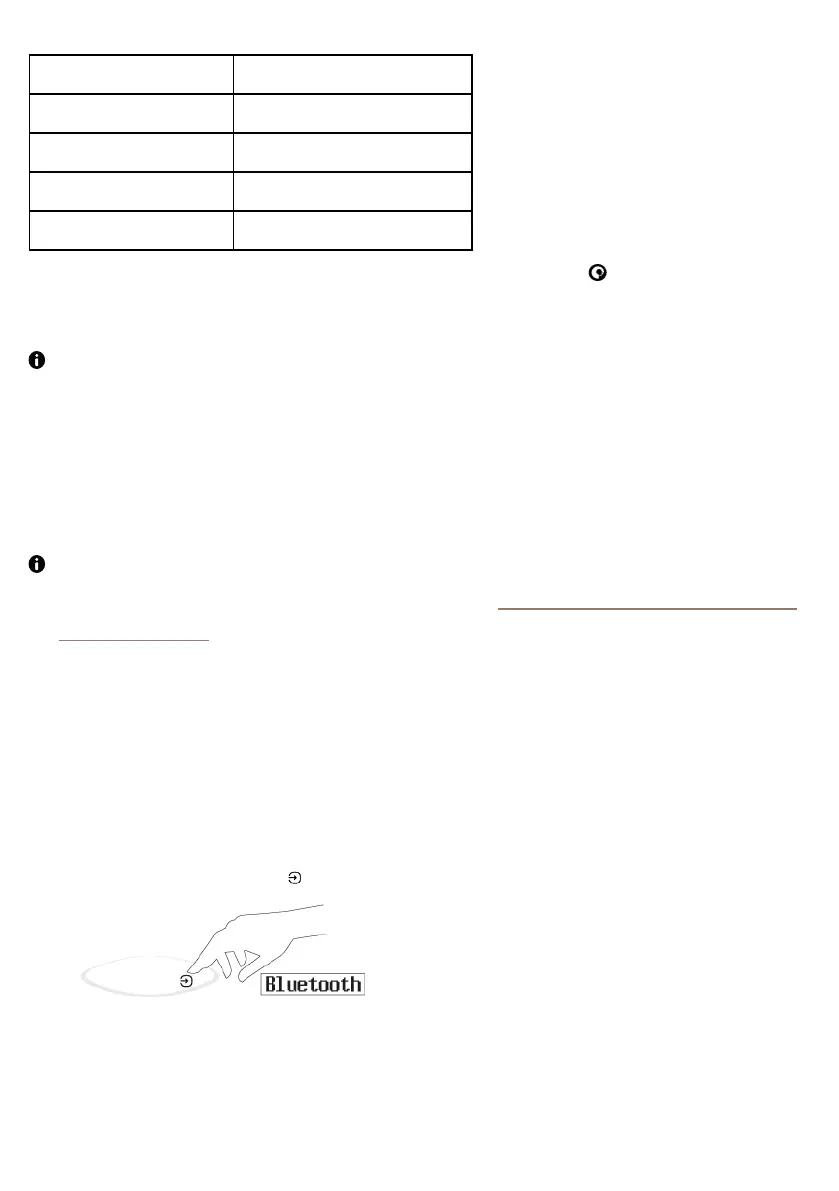
1. Press the Source button until Bluetooth is displayed.
StreamR Splash User Guide 9



 To Next Page