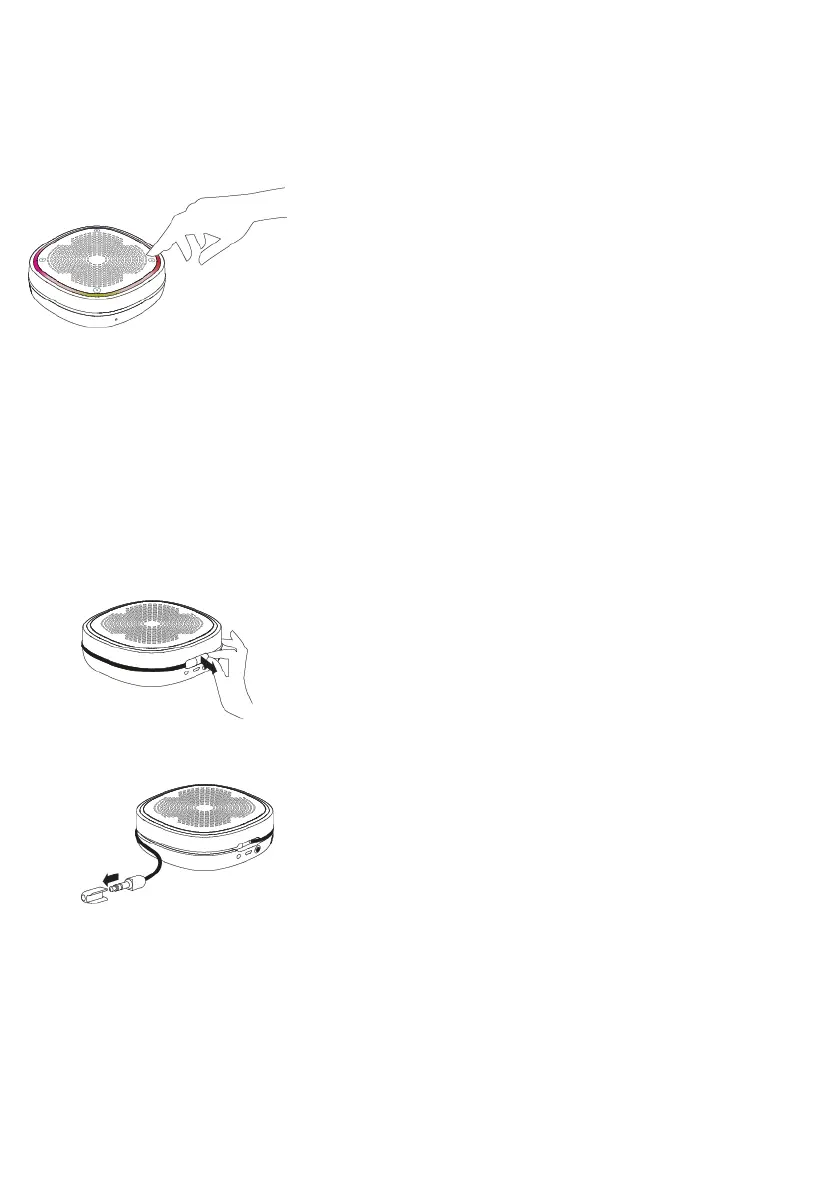
Selecting presets
To listen to a stored radio station, press the preset corner. You can access your presets
from any source mode.
Connecting an auxiliary device
You can connect your StreamR Splash to any auxiliary device, using the built-in 3.5mm
auxiliary cable.
1. Pull the end of the auxiliary cable at the back of the speaker, to start extending the
cable.
2. Extend the auxiliary cable to the desired length and remove the cable's cap.
StreamR Splash User Guide 15



 To Next Page