16 StreamR Splash User Guide
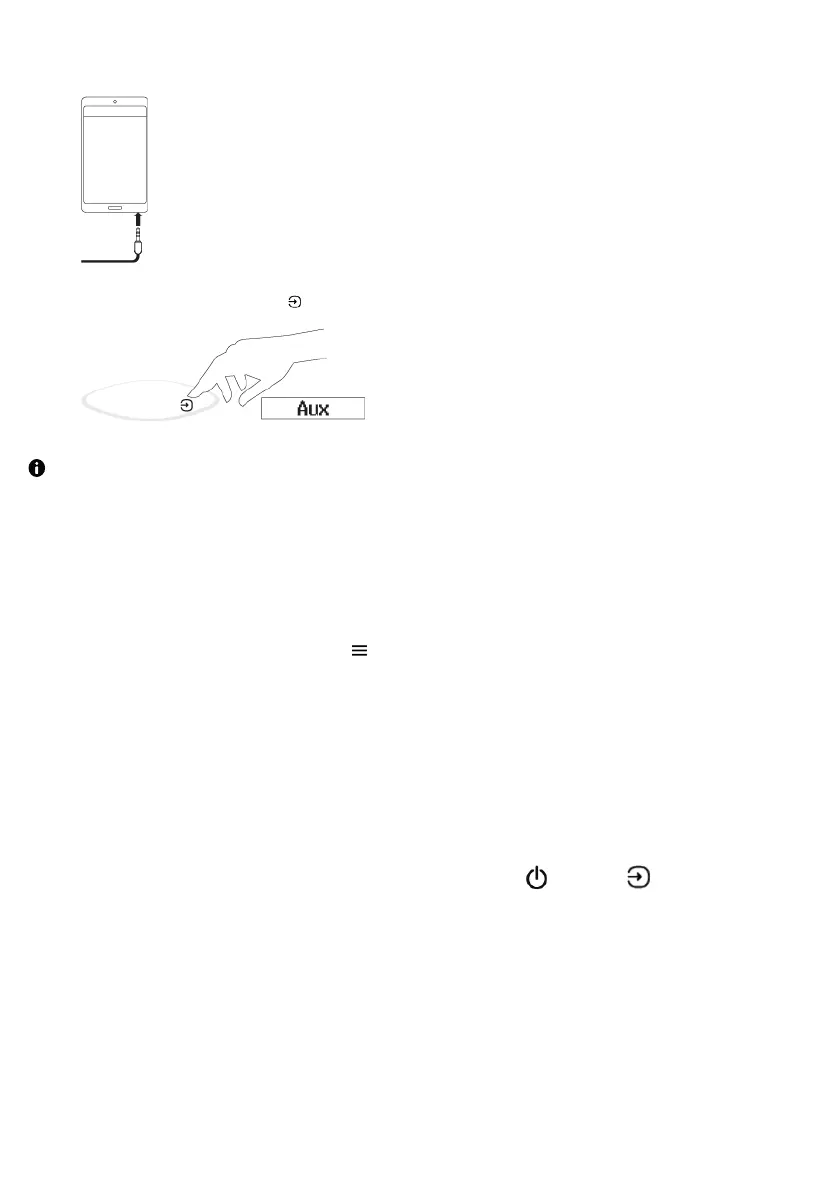
3. Connect the auxiliary cable to your mobile device.
4.Press the Source button until Aux input is displayed.
If you change the volume on your StreamR Splash and the audio isn't loud enough, try
increasing the volume on your mobile device.
Checking the battery level
To check the battery level, double-tap .
The battery level is shown on the display.
Rebooting your StreamR Splash
If your StreamR Splash is not responding, you can physically reboot the speaker.
To reboot your StreamR Splash, press and hold the Power / Source button for 10
seconds.



 To Next Page