12 StreamR Splash User Guide
Digital radio
Listen to your favourite digital radio stations.
To get a better radio reception, you may need to extend the built-in auxiliary cable. The
cable also acts as an aerial.
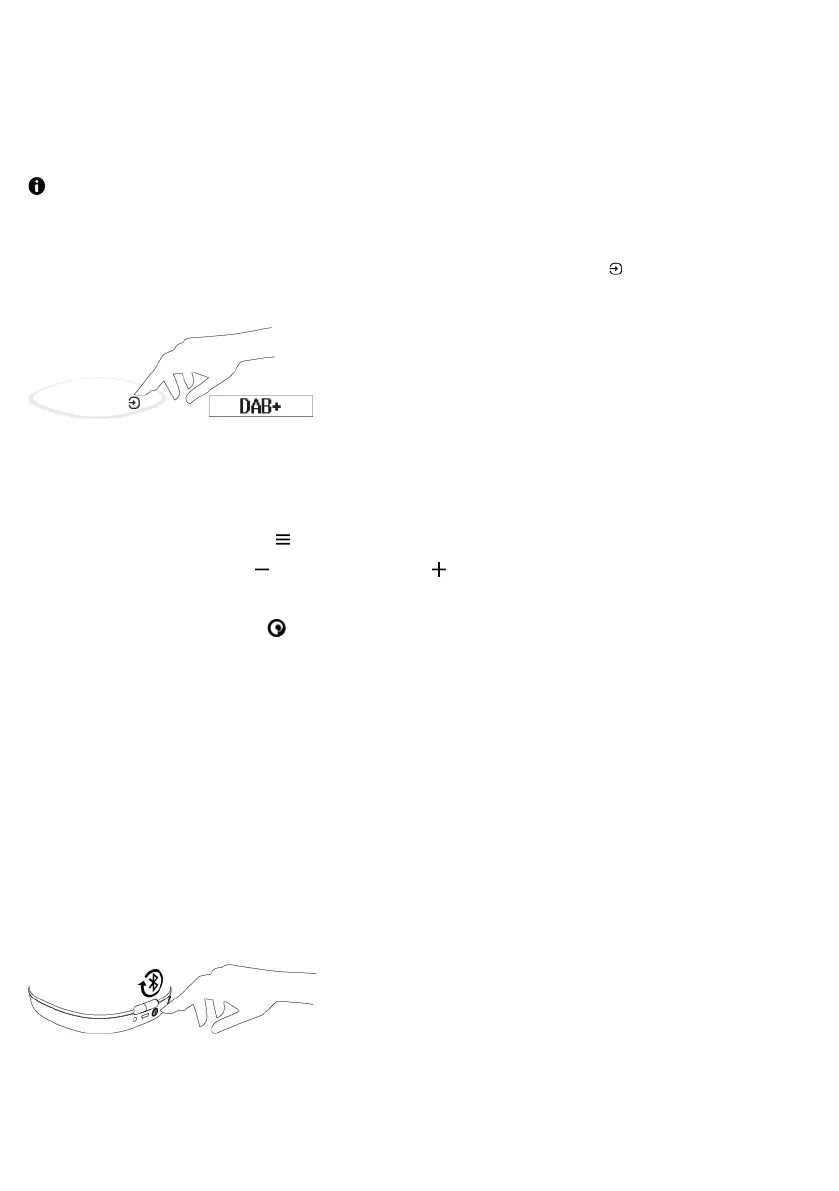
To change the source mode to digital radio, press the Source button until DAB+ is
displayed.
Changing the digital radio station
1. Press the Menu button .
2. Press the left button or the right button to browse stations. Press and hold the
button to quickly browse through the station list.
3. Press the Pure button to change to the selected station.
Performing an autotune
Your StreamR Splash automatically scans for digital radio stations when you switch to digital
radio for the first time.
If you move your StreamR Splash to a new location, perform an autotune to update the list
of radio stations. You may need to extend the built-in auxiliary cable.
To update the list of available radio stations, press the Autotune button on the rear of the
speaker when in digital radio mode.



 To Next Page